Tom's Planner vs GeniePM
In the face-off between Tom's Planner vs GeniePM, which AI Project Management tool takes the crown? We scrutinize features, alternatives, upvotes, reviews, pricing, and more.
In a face-off between Tom's Planner and GeniePM, which one takes the crown?
If we were to analyze Tom's Planner and GeniePM, both of which are AI-powered project management tools, what would we find? Neither tool takes the lead, as they both have the same upvote count. Join the aitools.fyi users in deciding the winner by casting your vote.
Want to flip the script? Upvote your favorite tool and change the game!
Tom's Planner
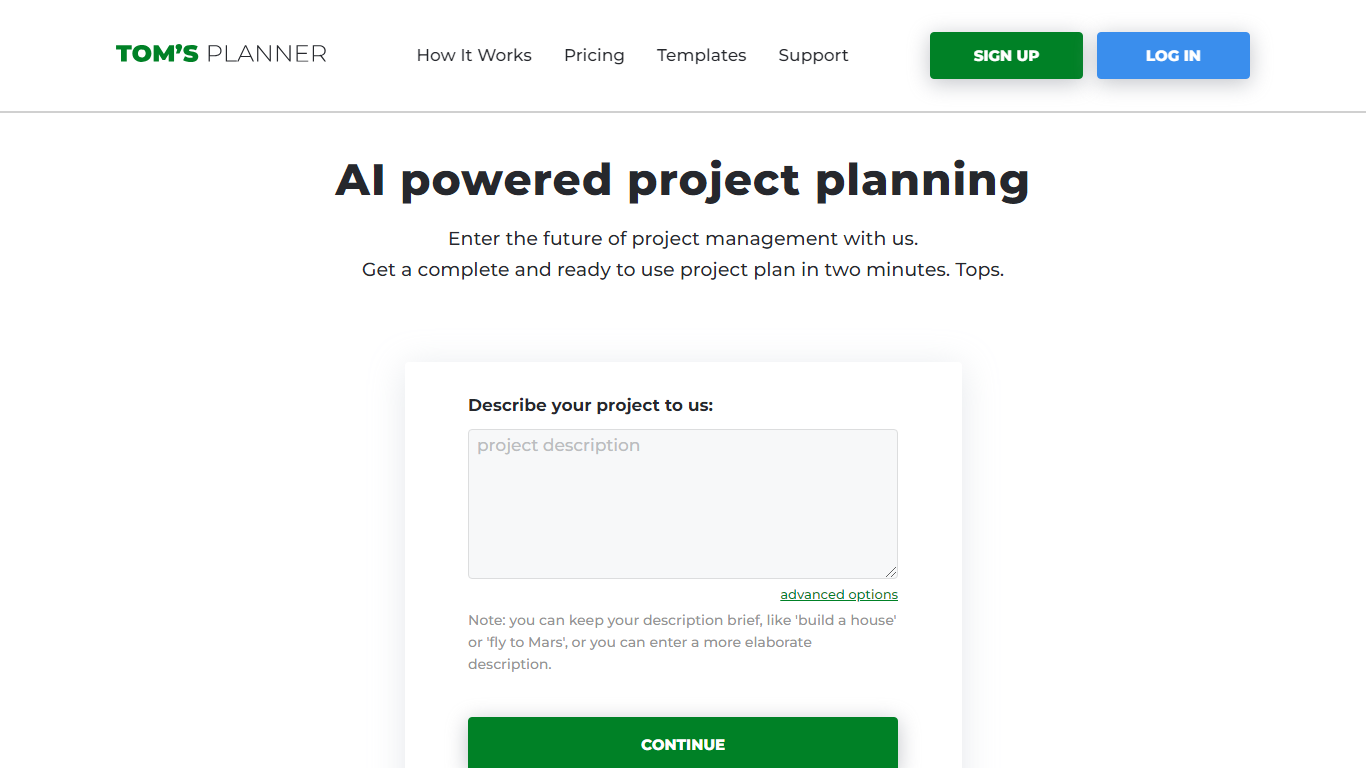

What is Tom's Planner?
Tom's Planner AI Assist turns a plain-text project description into a structured Gantt chart with phases, activities, and auto-scheduled timelines. You type something like "build a house" or paste a detailed brief, and the tool returns a ready-to-edit chart within seconds without creating an account first.
Most Gantt chart tools start with a blank grid you fill in task by task. Tom's Planner generates the first draft from natural language, then lets you refine it through follow-up instructions the same way you would iterate with a chat assistant. It also offers 200+ industry templates and can suggest missing activities or restructure existing phases on charts you already built.
Project managers, construction teams, event planners, and IT teams use Tom's Planner to skip the blank-page problem on complex schedules. The free Personal account covers one chart; Professional and Unlimited plans unlock multiple charts, printing, and export at 119 or 239 dollars per year.
GeniePM
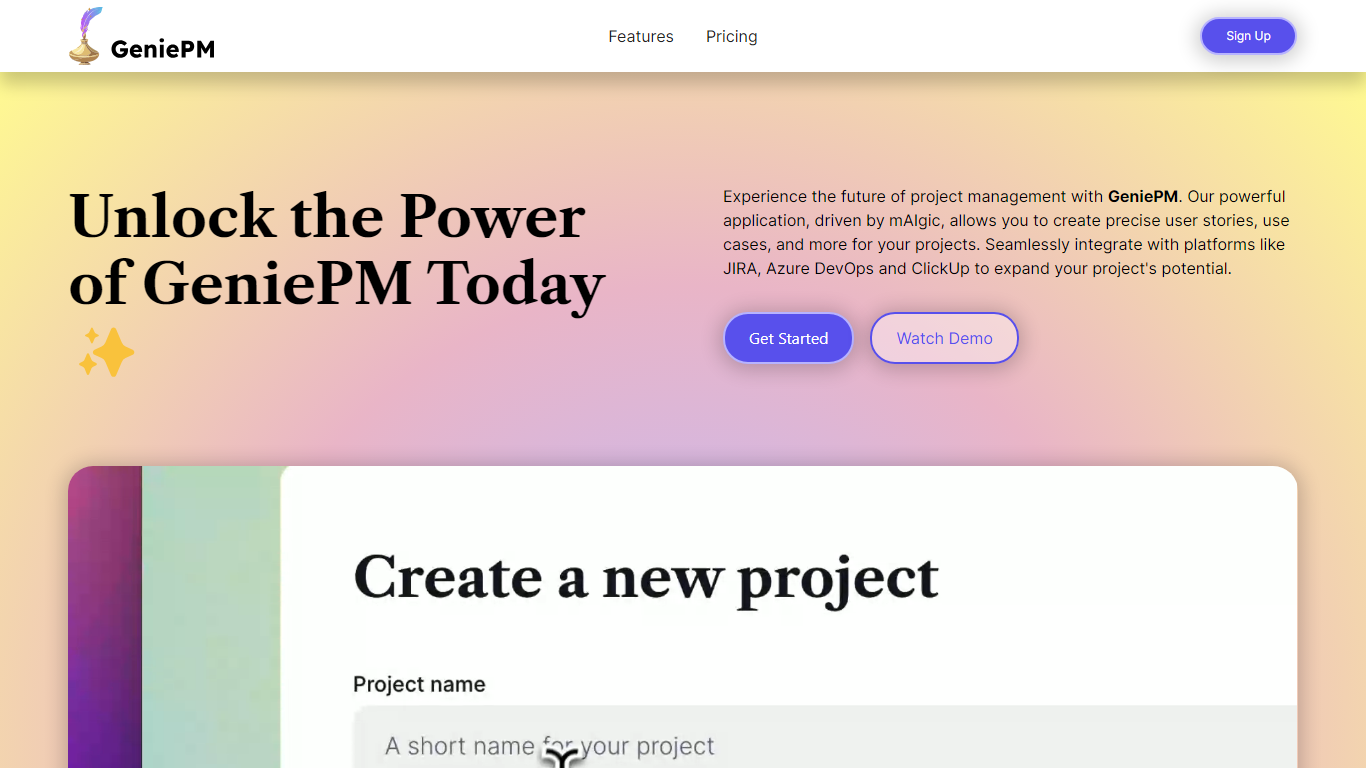
What is GeniePM?
GeniePM helps agile teams draft user stories, tasks, and ticket descriptions from rough ideas instead of staring at blank fields. You describe what you need, and GeniePM turns it into structured project narratives, sub-issues, and rephrased ticket copy you can export to JIRA, Linear, Notion, ClickUp, or CSV.
Unlike general PM suites that expect you to write every story by hand, GeniePM centers on narrative generation and rephrasing. Its mAIgic engine focuses on user story wording, subtask breakdown, and use case drafting, then hands the output to the tools you already track work in, including Azure DevOps and ClickUp.
Startup and product teams use GeniePM when story writing slows sprint planning. Pro plans start at $9.99 per month with unlimited projects and exports, while Teams adds role-based permissions and unified billing for growing groups. Free credits are available at signup with no credit card required.
Tom's Planner Upvotes
GeniePM Upvotes
Tom's Planner Top Features
AI Assist converts a text project description into phases and activities in seconds
Auto-scheduling sets task dates based on start/end dates, dependencies, and logical order
200+ Gantt chart templates across construction, IT, marketing, and event planning
Refine existing charts by asking AI to suggest missing activities or restructure phases
Drag-and-drop time blocks with color coding and flexible progress tracking
Free AI Assist with no signup required; Personal account stores 1 Gantt chart
Professional plan at 119 dollars per year supports multiple charts with print and export
GeniePM Top Features
Pro plan costs $9.99 per month with unlimited projects and ticket edits
Teams plan costs $12.50 per user per month with role-based permissions
Exports unlimited tickets to JIRA, Linear, Notion, ClickUp, and CSV
Generates sub-issues and rephrased ticket details from project narratives
Integrates with Azure DevOps, JIRA, and ClickUp for centralized workflows
Free signup credits available with no credit card required
Tom's Planner Category
- Project Management
GeniePM Category
- Project Management
Tom's Planner Pricing Type
- Freemium
GeniePM Pricing Type
- Freemium