PNG Maker vs Magic Remover
In the contest of PNG Maker vs Magic Remover, which AI Photo Editing tool is the champion? We evaluate pricing, alternatives, upvotes, features, reviews, and more.
If you had to choose between PNG Maker and Magic Remover, which one would you go for?
When we examine PNG Maker and Magic Remover, both of which are AI-enabled photo editing tools, what unique characteristics do we discover? In the race for upvotes, Magic Remover takes the trophy. Magic Remover has garnered 11 upvotes, and PNG Maker has garnered 6 upvotes.
Don't agree with the result? Cast your vote and be a part of the decision-making process!
PNG Maker

What is PNG Maker?
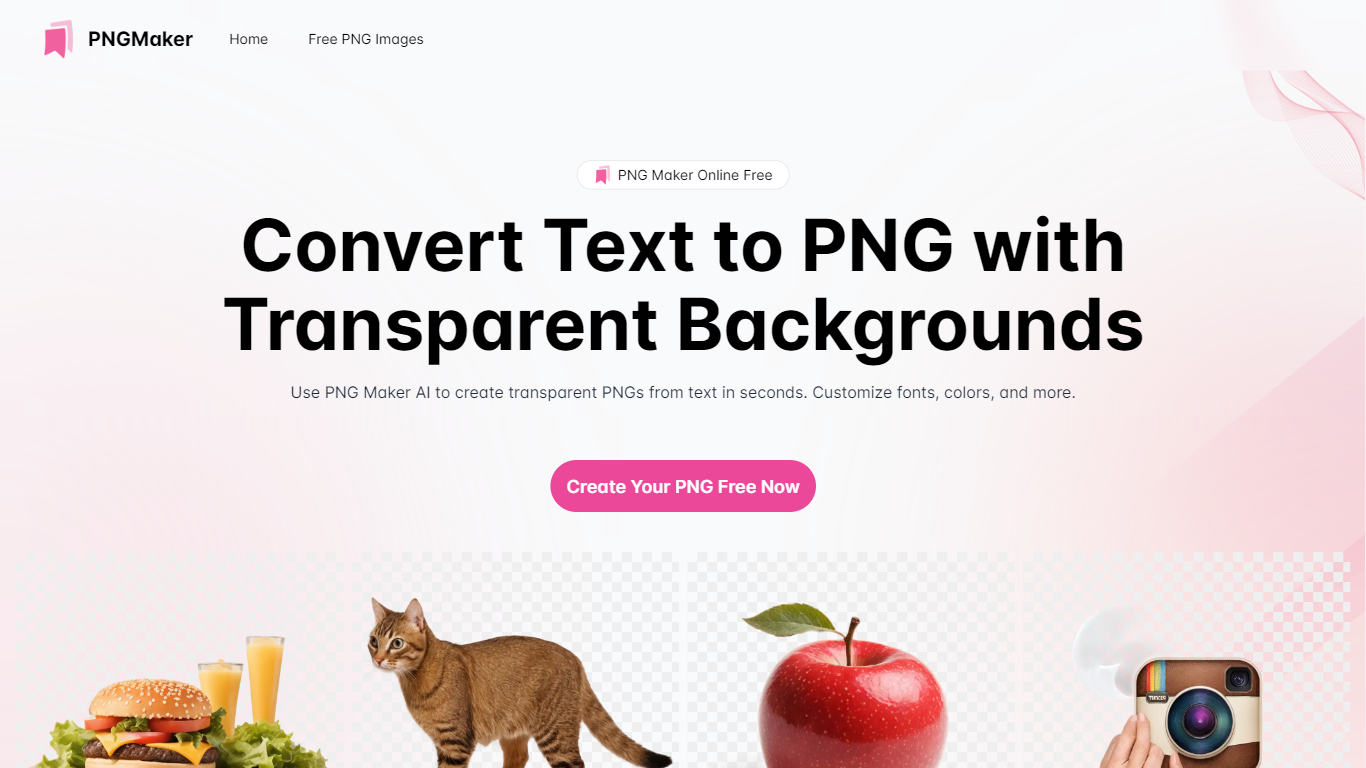
PNG Maker is an online tool that turns text prompts into PNG images with transparent backgrounds. It targets designers, marketers, and content creators who need clip-art style assets, logos, or graphics without opening desktop editing software.
You type a description of what you want, pick an aspect ratio, and the app generates one or more PNG files you can download. The web app also supports image-to-image generation, so you can upload a reference and refine the output from there. Free users get 9 credits per day; paid plans unlock higher monthly credit limits, batch generation, and private outputs.
The site also organizes outputs by tags and runs a blog with tips for writing better prompts. If you need quick transparent PNGs for slides, social posts, or web layouts, it keeps the workflow in the browser with no install required.
Magic Remover
What is Magic Remover?
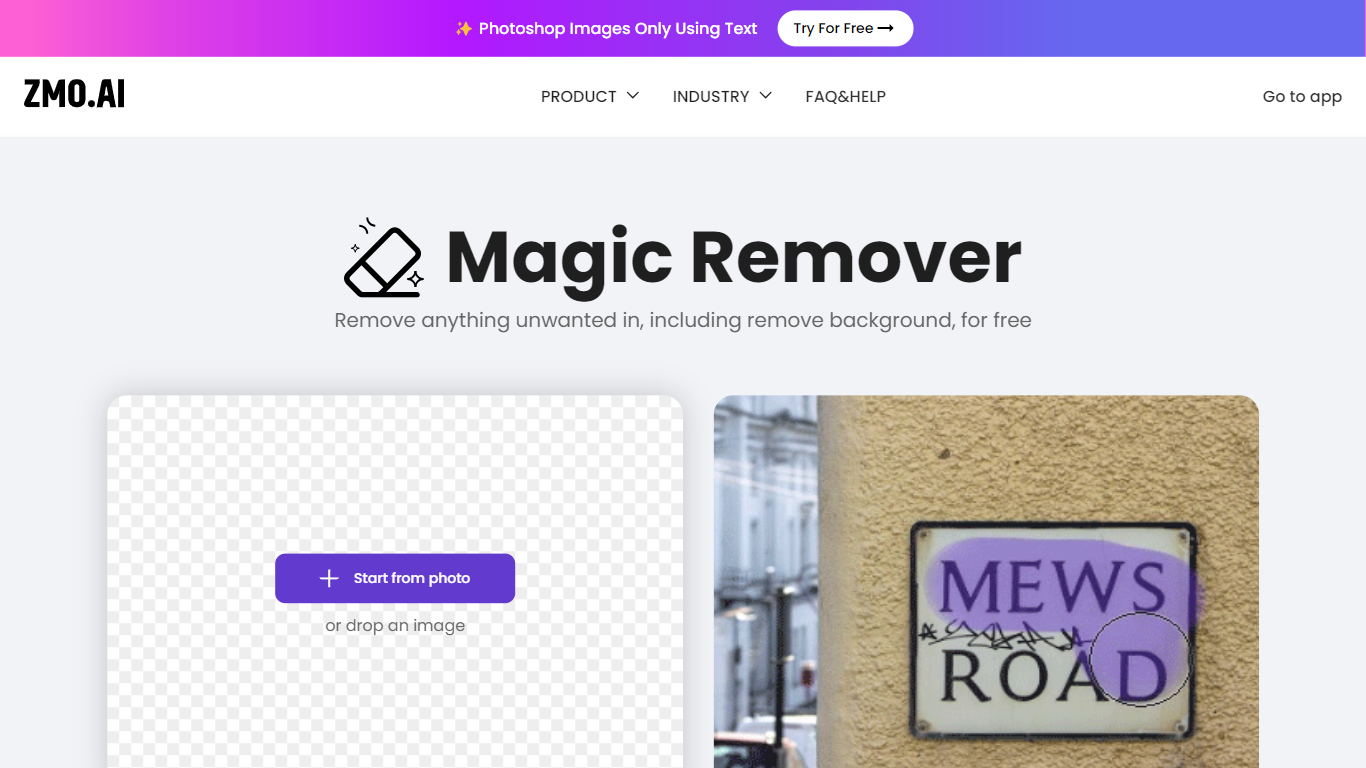
Magic Remover erases unwanted objects, people, text, and watermarks from photos using AI inpainting in the browser. You upload an image, brush over the area to remove, and the tool reconstructs the background behind the selection. ZMO.AI positions it for e-commerce cleanup, watermark removal, and fixing defects in generated images.
Dedicated background removers strip the whole canvas. Magic Remover targets selective cleanup with a brush mask so you delete one passerby, logo, or blemish while leaving the rest untouched. ZMO lists unlimited free edits with no image size cap, though high-resolution downloads may require a Pro membership on the broader ZMO platform.
Photographers, marketplace sellers, and social creators use it when Photoshop is overkill. The remover subdomain was unreachable during this check, but ZMO's ImgCreator suite still links to Magic Remover alongside a separate Background Remover tool at imgcreator.zmo.ai.
PNG Maker Upvotes
Magic Remover Upvotes
PNG Maker Top Features
Turn text prompts into transparent PNG images without desktop software
Switch between text-to-image and image-to-image modes in one web app
Pick aspect ratios like 1:1, 3:2, and 2:3 before generating
Generate up to four images at once on paid plans
Browse community creations organized by tags for prompt inspiration
Magic Remover Top Features
Brush-select unwanted objects, people, text, or watermarks for AI inpainting removal
Reconstructs the background behind removed areas instead of leaving blank pixels
Unlimited free image edits with no file size limit according to ZMO documentation
Handles photo cleanup for e-commerce, watermark removal, and solo-shot editing
Part of the ZMO.AI ImgCreator suite alongside Background Remover and Magic Eraser
Web-based workflow with no desktop software installation required
High-resolution downloads may require a ZMO Pro membership per platform FAQ
PNG Maker Category
- Photo Editing
Magic Remover Category
- Photo Editing
PNG Maker Pricing Type
- Freemium
Magic Remover Pricing Type
- Freemium