Ponder vs Writer's brew
In the battle of Ponder vs Writer's brew, which AI Writing Assistant tool comes out on top? We compare reviews, pricing, alternatives, upvotes, features, and more.
Between Ponder and Writer's brew, which one is superior?
Upon comparing Ponder with Writer's brew, which are both AI-powered writing assistant tools, In the race for upvotes, Ponder takes the trophy. Ponder has garnered 7 upvotes, and Writer's brew has garnered 4 upvotes.
Feeling rebellious? Cast your vote and shake things up!
Ponder

What is Ponder?
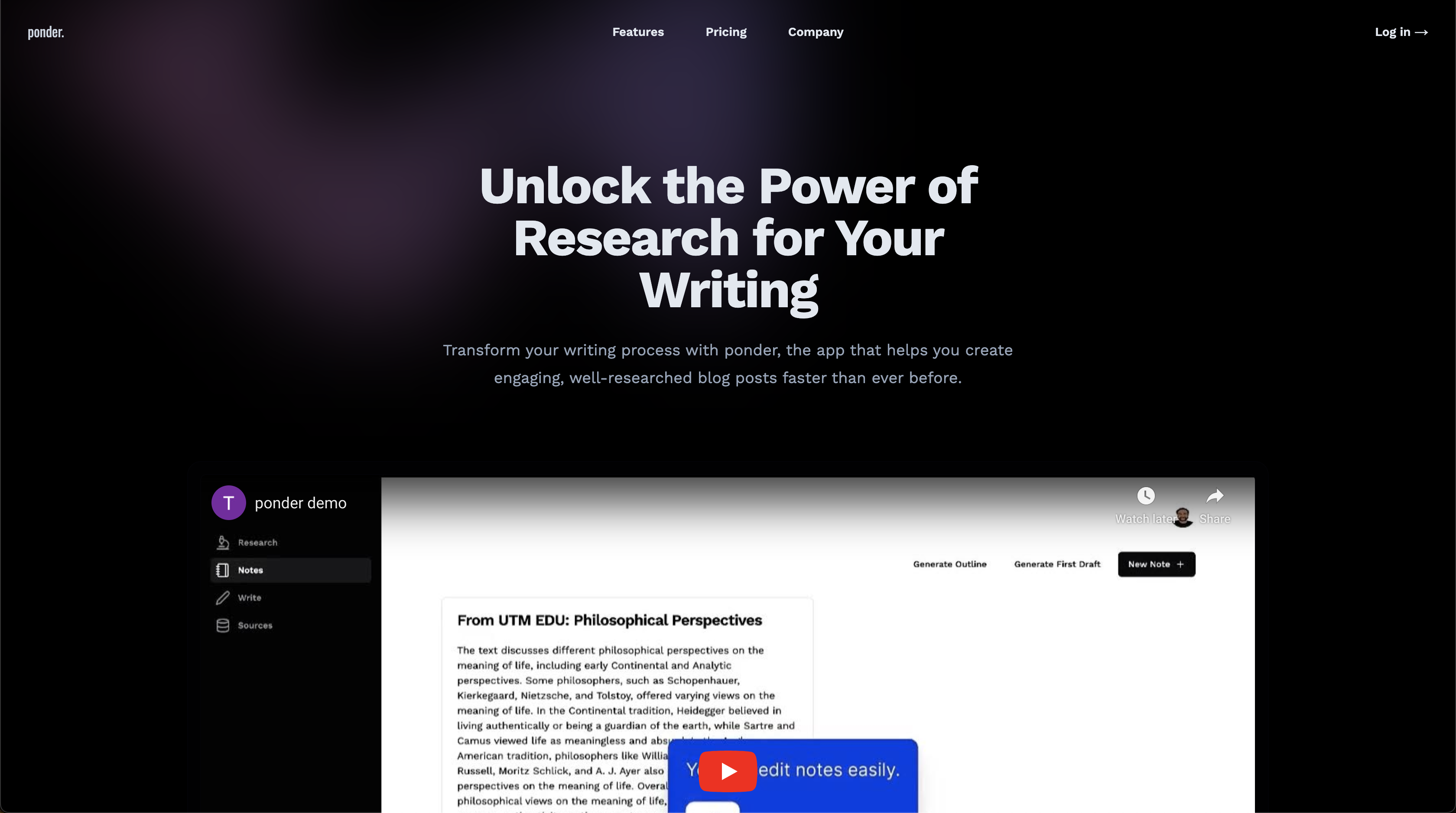
Ponder is an all-in-one knowledge workspace for research, writing, and deep thinking. Instead of forcing ideas into linear documents or chat threads, it gives you an infinite canvas where notes, sources, and AI conversations connect as your thinking evolves.
Upload PDFs, videos, web pages, and text, then explore them on a visual map with Ponder Agent alongside you. The platform supports literature review, cross-source comparison, structured exports to reports or Markdown, and team collaboration for researchers, analysts, students, and knowledge workers.
It fits anyone who needs to synthesize large volumes of information into defensible insights rather than quick one-off AI answers.
Writer's brew
What is Writer's brew?
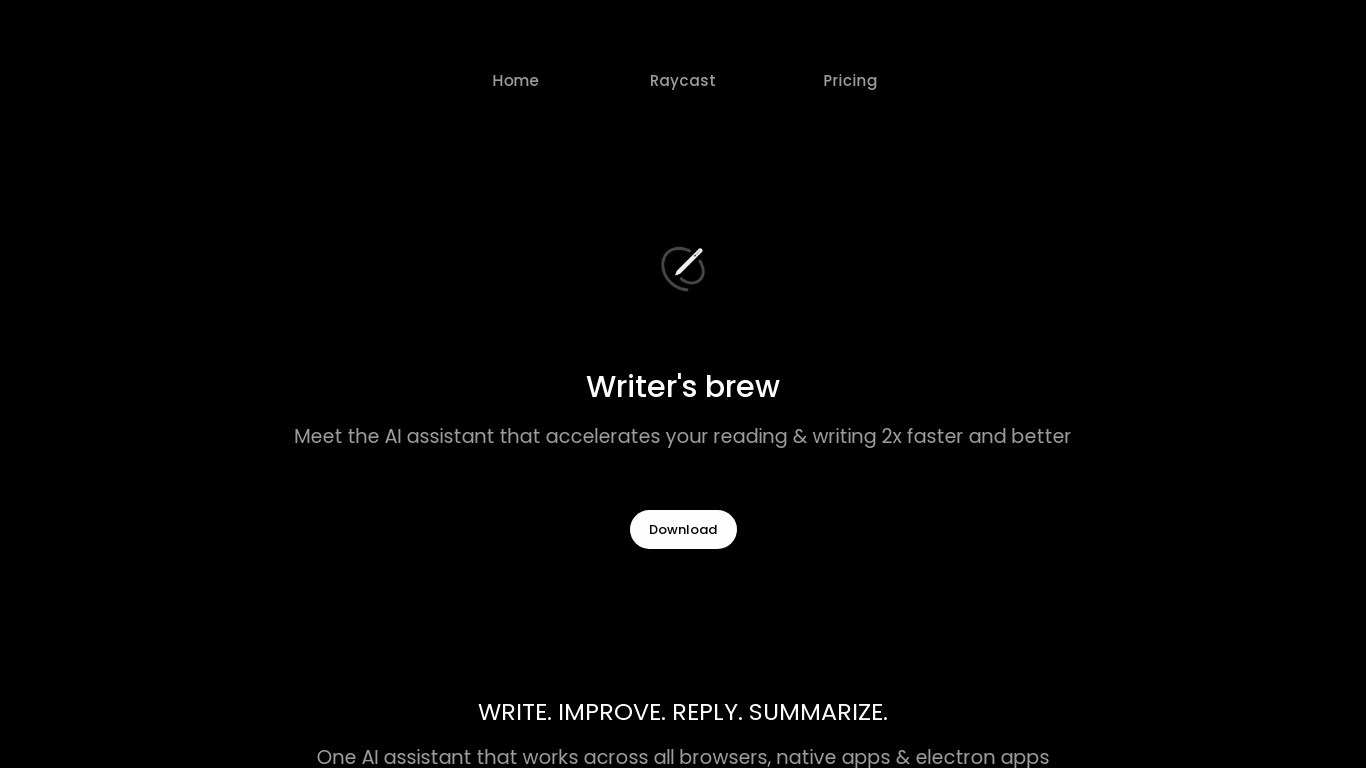
Writer's brew is a macOS writing assistant that rewrites, summarizes, translates, and replies to text you highlight in any app. It runs from the menu bar, a Spotlight-style popup, or keyboard shortcuts, and includes snippets, 15+ text utilities, and OCR that pulls words from images before sending them to AI. You bring your own OpenAI API key, so usage costs go to OpenAI rather than a monthly SaaS bill.
Most writing assistants live inside one browser tab or web editor. Writer's brew works system-wide on macOS 15.0 or later, which suits people who jump between Notes, email, Slack, and docs all day. The trade-off is it is Mac-only, requires your own OpenAI key, and skips the managed cloud workflow that all-in-one web tools provide.
Product managers, founders, and students who draft in multiple native Mac apps are the core audience. Power users pair it with Raycast or PopClip extensions for one-click rewrites, while snippet forms with placeholders like {date} and {clipboard} handle repetitive replies.
Ponder Upvotes
Writer's brew Upvotes
Ponder Top Features
Infinite canvas for branching ideas, knowledge maps, and visual note organization
Import PDFs, videos, web pages, and text to research directly alongside your sources
Ponder Agent for follow-up questions, blind-spot checks, and cross-source comparison
Export thinking as structured reports, mind maps, slides, or clean Markdown files
Credit-based plans with daily refreshes, advanced model access, and unlimited uploads on paid tiers
Writer's brew Top Features
30+ AI writing tools plus 50+ community presets for rewrite, summarize, translate, and reply tasks
Works across any macOS app via menu bar, Spotlight-style popup, or custom keyboard shortcuts
Snippet engine with smart placeholders like {date}, {clipboard}, and custom form fields
OCR extracts text from images anywhere on macOS before running AI transforms
Raycast and PopClip integrations add one-click presets from selected text
Pro license covers 2 devices for $29 with lifetime use and requires your own OpenAI API key
Translates highlighted text across 15+ languages from the same popup interface
Ponder Category
- Writing Assistant
Writer's brew Category
- Writing Assistant
Ponder Pricing Type
- Freemium
Writer's brew Pricing Type
- Paid