Posed AI vs Aigur
Dive into the comparison of Posed AI vs Aigur and discover which AI Avatar Generation tool stands out. We examine alternatives, upvotes, features, reviews, pricing, and beyond.
When comparing Posed AI and Aigur, which one rises above the other?
When we compare Posed AI and Aigur, two exceptional avatar generation tools powered by artificial intelligence, and place them side by side, several key similarities and differences come to light. The upvote count is neck and neck for both Posed AI and Aigur. Be a part of the decision-making process. Your vote could determine the winner.
Want to flip the script? Upvote your favorite tool and change the game!
Posed AI
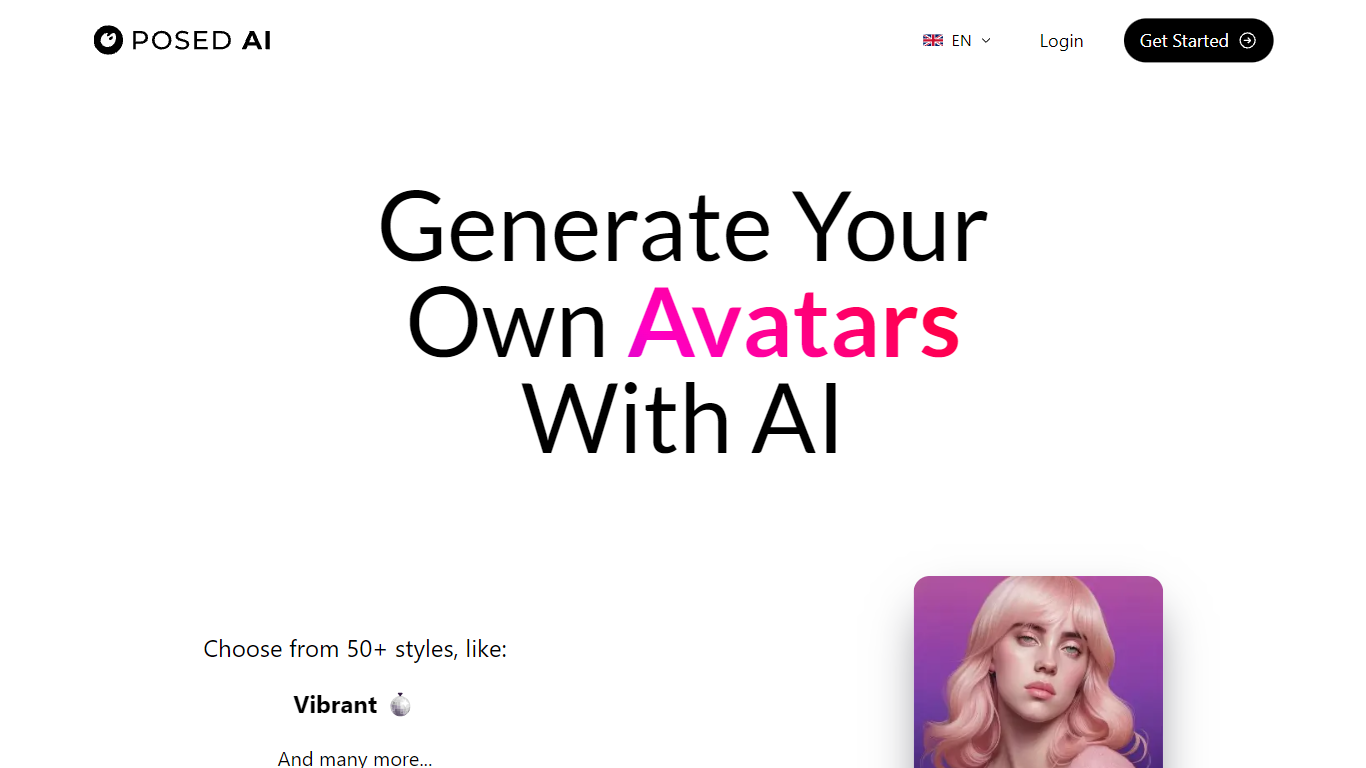

What is Posed AI?
Posed AI offers a unique service that allows you to create personalized AI-generated avatars with over 100 distinct styles. By uploading 10-20 pictures that showcase different angles and expressions of your face and upper body, Posed AI utilizes advanced AI algorithms to train a model that crafts high-quality, lifelike avatars. These avatars are rendered in 4K resolution, making them ideal for social media profiles and high-DPI printing for various merchandise. With a commitment to privacy, Posed AI ensures that all photos are deleted after the avatar generation process. Payment security is a priority, with leading payment processing APIs used to protect your information. Although free trials are not available due to the intensive computing resources required, the service offers a refund within the first 14 days if the token has not been used for training.
Aigur
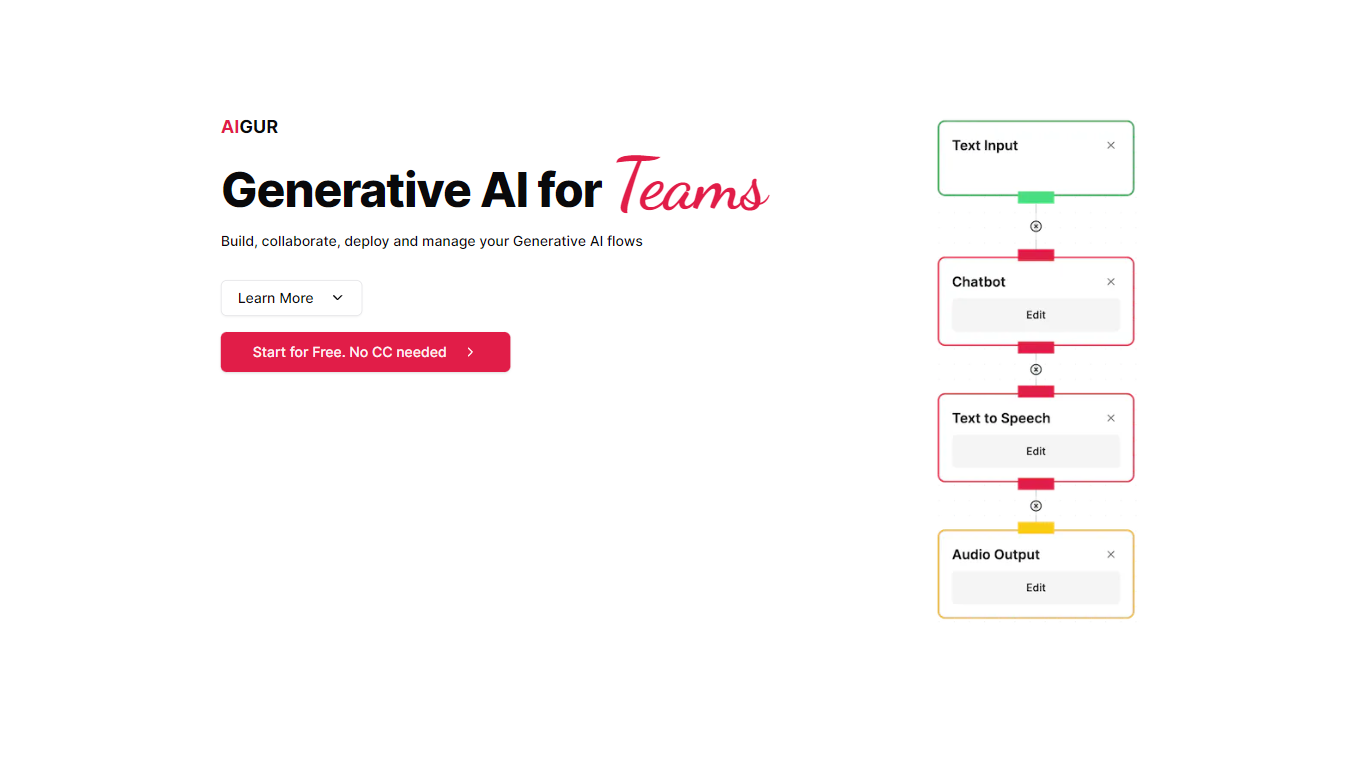
What is Aigur?
Aigur lets teams build generative AI flows in a drag-and-drop NoCode editor, then deploy them through APIs or shareable mini-apps. You prototype with templates or custom blocks, collaborate like a design tool, and monitor cost, latency, and availability per execution without shipping new code for every tweak.
Most AI builder platforms target chatbots or single-model calls. Aigur focuses on multi-block pipelines you can version, roll back, and throttle by geography or abuse rules. The open-source MIT client on GitHub composes fully typed generative pipelines; the hosted editor adds team workflows, feedback mini-apps, and production controls on top.
Engineering teams and product squads shipping generative features into web or mobile apps are the fit. The site advertises free signup with no credit card; public pricing tiers are not published on the marketing pages.
Posed AI Upvotes
Aigur Upvotes
Posed AI Top Features
4K Quality Avatars: Utilizes advanced AI to create high-quality portraits in 4K resolution.
Wide Variety of Styles: Offers over 50 styles including medieval neon fantasy and more.
Privacy Assurance: Ensures that all photos are deleted after the AI model training.
Secure Payment: Uses leading payment processing APIs to secure transactions.
Satisfaction with Refunds: Provides refunds within the first 14 days if the AI has not been trained.
Aigur Top Features
Drag-and-drop NoCode editor for composing generative AI flow pipelines
Figma-like real-time collaboration inside the flow editor
Shareable mini-apps run flows for colleague or customer feedback
REST API integration for web and mobile applications
Execution monitoring tracks cost, performance, and availability per flow
Production deploy and rollback without developer downtime
Open-source MIT client library on GitHub for typed generative pipelines
Posed AI Category
- Avatar Generation
Aigur Category
- Avatar Generation
Posed AI Pricing Type
- Paid
Aigur Pricing Type
- Freemium