
Last updated 08-12-2026
Category:
Reviews:
Join thousands of AI enthusiasts in the World of AI!
Aigur
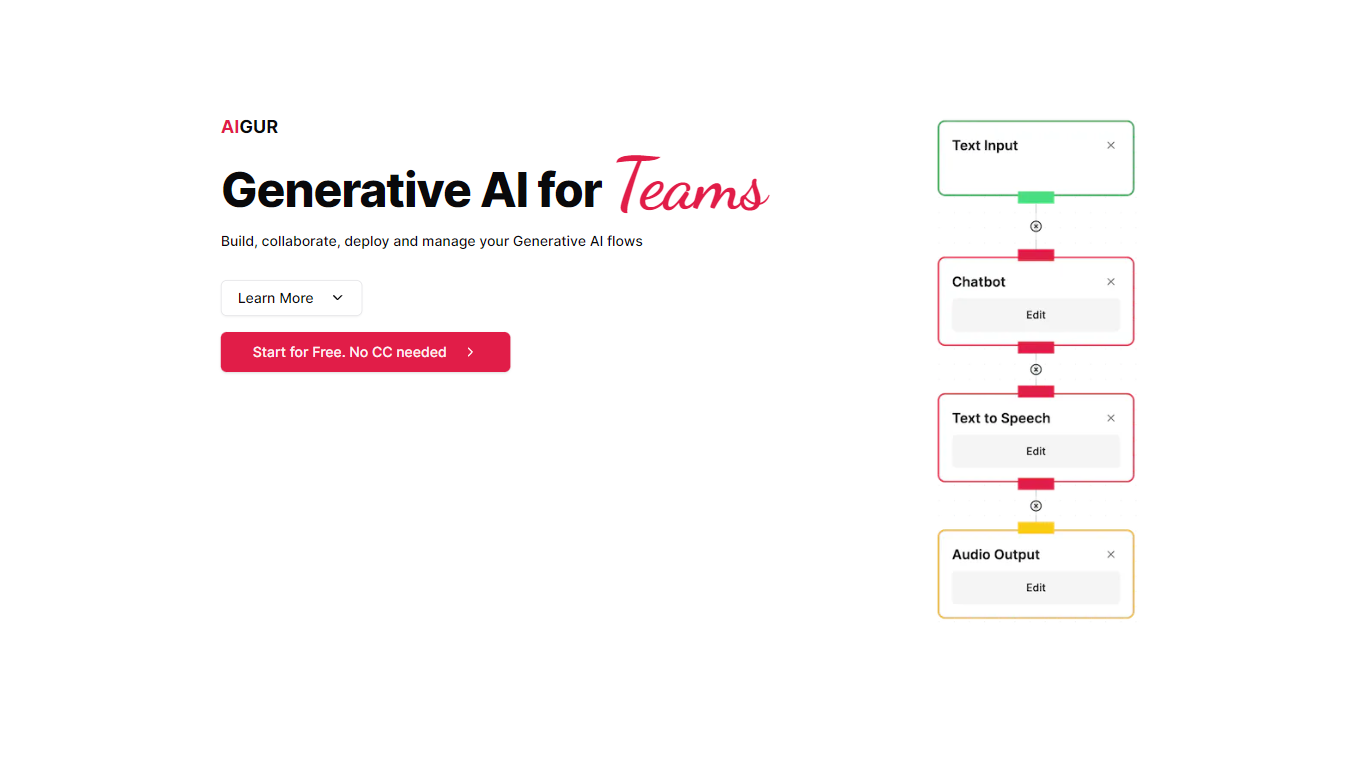
Aigur lets teams build generative AI flows in a drag-and-drop NoCode editor, then deploy them through APIs or shareable mini-apps. You prototype with templates or custom blocks, collaborate like a design tool, and monitor cost, latency, and availability per execution without shipping new code for every tweak.
Most AI builder platforms target chatbots or single-model calls. Aigur focuses on multi-block pipelines you can version, roll back, and throttle by geography or abuse rules. The open-source MIT client on GitHub composes fully typed generative pipelines; the hosted editor adds team workflows, feedback mini-apps, and production controls on top.
Engineering teams and product squads shipping generative features into web or mobile apps are the fit. The site advertises free signup with no credit card; public pricing tiers are not published on the marketing pages.
Drag-and-drop NoCode editor for composing generative AI flow pipelines
Figma-like real-time collaboration inside the flow editor
Shareable mini-apps run flows for colleague or customer feedback
REST API integration for web and mobile applications
Execution monitoring tracks cost, performance, and availability per flow
Production deploy and rollback without developer downtime
Open-source MIT client library on GitHub for typed generative pipelines
NoCode editor plus open-source MIT client covers both visual and typed pipeline workflows.
Mini-app sharing collects feedback before API integration into production apps.
Monitoring surfaces per-execution cost and performance without external observability tooling.
Version deploy and rollback avoids downtime when tuning live generative flows.
No published paid tier pricing on the marketing site as of 2026.
GitHub repositories show limited activity since 2023.
Privacy policy path resolves to third-party parking monetization content, suggesting partial domain issues.
Screenshot capture failed with connection errors during enrichment.
Is Aigur free to start?
Yes. Aigur advertises Start for Free with no credit card required on its homepage. The open-source MIT client on GitHub is also free to use independently of the hosted platform.
What is the Aigur NoCode editor?
Aigur's NoCode editor lets teams drag and drop AI blocks, configure how they interact, and prototype flows from templates or from scratch without writing pipeline code by hand.
Can Aigur flows integrate into apps?
Yes. Aigur exposes flows through a simple API call for web or mobile integration. You can also share auto-generated mini-apps that execute a flow for feedback before production deployment.
Does Aigur offer open-source components?
Yes. The WeAreAigur GitHub organization publishes an MIT-licensed client library to compose and invoke fully typed generative AI pipelines outside the hosted editor.
How does Aigur handle production changes?
Aigur supports fine-tuning flow versions in staging, testing updates, and deploying to production without downtime. You can roll back to a prior version at any point from the management tools.
What monitoring does Aigur provide?
Aigur monitoring shows individual flow executions with visibility into cost, performance, and availability. Admin tools also support banning abusers, throttling access, and limiting geographic regions.