
Last updated 08-15-2026
Category:
Reviews:
Join thousands of AI enthusiasts in the World of AI!
ProShots
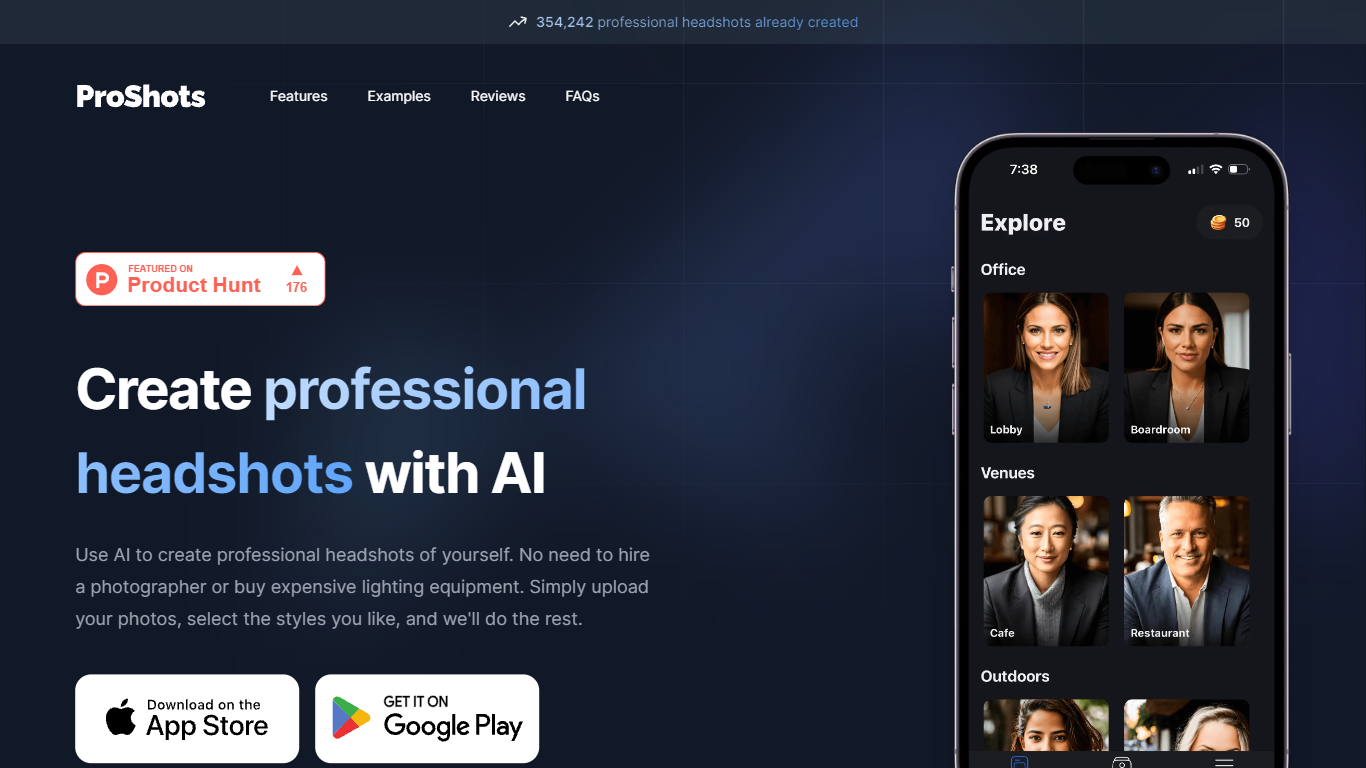
ProShots is an AI headshot generator that turns your selfies into professional portraits for LinkedIn, acting reels, and social profiles. You upload photos, pick a background location, pose, and attire style, and the app generates realistic headshots you can download in high resolution.
Compared to studio photographers or bulk headshot services that shoot one look per session, ProShots lets you iterate on location and wardrobe inside the app. The trade-off is token-based pricing for generations and a minimum upload batch of 20 photos to train a personalized Stable Diffusion model, so it is slower to start than one-click avatar apps.
ProShots targets business professionals, actors, models, and anyone refreshing a profile photo without booking a photographer. The iOS and Android apps link from proshots.app, and the site reports more than 392,578 headshots created so far.
Pick backgrounds like office, park, or cafe without leaving the app
Choose poses such as standing straight or arms crossed
Select business, casual, or formal attire per headshot set
Download finished headshots in high resolution for web and social use
Buy token packs in the app (15, 30, or 60 tokens) to control spend
Upload a minimum of 20 photos so Stable Diffusion personalizes your likeness
Original uploads auto-delete from ProShots servers after 30 days
Customize location, pose, and attire without a studio visit
High-resolution exports ready for LinkedIn and portfolios
Token packs let you cap spend instead of buying fixed photo bundles
Privacy policy deletes third-party training photos after model creation
392,578+ headshots created per the ProShots homepage counter
Requires uploading at least 20 photos before the first generation run
Token purchases are mandatory; the free tier only covers the app install
Original uploads linger on servers for up to 30 days unless you delete them
iOS App Store rating sits at 2.5 out of 5 across 94 ratings
Is ProShots free to use?
ProShots is free to download on iOS and Android, but generating headshots requires buying token packs inside the app. Token bundles listed on the App Store include 15 tokens for $3.99, 30 tokens for $7.99, and 60 tokens for $14.99.
How many photos must I upload to ProShots?
ProShots requires at least 20 uploaded photos plus a gender selection before it trains a personalized Stable Diffusion model for your headshots. The privacy policy states uploaded originals stay on ProShots servers for up to 30 days unless you delete them sooner.
What happens to my photos after ProShots generates headshots?
ProShots deletes your uploaded photos from third-party AI providers once initial model training finishes, usually within 20 minutes to several hours. Your originals remain on ProShots Firebase servers for up to 30 days so you can generate more headshots, then they are removed.
Does ProShots sell or use my photos for ads?
No. ProShots states it does not use your photos or generated headshots for advertising, marketing, authentication, or building user profiles. It also does not share your images with ad platforms, analytics brokers, or similar third parties.
What styles can I customize in ProShots?
ProShots lets you pick the background location, body pose, and attire before generation. Examples on the App Store listing include office, outdoor park, and cafe settings with business, casual, or formal clothing options.
Where can I download ProShots?
ProShots offers native apps on the Apple App Store and Google Play, linked from proshots.app. The iOS build requires iOS 13.0 or later and the Android package is com.fortysevenventures.proshots.