PostSpark vs Image Tools Hub
In the contest of PostSpark vs Image Tools Hub, which AI Image Editing tool is the champion? We evaluate pricing, alternatives, upvotes, features, reviews, and more.
If you had to choose between PostSpark and Image Tools Hub, which one would you go for?
When we examine PostSpark and Image Tools Hub, both of which are AI-enabled image editing tools, what unique characteristics do we discover? Both tools are equally favored, as indicated by the identical upvote count. Your vote matters! Help us decide the winner among aitools.fyi users by casting your vote.
Want to flip the script? Upvote your favorite tool and change the game!
PostSpark

What is PostSpark?
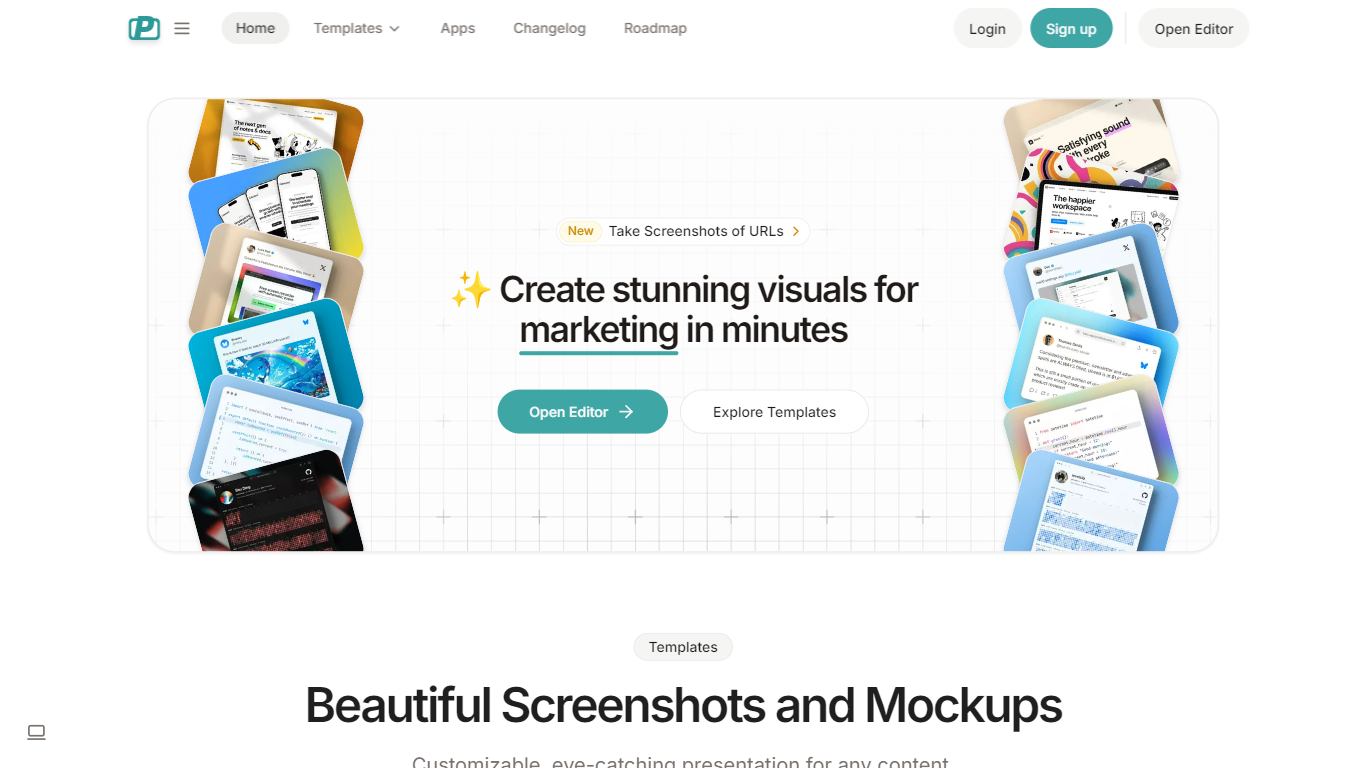
PostSpark is a versatile tool designed for creating visually appealing images tailored for social media platforms. It offers a comprehensive suite of features that enable users to generate stunning screenshots, mockups, and other visual content with ease. The core functionality revolves around a powerful editor that allows for customization of themes, backgrounds, and layouts, ensuring that users can produce content that aligns with their branding and aesthetic preferences.
Targeted primarily at creators, developers, and marketers, PostSpark caters to individuals and teams looking to enhance their online presence through high-quality visuals. Its unique value proposition lies in its user-friendly interface combined with advanced editing capabilities, making it accessible for both novice and experienced users. The tool stands out in the market by providing a one-stop solution for all visual content needs, eliminating the need for multiple applications.
Key differentiators include the ability to capture website screenshots directly, customizable theme presets, and a library of beautiful backgrounds sourced from Unsplash. Additionally, the tool supports various export formats and aspect ratios, ensuring that images are optimized for any social media platform. With features like keyboard shortcuts and quick export options, PostSpark streamlines the design process, allowing users to create professional visuals in just a few clicks.
Image Tools Hub
What is Image Tools Hub?
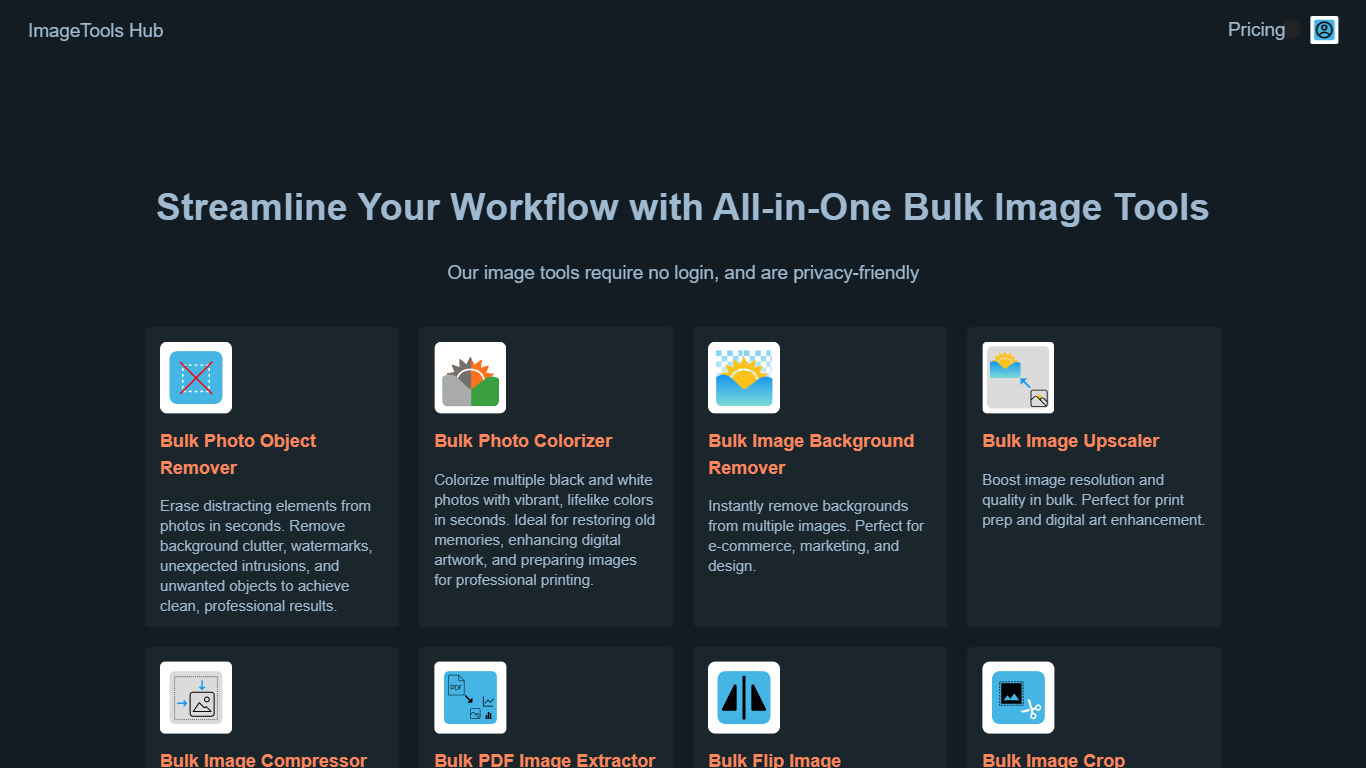
Image Tools Hub provides a collection of browser-based tools that enable users to process multiple images simultaneously. It offers functionalities such as background removal, colorization, compression, format conversion, and more, all accessible without requiring user login. This ensures that images remain private and secure, as processing happens directly in the browser.
What distinguishes Image Tools Hub from other image editing solutions is its focus on bulk processing combined with privacy. Users can handle large volumes of images efficiently while benefiting from SSL encryption and on-device processing that keeps data secure. The platform supports popular image formats like PNG, JPG, and WebP, making it versatile for various professional needs.
The platform includes advanced features such as AI-powered background removal, photo colorization, and image upscaling. Integration options like Zapier and a REST API allow for automation and workflow enhancement. These capabilities make Image Tools Hub a valuable resource for professionals in e-commerce, marketing, design, and content creation who require fast, reliable, and privacy-conscious image editing tools.
Image Tools Hub also offers flexible pricing plans tailored to individuals, small businesses, and enterprises. Its user-friendly interface and comprehensive toolset streamline image editing tasks, helping users save time and improve productivity without compromising on security or quality.
PostSpark Upvotes
Image Tools Hub Upvotes
PostSpark Top Features
Powerful & Easy to Use Editor: A user-friendly interface that allows for quick customization of designs, saving time with presets and ensuring images are optimized for social media.
Customizable Theme Presets: Users can save their settings and create reusable themes that match their brand identity, enhancing consistency across visual content.
Website Screenshots: Users can enter any URL to capture perfectly optimized screenshots of websites, streamlining the process of creating visual content.
Aspect Ratios: The tool allows for exporting images in perfectly sized formats for any popular social media platform, ensuring that visuals are displayed correctly.
Quick Export Options: Users can copy images to the clipboard or download them in various formats (PNG, JPEG, WebP) with a single click, facilitating easy sharing and usage.
Image Tools Hub Top Features
Bulk Photo Object Remover: Erase unwanted objects from multiple photos quickly for clean, professional results.
Bulk Photo Colorizer: Add vibrant colors to black and white photos instantly, ideal for restoration and artwork enhancement.
Bulk Image Background Remover: Remove backgrounds from many images at once, perfect for e-commerce and marketing visuals.
Bulk Image Upscaler: Enhance resolution and quality of images in bulk for printing or high-quality digital use.
Bulk Image Compressor: Reduce file sizes of multiple images efficiently with lossless or lossy compression.
Supports popular formats including PNG, JPG, and WebP for versatile image processing.
Integrates with Zapier and offers a REST API for automation and workflow enhancement.
PostSpark Category
- Image Editing
Image Tools Hub Category
- Image Editing
PostSpark Pricing Type
- Freemium
Image Tools Hub Pricing Type
- Paid