Profile Picture Maker By Picsart vs AI Photo Editor
When comparing Profile Picture Maker By Picsart vs AI Photo Editor, which AI Photo Editing tool shines brighter? We look at pricing, alternatives, upvotes, features, reviews, and more.
Between Profile Picture Maker By Picsart and AI Photo Editor, which one is superior?
When we put Profile Picture Maker By Picsart and AI Photo Editor side by side, both being AI-powered photo editing tools, AI Photo Editor is the clear winner in terms of upvotes. The number of upvotes for AI Photo Editor stands at 17, and for Profile Picture Maker By Picsart it's 9.
Don't agree with the result? Cast your vote and be a part of the decision-making process!
Profile Picture Maker By Picsart


What is Profile Picture Maker By Picsart?
Profile Picture Maker By Picsart crops, reframes, and styles square avatars for social platforms inside the free Quicktools browser editor. You upload a photo, optionally swap the background, add borders or colors, then export preset sizes for Instagram, LinkedIn, Discord, and other networks.
Most avatar editors auto-remove backgrounds whether you want that or not. Picsart's version lets you keep or replace the backdrop, then rotate, scale, and position the subject before picking platform-specific dimensions like 400x400 for LinkedIn or 128x128 for Discord.
Creators refreshing Instagram, Zoom, or Slack avatars use it because it needs no account, stores no images, and advertises 1 to 2 minute results. The page rates 4.8 out of 5 from 51 reviews and sits inside Picsart's broader Quicktools suite launched in 2021.
AI Photo Editor
What is AI Photo Editor?
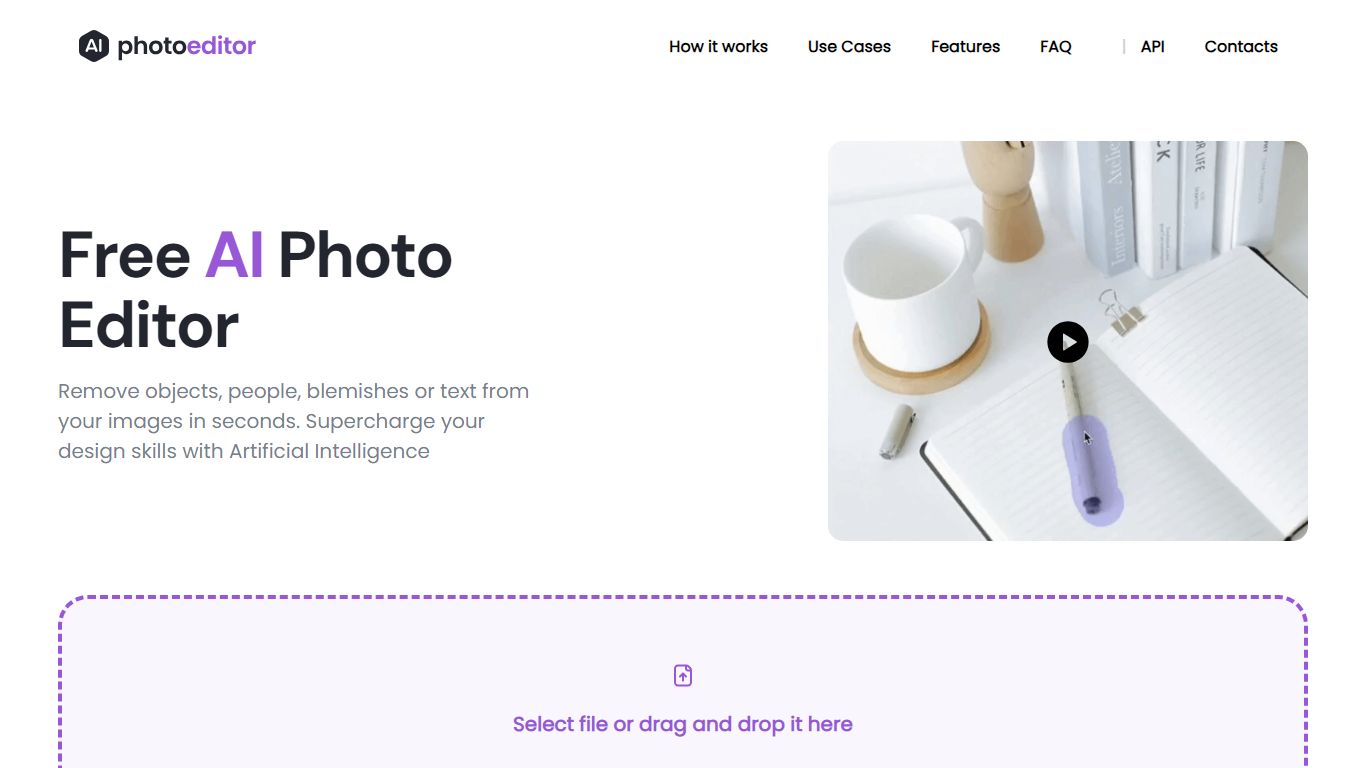
PhotoEditor.ai bundles 30+ browser-based photo editing tools for cleanup, background removal, upscaling, inpainting, and image generation. You upload a JPG, PNG, HEIC, AVIF, or WEBP file up to 15MB, pick the task-specific tool, and download the result without installing desktop software.
Instead of one general editor with every feature buried in menus, each job gets its own page and default model benchmarked for that task. That is the main difference from template-first design apps like Canva or chat-based image edits inside Gemini and ChatGPT, which lack per-tool controls and batch-friendly workflows.
The free tier covers Cleanup, Remove Background, and Enhance with 720px exports and no signup. Marketers, ecommerce sellers, photographers, and casual users who need quick retouching on desktop or mobile browsers are the core audience.
Profile Picture Maker By Picsart Upvotes
AI Photo Editor Upvotes
Profile Picture Maker By Picsart Top Features
100% free profile picture editor with no sign-up required
Optional background removal or custom colored and patterned backdrops
Border and fine-tune controls for rotate, scale, and positioning
Preset export sizes for Instagram (320x320), LinkedIn (400x400), Discord (128x128), and more
Drag-and-drop upload with advertised 1 to 2 minute processing
No image storage policy stated on the tool page
4.8 star Quicktools rating from 51 reviews
AI Photo Editor Top Features
30+ purpose-built tools across edit, generate, enhance, remove, and background workflows
Free Cleanup, Remove Background, and Enhance tools with no signup required
Model picker includes Nano Banana, GPT Image 2, Seedream 5.0, and PhotoEditor.ai balanced model
Most cleanup and background edits finish in under 10 seconds
Pro plan includes 600 credits per month and commercial use license
Uploads support JPG, PNG, HEIC, AVIF, and WEBP files up to 15MB
Profile Picture Maker By Picsart Category
- Photo Editing
AI Photo Editor Category
- Photo Editing
Profile Picture Maker By Picsart Pricing Type
- Free
AI Photo Editor Pricing Type
- Freemium