PromptLayer vs Cogram
Explore the showdown between PromptLayer vs Cogram and find out which AI All In One tool wins. We analyze upvotes, features, reviews, pricing, alternatives, and more.
When comparing PromptLayer and Cogram, which one rises above the other?
When we contrast PromptLayer with Cogram, both of which are exceptional AI-operated all in one tools, and place them side by side, we can spot several crucial similarities and divergences. Both tools are equally favored, as indicated by the identical upvote count. Every vote counts! Cast yours and contribute to the decision of the winner.
Feeling rebellious? Cast your vote and shake things up!
PromptLayer
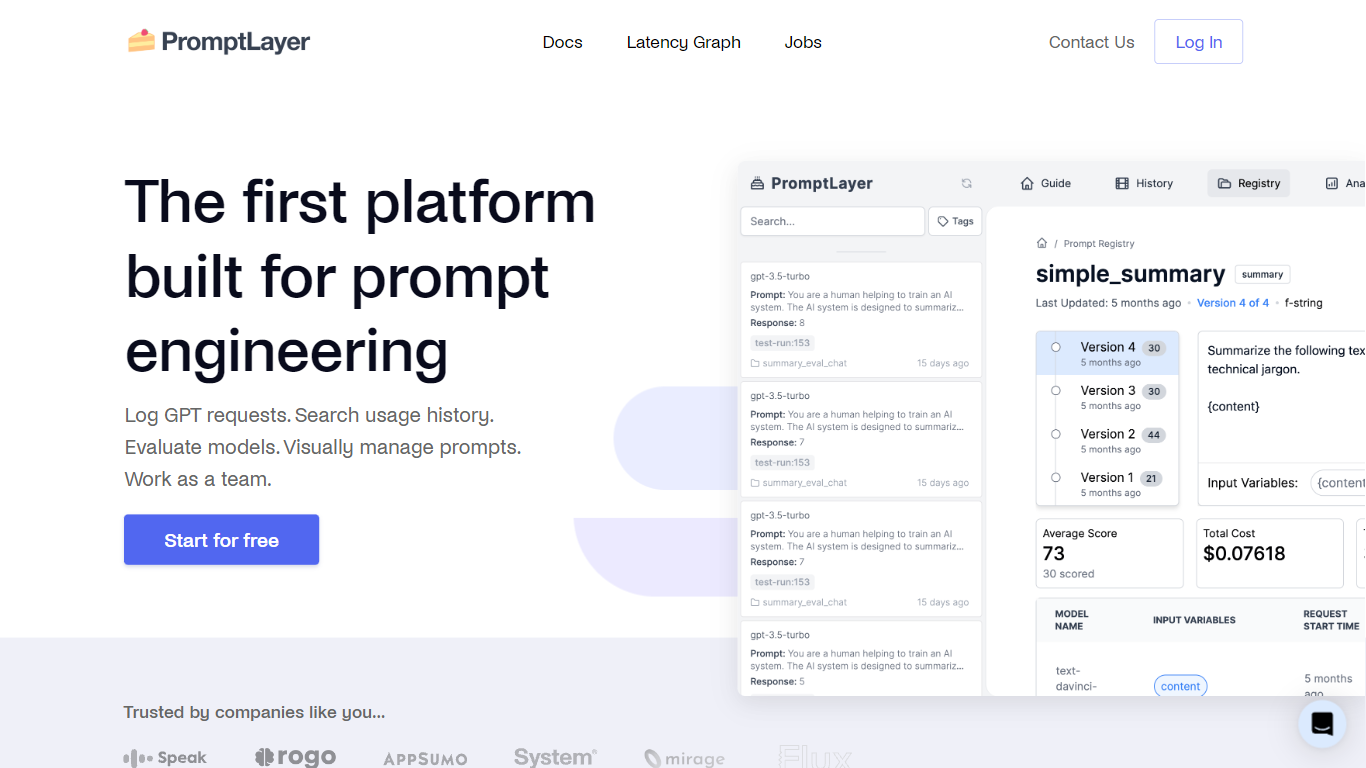

What is PromptLayer?
PromptLayer gives AI engineering teams a visual prompt CMS, evaluation harness, and observability stack in one platform. Engineers version prompts through a registry while product and content experts edit templates in a dashboard without waiting for redeploys. Production logs tie each request back to the exact prompt version, model, and cost.
Compared to storing prompts in code or generic logging tools, PromptLayer separates prompt releases from application releases. Teams run dataset-backed evals with human and LLM graders, A/B test versions, and inspect agent traces when a workflow fails. That workflow lets lawyers, educators, and support leaders own prompt quality instead of filing tickets with backend engineers.
The free tier covers 2,500 requests per month for five users, while Pro and Team plans raise dataset limits and add pay-as-you-go overages. Enterprise adds HIPAA with BAA, role-based access, deployment approvals, and flexible hosting for regulated customers.
Cogram
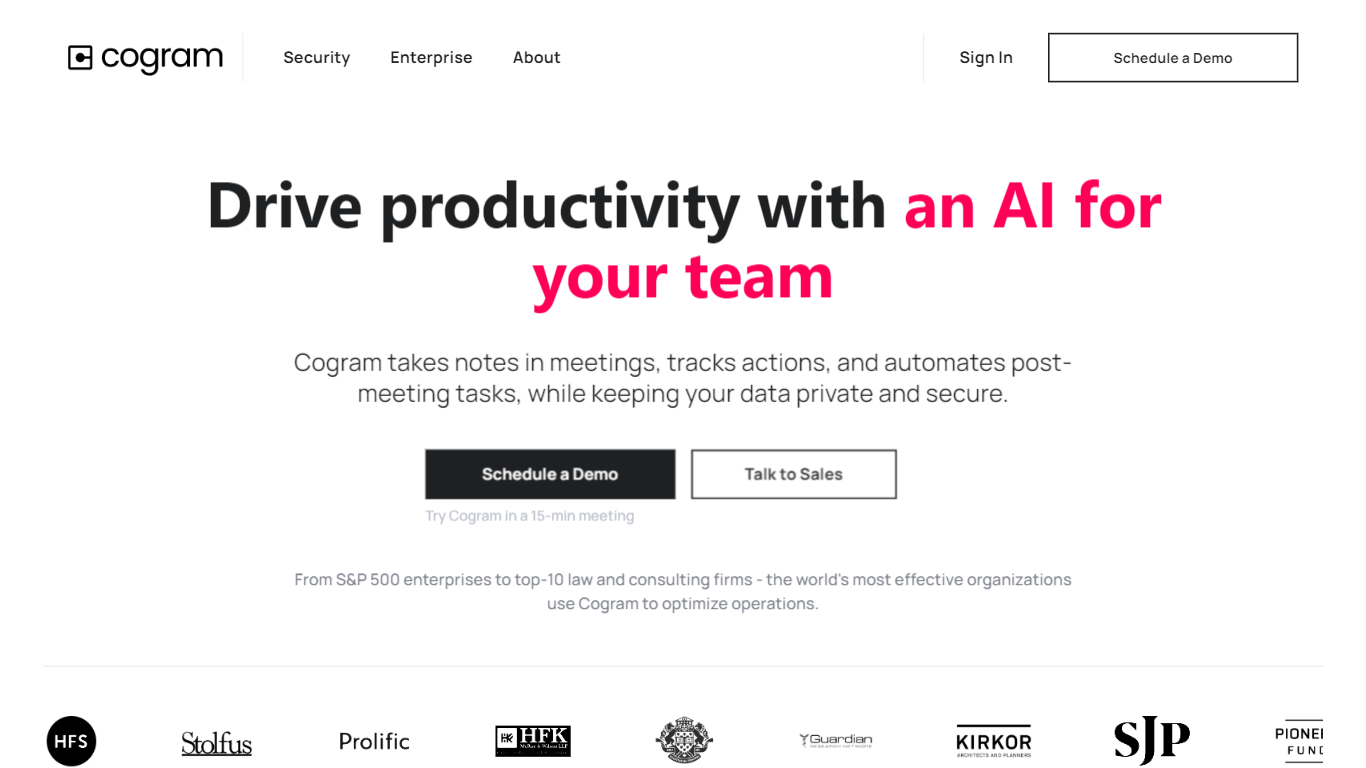
What is Cogram?
Cogram gives architects and engineers one workspace for project documentation, from meeting minutes and field reports to RFIs, submittals, and project email. The platform connects to Procore, Deltek, Unanet, Microsoft Teams, Outlook, Autodesk, Zoom, and Google Meet, then outputs drafts in your firm's templates instead of generic summaries.
Generic meeting assistants capture call notes. Cogram is built around AEC workflows: RFIs and submittals sync with Procore, field reports come from voice and photos on site, and the project Agent answers questions against drawings and correspondence. Modular pricing lets firms buy only the modules they need, and external collaborator accounts are free.
Project managers, design leads, and construction administrators use Cogram to cut repetitive admin work the homepage estimates can save several hours per week. Individuals can start a 14-day trial; team pricing is quoted per seat after a demo.
PromptLayer Upvotes
Cogram Upvotes
PromptLayer Top Features
Visual prompt editor lets non-technical experts update and test templates without code changes
Free plan includes 2,500 requests per month for up to 5 users and 1 workspace
Pro plan at $49 per month adds unlimited playgrounds and 150 MB datasets with pay-as-you-go overages
Team plan at $500 per month supports 25 users and 100,000+ monthly requests
Regression evaluations run automatically whenever a prompt version changes
Agent tracing links production failures to prompt versions, tool calls, and latency stats
Cogram Top Features
Project Agent answers questions and analyzes AEC documents with project context
Meeting minutes and field reports generated in your firm's templates from calls or site visits
RFI and submittal logging integrated with Procore for faster review cycles
Email filing and search across all project correspondence
Integrations with Procore, Deltek, Unanet, Microsoft Teams, Outlook, Autodesk, Zoom, and Google Meet
SOC 2 Type II certified with SAML SSO, MFA, and no training on customer data
14-day free trial for individuals; external collaborator accounts are free on team plans
PromptLayer Category
- All In One
Cogram Category
- All In One
PromptLayer Pricing Type
- Freemium
Cogram Pricing Type
- Freemium