Qdrant vs AskUI
When comparing Qdrant vs AskUI, which AI Developer tool shines brighter? We look at pricing, alternatives, upvotes, features, reviews, and more.
In a comparison between Qdrant and AskUI, which one comes out on top?
When we put Qdrant and AskUI side by side, both being AI-powered developer tools, Interestingly, both tools have managed to secure the same number of upvotes. Join the aitools.fyi users in deciding the winner by casting your vote.
Want to flip the script? Upvote your favorite tool and change the game!
Qdrant
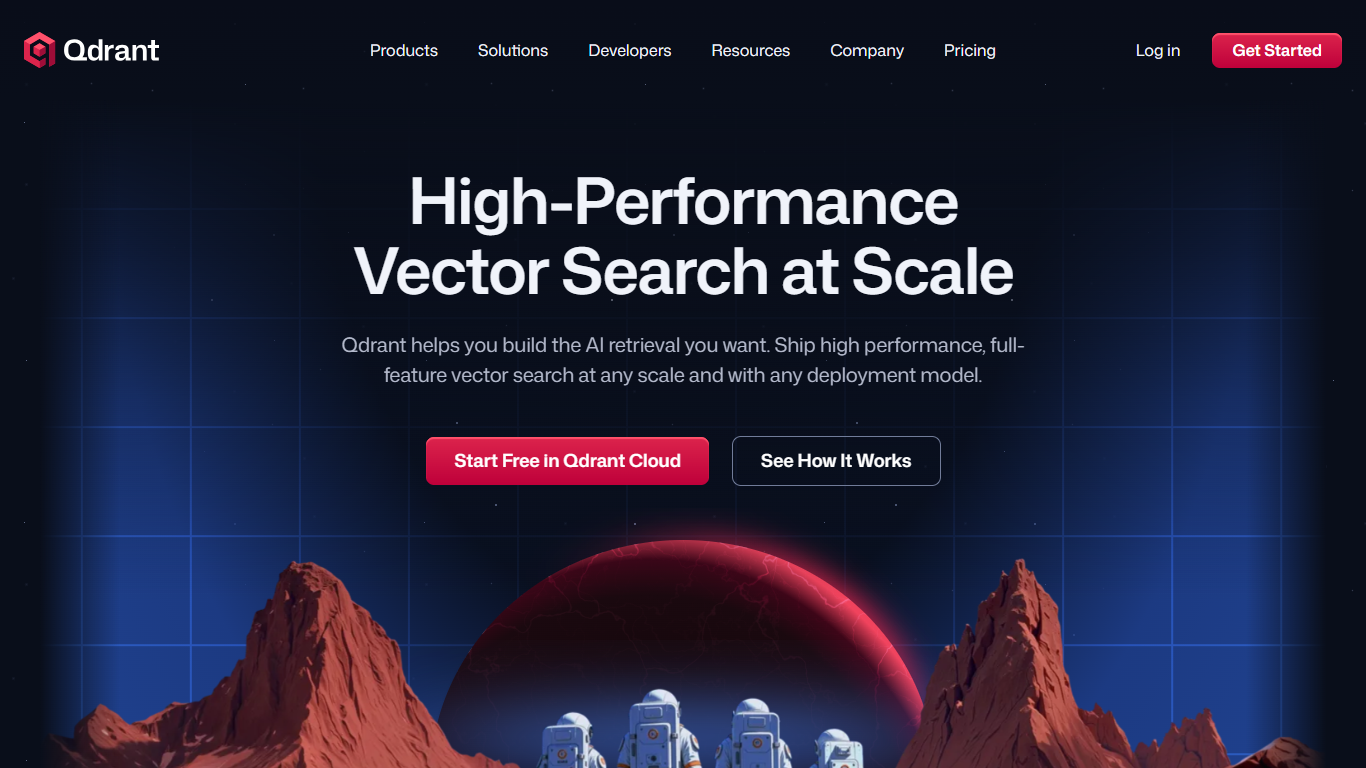

What is Qdrant?
Qdrant stores embeddings and runs fast similarity search with metadata filtering for production AI workloads like RAG chatbots, semantic search, recommendations, and agent memory. You can start on the free cloud tier, self-host the database, or scale on managed clusters across AWS, GCP, and Azure.
The engine is written in Rust and uses a customized HNSW algorithm for approximate nearest neighbor search. Qdrant stands out with native hybrid search that blends dense and sparse vectors in one query, one-stage filtering during graph traversal, and multivector support when a single object needs several embeddings. Compression options like scalar, product, and binary quantization help cut memory use on large collections.
Developers connect through REST, gRPC, or official client libraries, with a built-in Web UI for inspecting collections and running test queries. Qdrant Cloud adds managed backups, zero-downtime scaling, and optional cloud inference. The project launched on GitHub in 2021 and now backs enterprise deployments from companies like Tripadvisor, HubSpot, and Deutsche Telekom.
AskUI
What is AskUI?
AskUI lets delivery teams automate real devices in plain English. You write a task as a Markdown file in Git, an AI agent runs it on desktop, web, mobile, or hardware displays, and returns a verdict plus a screenshot for every step.
Traditional test automation depends on DOM selectors and brittle scripts that break when UIs change. AskUI tests what is rendered on screen, including canvas apps, Citrix sessions, and QNX HMIs controlled through HDMI capture with nothing installed on the target. The trade-off is sales-led pricing quoted per concurrent agent after a scoping call, not self-serve monthly plans.
QA teams replace manual regression on legacy SAP portals and vendor RFQ systems. Automotive manufacturers run HMI regression across infotainment fleets. Operations teams generate audit evidence with screenshot-backed run reports from scheduled agent jobs.
Qdrant Upvotes
AskUI Upvotes
Qdrant Top Features
Hybrid dense and sparse search in one query, with BM25, SPLADE++, and miniCOIL support
Metadata filters run during HNSW traversal, not as a slow pre- or post-filter step
Written in Rust and benchmarked at up to 4x RPS versus alternatives
Free cloud tier includes 0.5 vCPU, 1GB RAM, and 4GB disk on a single node
REST, gRPC, and official clients for Python, JavaScript, Go, and more
Built-in Web UI to browse collections, test queries, and inspect results visually
Run managed on Qdrant Cloud, self-host OSS, or deploy Hybrid and Private Cloud options
AskUI Top Features
Tasks are Markdown files in Git with no selectors or traditional test scripts
Agent runs on Windows, macOS, Linux, web, Android, and iOS simulators from one desktop app
Hardware HMI testing via HDMI capture and USB control with zero software on the target device
Each run returns a verdict and screenshot for every step as audit evidence
CLI runs the same agent engine headless in CI pipelines
Bring your own model with no inference fee on Enterprise deployments
ISO 27001 certified with on-premise and air-gapped deployment options
Qdrant Category
- Developer
AskUI Category
- Developer
Qdrant Pricing Type
- Freemium
AskUI Pricing Type
- Paid