Qdrant vs Regex Generator By ClickUp
In the clash of Qdrant vs Regex Generator By ClickUp, which AI Developer tool emerges victorious? We assess reviews, pricing, alternatives, features, upvotes, and more.
When we put Qdrant and Regex Generator By ClickUp head to head, which one emerges as the victor?
Let's take a closer look at Qdrant and Regex Generator By ClickUp, both of which are AI-driven developer tools, and see what sets them apart. The community has spoken, Regex Generator By ClickUp leads with more upvotes. Regex Generator By ClickUp has received 7 upvotes from aitools.fyi users, while Qdrant has received 6 upvotes.
Want to flip the script? Upvote your favorite tool and change the game!
Qdrant
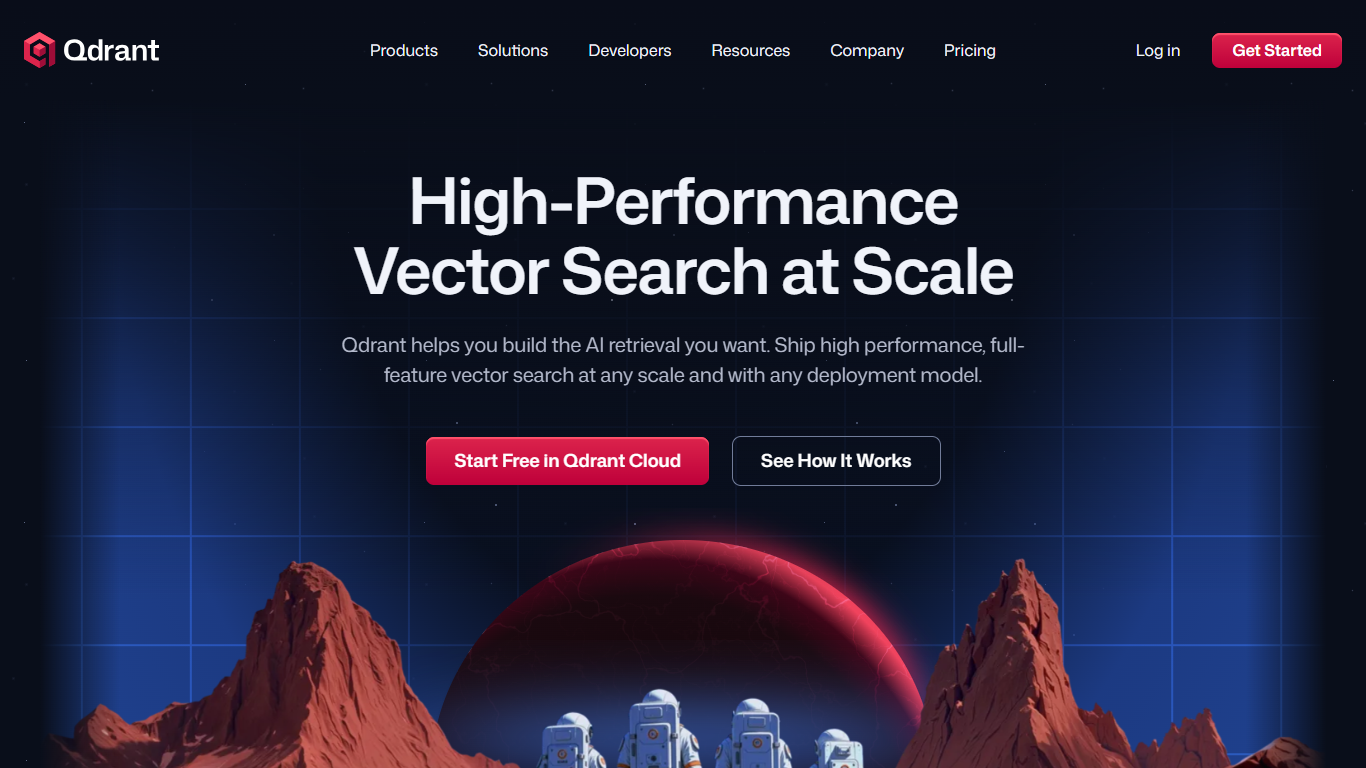

What is Qdrant?
Qdrant stores embeddings and runs fast similarity search with metadata filtering for production AI workloads like RAG chatbots, semantic search, recommendations, and agent memory. You can start on the free cloud tier, self-host the database, or scale on managed clusters across AWS, GCP, and Azure.
The engine is written in Rust and uses a customized HNSW algorithm for approximate nearest neighbor search. Qdrant stands out with native hybrid search that blends dense and sparse vectors in one query, one-stage filtering during graph traversal, and multivector support when a single object needs several embeddings. Compression options like scalar, product, and binary quantization help cut memory use on large collections.
Developers connect through REST, gRPC, or official client libraries, with a built-in Web UI for inspecting collections and running test queries. Qdrant Cloud adds managed backups, zero-downtime scaling, and optional cloud inference. The project launched on GitHub in 2021 and now backs enterprise deployments from companies like Tripadvisor, HubSpot, and Deutsche Telekom.
Regex Generator By ClickUp
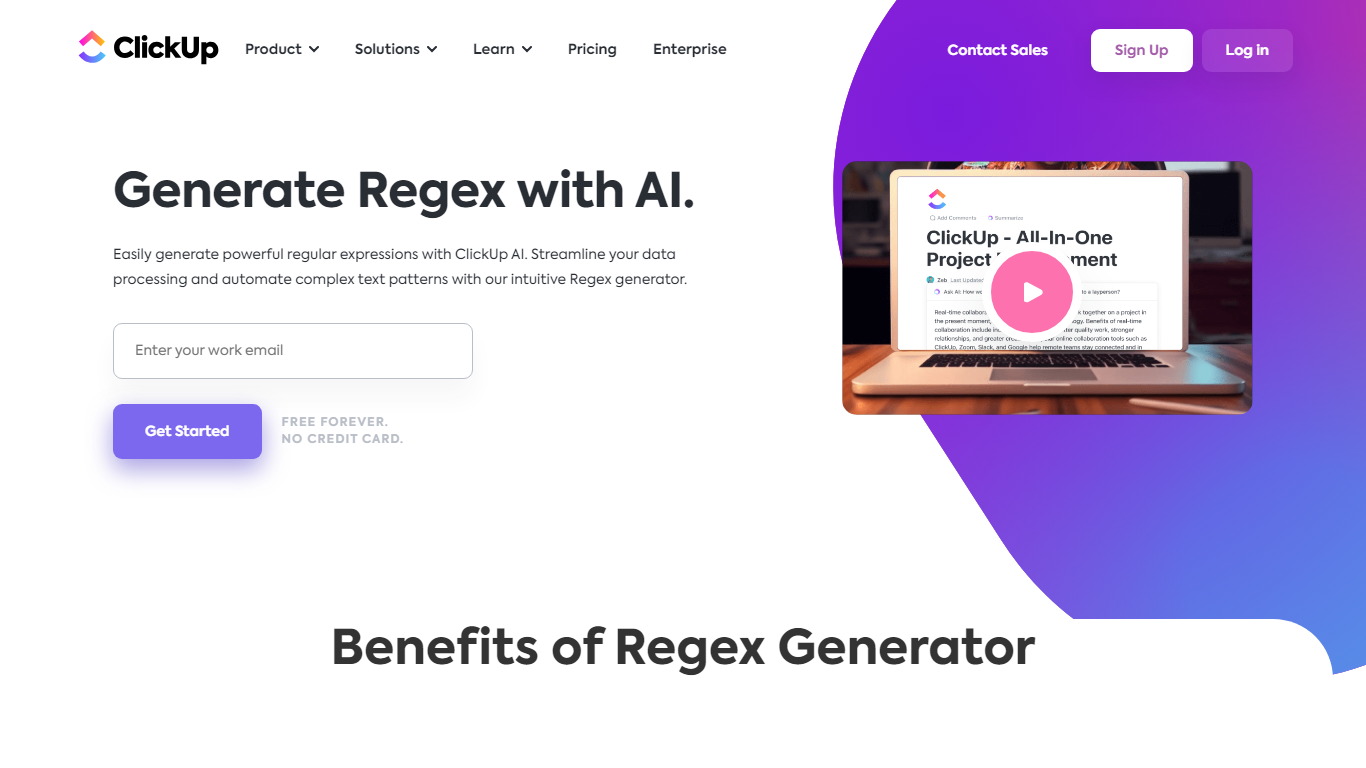
What is Regex Generator By ClickUp?
Regex Generator By ClickUp turns plain-language matching instructions into regular expressions through ClickUp Brain, the assistant built into ClickUp workspaces. You describe what text should match, such as emails, phone numbers, or URL fragments, in a Brain prompt and get a pattern you can paste into docs, code blocks, or validation scripts. It is a developer utility bundled with ClickUp rather than a standalone regex testing site.
Standalone regex debuggers let you iterate on patterns in isolation. Regex Generator By ClickUp works inside the same workspace where your tasks, specs, and docs already live, so Brain can read project context when you @mention it from a task or Doc. The trade-off is workspace-aware drafting in exchange for needing a ClickUp account and Brain access instead of a free browser-only tester.
Software developers, QA engineers, and workspace admins use it when they need validation patterns without memorizing regex syntax. Teams already running sprints in ClickUp can draft patterns during ticket work rather than switching to an external tool.
Qdrant Upvotes
Regex Generator By ClickUp Upvotes
Qdrant Top Features
Hybrid dense and sparse search in one query, with BM25, SPLADE++, and miniCOIL support
Metadata filters run during HNSW traversal, not as a slow pre- or post-filter step
Written in Rust and benchmarked at up to 4x RPS versus alternatives
Free cloud tier includes 0.5 vCPU, 1GB RAM, and 4GB disk on a single node
REST, gRPC, and official clients for Python, JavaScript, Go, and more
Built-in Web UI to browse collections, test queries, and inspect results visually
Run managed on Qdrant Cloud, self-host OSS, or deploy Hybrid and Private Cloud options
Regex Generator By ClickUp Top Features
ClickUp Brain returns real code you can copy, not just outline suggestions
Brain AI is $9 per user per month for unlimited Brain Assistant and @Brain Agent access
One Brain AI subscription covers Claude, ChatGPT, and Gemini chat inside ClickUp
Free Forever workspaces include trial AI access across chat, tasks, and docs
Brain AI includes 1,500 AI Super Credits per user each month
@Brain works from tasks, Docs, and Chat so you can request patterns in context
Qdrant Category
- Developer
Regex Generator By ClickUp Category
- Developer
Qdrant Pricing Type
- Freemium
Regex Generator By ClickUp Pricing Type
- Freemium