QPNOTES vs Scribe
In the clash of QPNOTES vs Scribe, which AI Productivity tool emerges victorious? We assess reviews, pricing, alternatives, features, upvotes, and more.
When we put QPNOTES and Scribe head to head, which one emerges as the victor?
Let's take a closer look at QPNOTES and Scribe, both of which are AI-driven productivity tools, and see what sets them apart. Scribe stands out as the clear frontrunner in terms of upvotes. Scribe has received 17 upvotes from aitools.fyi users, while QPNOTES has received 6 upvotes.
Feeling rebellious? Cast your vote and shake things up!
QPNOTES
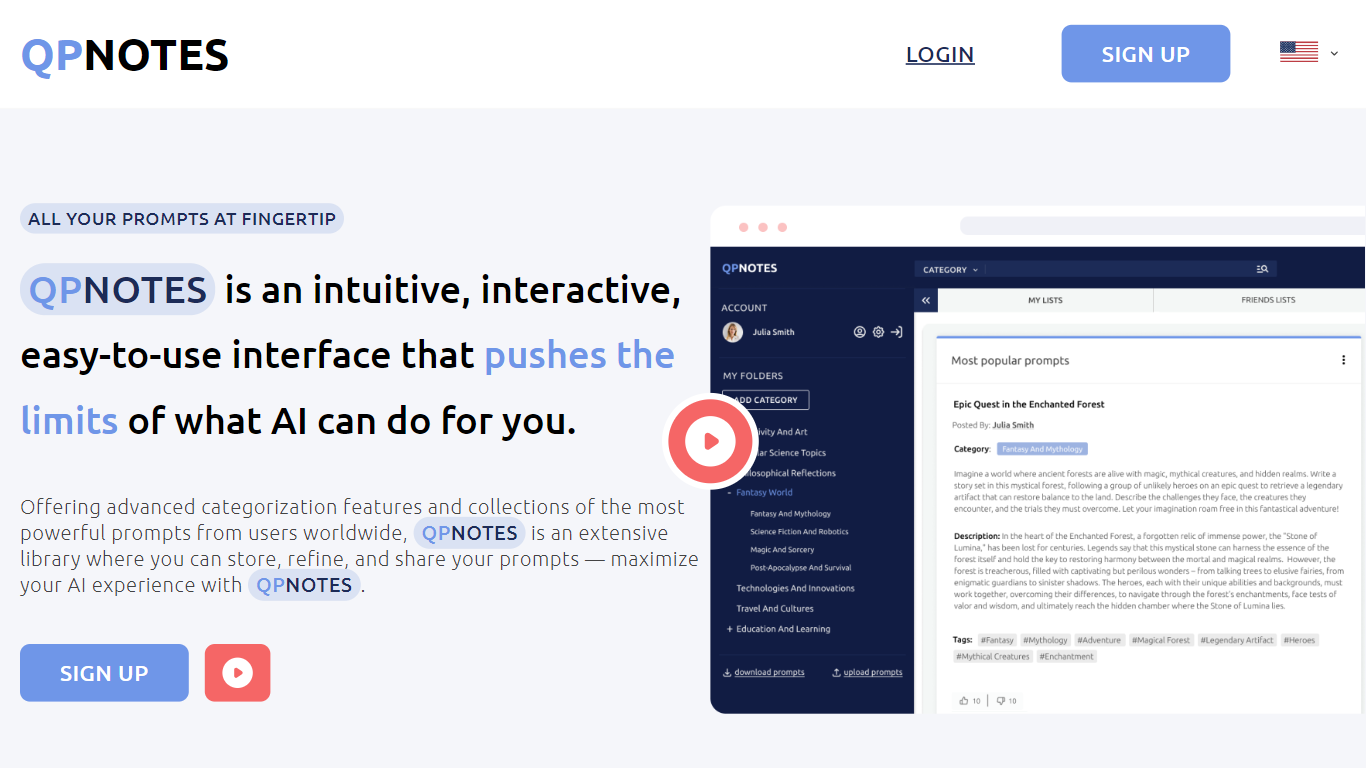

What is QPNOTES?
Welcome to QPNOTES, where AI meets your mind, your ideas and content mastery. As a copywriter, marketer, educator, AI enthusiast or forward-thinking business, you understand the value of streamlined content creation, deep analysis, custom learning path- and well written prompts that yield the best results.
Dive into our global library of powerful prompts. Organize with precision, share insights, and collaborate with a community of like-minded professionals. From crafting compelling copy and powerful marketing strategies to creating lesson plans or integrating AI into your team’s workflow, QPNOTES is your ultimate companion. Our intuitive and down-to-earth interface adapts to your needs, ensuring a seamless blend of creativity and technology. Transform your AI journey effortlessly!
- Discover, store, refine and share top prompts
- Collaborate with colleagues in private groups with shared prompt folders based on your daily workflow
- Organize prompts by theme or purpose for swift retrieval, streamlining content creation
Scribe
What is Scribe?
Scribe captures how work actually gets done and turns it into step-by-step guides your team and AI agents can follow. It records workflows as people perform them in the browser, desktop, or mobile apps, then generates documentation without manual screenshots or write-ups. Teams use it for SOPs, training, onboarding, and feeding workflow context to AI tools.\n\nInstead of scheduling interviews or writing docs from memory, Scribe watches real workflows and documents them automatically. Capture surfaces the processes teams run most often and turns them into shareable guides, while Optimize maps inefficiencies across approved apps and recommends where to automate or invest in AI.\n\nOperations, IT, HR, and enablement teams rely on Scribe to share tribal knowledge before someone goes on PTO. Companies rolling out new software or building AI agent roadmaps use it to give bots accurate workflow context through MCP and enterprise search APIs.
QPNOTES Upvotes
Scribe Upvotes
QPNOTES Top Features
Advanced categorizations
Easy drag-n-drop between personal collections, private groups and public libraries
Splitscreen mode
Bulk upload & download all your prompts
Scribe Top Features
Records any workflow and outputs a polished step-by-step guide automatically
Chrome, Edge, and desktop apps capture web, mobile, and desktop processes
Export guides to PDF, HTML, Markdown, or Word, or embed them anywhere
Launch on-screen walkthroughs and pin guides inside the apps your team uses
Feed workflow context to AI assistants through MCP and enterprise search API
Enterprise auto-redaction for PII and PHI with SOC 2 Type II and HIPAA compliance
QPNOTES Category
- Productivity
Scribe Category
- Productivity
QPNOTES Pricing Type
- Freemium
Scribe Pricing Type
- Freemium