Quarterly Business Review | Plus vs Gemoo Snap
Dive into the comparison of Quarterly Business Review | Plus vs Gemoo Snap and discover which AI Presentation tool stands out. We examine alternatives, upvotes, features, reviews, pricing, and beyond.
In a comparison between Quarterly Business Review | Plus and Gemoo Snap, which one comes out on top?
When we compare Quarterly Business Review | Plus and Gemoo Snap, two exceptional presentation tools powered by artificial intelligence, and place them side by side, several key similarities and differences come to light. With more upvotes, Gemoo Snap is the preferred choice. The number of upvotes for Gemoo Snap stands at 9, and for Quarterly Business Review | Plus it's 8.
You don't agree with the result? Cast your vote to help us decide!
Quarterly Business Review | Plus
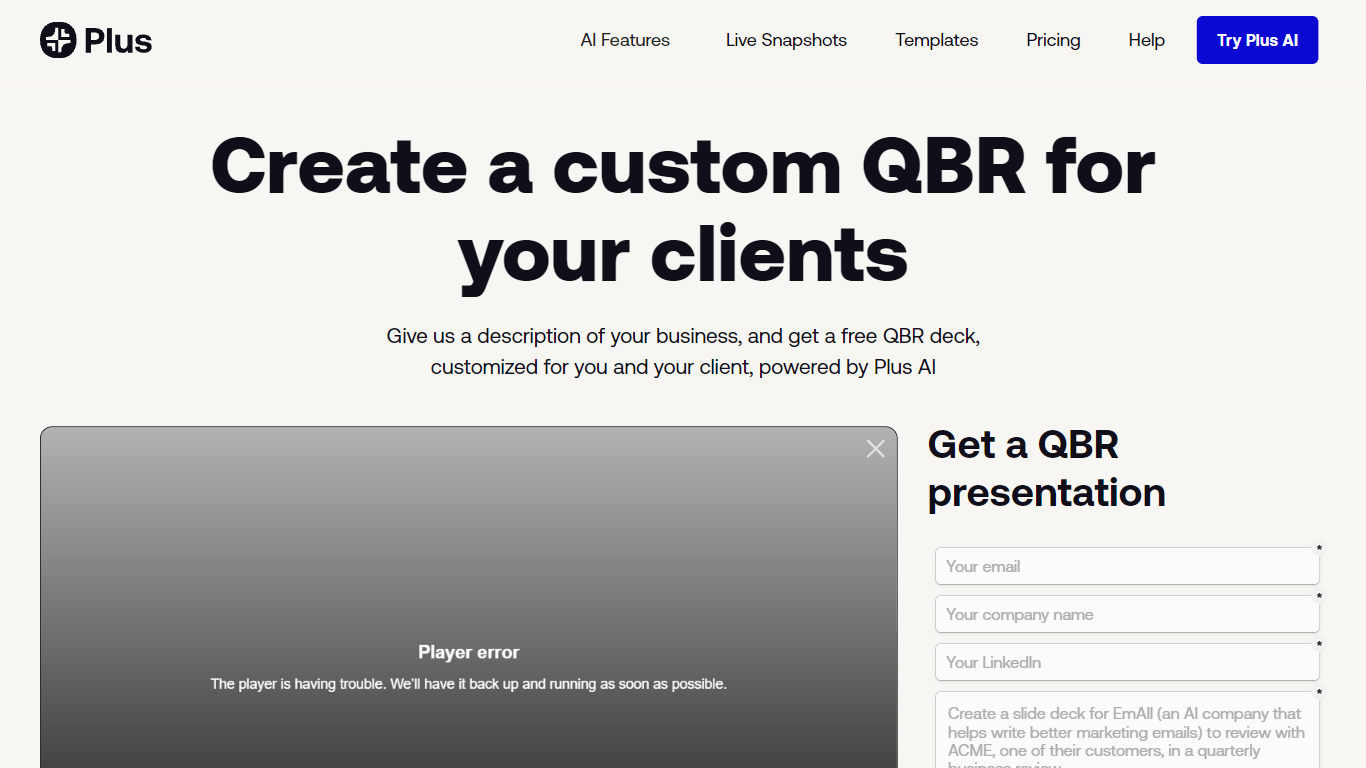

What is Quarterly Business Review | Plus?
Quarterly Business Review | Plus is a client reporting workflow from Plus AI that drafts a customized QBR slide deck from a short description of your business and the client work you want to highlight. You sign up, describe the engagement, and Plus AI builds an easy-to-digest quarterly review deck you can edit in Google Slides or PowerPoint.
Most presentation tools give you generic templates. This Plus AI use case targets agency and services teams who repeat the same QBR structure every quarter but need client-specific narrative and metrics each time. You still use the Plus AI add-in inside Slides or PowerPoint rather than exporting to a separate design app.
Consultants, account managers, and customer success leads use it to skip blank-slide setup and send polished QBR decks faster. Paid Plus AI plans add higher monthly AI credit limits, document uploads, and team branding controls beyond the free sample deck offer.
Gemoo Snap
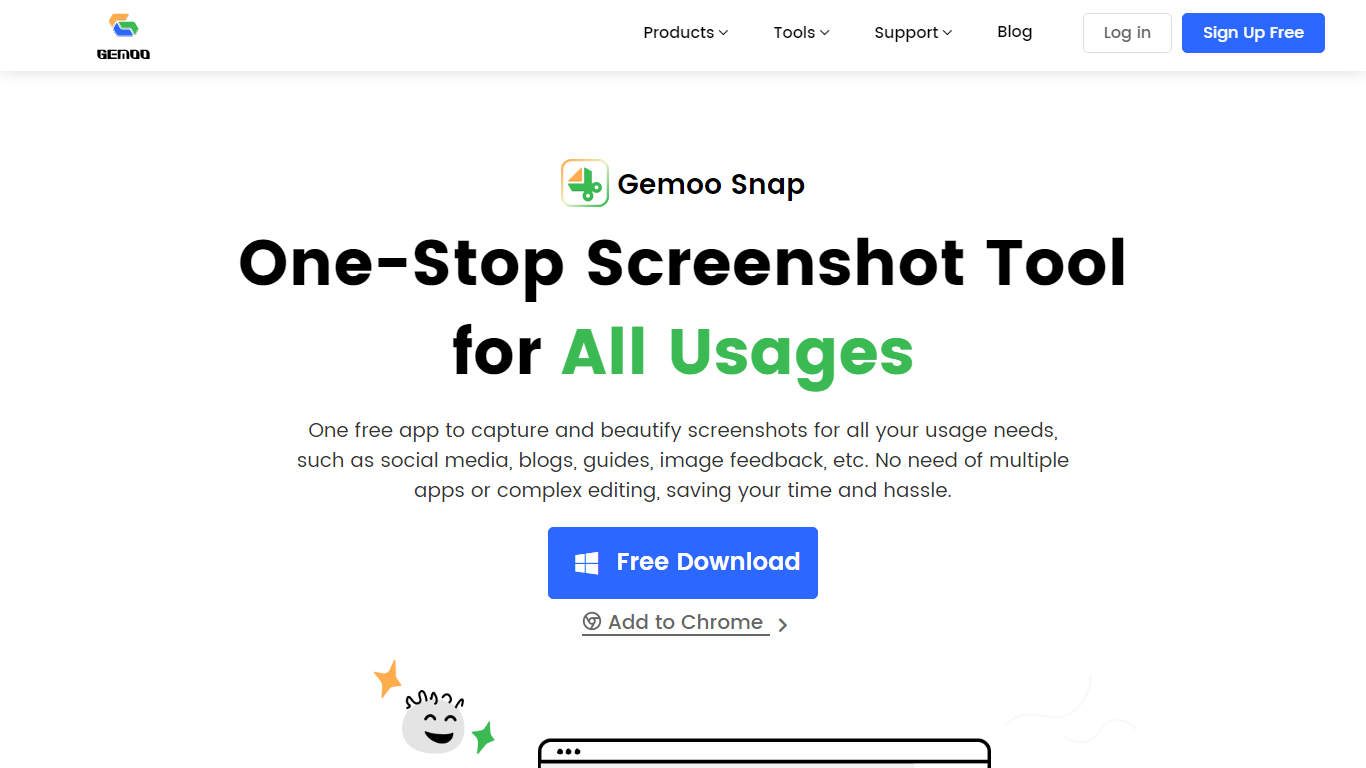
What is Gemoo Snap?
Gemoo Snap captures screenshots, scrolling webpages, and annotated feedback on Windows, macOS, and Chrome. You beautify shots with backgrounds, mockups, shapes, and redaction, then share links or save PNG files for social posts, guides, and support threads.
Most capture tools stop at a raw image file. Gemoo Snap bundles scrolling web capture, pinned screenshots, clipboard paste, sensitive-info redaction, and preset canvas sizes for Twitter, Facebook, Instagram, and LinkedIn in one lightweight install. That combination targets quick visual feedback rather than a full design suite.
Gemoo.com shows a site-wide maintenance page, and the stored product path returned a 404 during this enrichment. The Mac App Store and Chrome Web Store listings remain active, so treat feature limits as unchanged until the marketing site returns.
Quarterly Business Review | Plus Upvotes
Gemoo Snap Upvotes
Quarterly Business Review | Plus Top Features
Creates a client-specific QBR deck from a short business description
Works as a Google Slides and PowerPoint add-in via Plus AI
Basic plan includes 1,500 AI credits per month at $10 per user annually
Pro plan includes 3,000 AI credits per month and document uploads
Team plan adds custom branding with logo, colors, and fonts at $30 per user annually
Every paid plan starts with a 7-day trial including 1,000 AI credits
Gemoo Snap Top Features
Scrolling capture grabs full webpages beyond the visible viewport
OCR extracts text from screenshots, videos, PDFs, and websites
Preset canvas sizes target Twitter, Facebook, Instagram, and LinkedIn
Annotation tools add shapes, text, arrows, and mosaic redaction
Pin screenshots on screen or paste captures directly from the clipboard
Mac app requires macOS 10.13 or later per the App Store listing
Quarterly Business Review | Plus Category
- Presentation
Gemoo Snap Category
- Presentation
Quarterly Business Review | Plus Pricing Type
- Freemium
Gemoo Snap Pricing Type
- Free