
Last updated 08-09-2026
Category:
Reviews:
Join thousands of AI enthusiasts in the World of AI!
Gemoo Snap
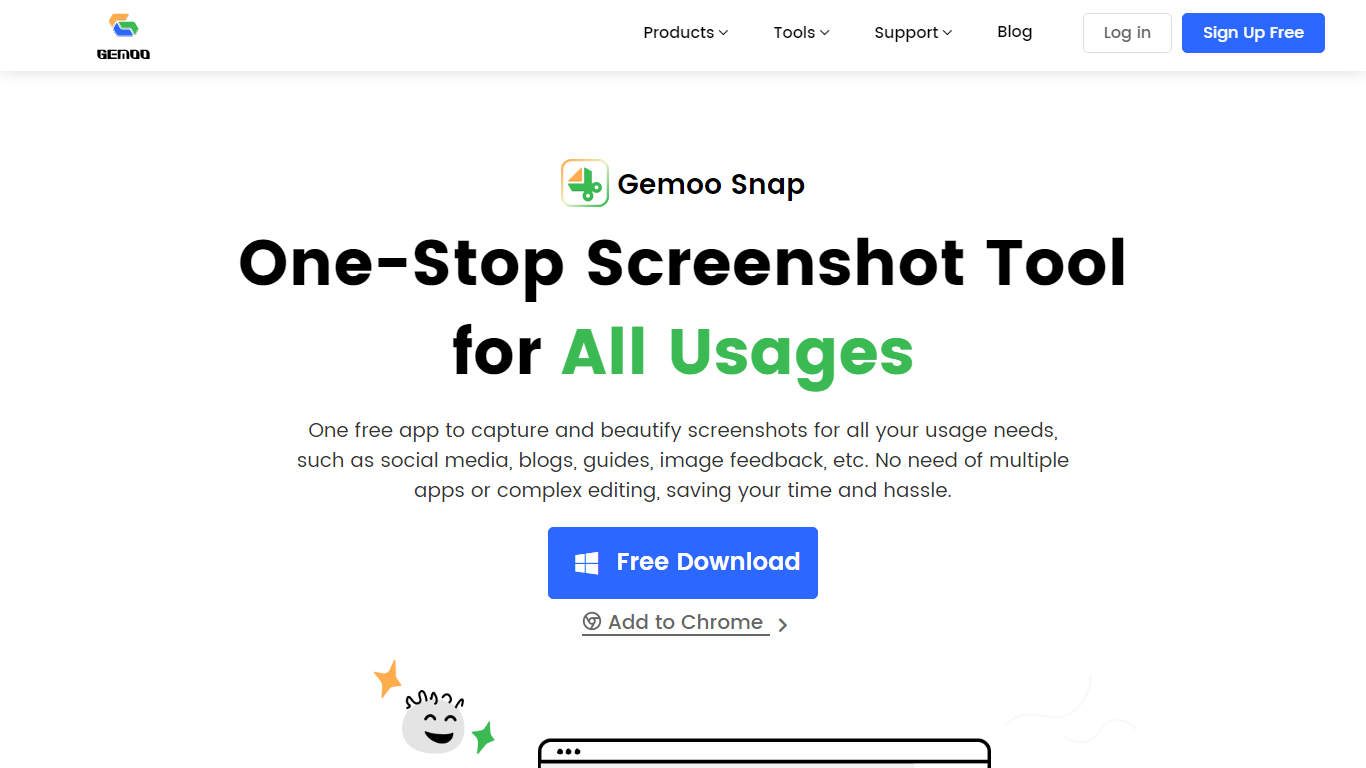
Gemoo Snap captures screenshots, scrolling webpages, and annotated feedback on Windows, macOS, and Chrome. You beautify shots with backgrounds, mockups, shapes, and redaction, then share links or save PNG files for social posts, guides, and support threads.
Most capture tools stop at a raw image file. Gemoo Snap bundles scrolling web capture, pinned screenshots, clipboard paste, sensitive-info redaction, and preset canvas sizes for Twitter, Facebook, Instagram, and LinkedIn in one lightweight install. That combination targets quick visual feedback rather than a full design suite.
Gemoo.com shows a site-wide maintenance page, and the stored product path returned a 404 during this enrichment. The Mac App Store and Chrome Web Store listings remain active, so treat feature limits as unchanged until the marketing site returns.
Scrolling capture grabs full webpages beyond the visible viewport
OCR extracts text from screenshots, videos, PDFs, and websites
Preset canvas sizes target Twitter, Facebook, Instagram, and LinkedIn
Annotation tools add shapes, text, arrows, and mosaic redaction
Pin screenshots on screen or paste captures directly from the clipboard
Mac app requires macOS 10.13 or later per the App Store listing
Free downloads on Mac, Windows, and Chrome
Scrolling capture plus OCR in one lightweight tool
Social canvas presets for major networks
Built-in redaction for sensitive screenshot content
Gemoo.com marketing site is in maintenance during this check
Stored product URL path returned a 404 error
Feature verification depends on app store listings while the site is down
Is Gemoo Snap free?
Yes. Gemoo Snap is listed as a free screen capture tool on its Mac App Store and Chrome Web Store listings. Gemoo.com shows maintenance, but the apps remain available through those stores.
Which platforms support Gemoo Snap?
Gemoo Snap runs on Windows, macOS, and as a Chrome extension according to its store listings. The Mac app requires macOS 10.13 or later, and the extension captures ChatGPT pages plus standard web content.
Can Gemoo Snap capture scrolling pages?
Yes. Gemoo Snap supports manual and automatic scrolling capture to grab entire webpages. Store descriptions list scrolling capture alongside full-page and selected-area modes.
Does Gemoo Snap include OCR?
Yes. Gemoo Snap includes OCR to recognize text from images, videos, PDFs, and websites. The Mac App Store feature list highlights OCR for copying text out of captures.
Can Gemoo Snap redact sensitive information?
Yes. Gemoo Snap adds mosaic blur and automatic sensitive-information hiding on screenshots. Chrome Web Store notes include mosaic redaction for sharing ChatGPT or web captures safely.
How do I contact Gemoo Snap support?
Gemoo Snap support email is [email protected] per the Mac App Store and Chrome Web Store listings. Gemoo Inc. lists Irvine, California as the developer address on the extension page.