Slides.bot vs Gemoo Snap
In the contest of Slides.bot vs Gemoo Snap, which AI Presentation tool is the champion? We evaluate pricing, alternatives, upvotes, features, reviews, and more.
If you had to choose between Slides.bot and Gemoo Snap, which one would you go for?
When we examine Slides.bot and Gemoo Snap, both of which are AI-enabled presentation tools, what unique characteristics do we discover? Gemoo Snap stands out as the clear frontrunner in terms of upvotes. Gemoo Snap has been upvoted 9 times by aitools.fyi users, and Slides.bot has been upvoted 6 times.
You don't agree with the result? Cast your vote to help us decide!
Slides.bot
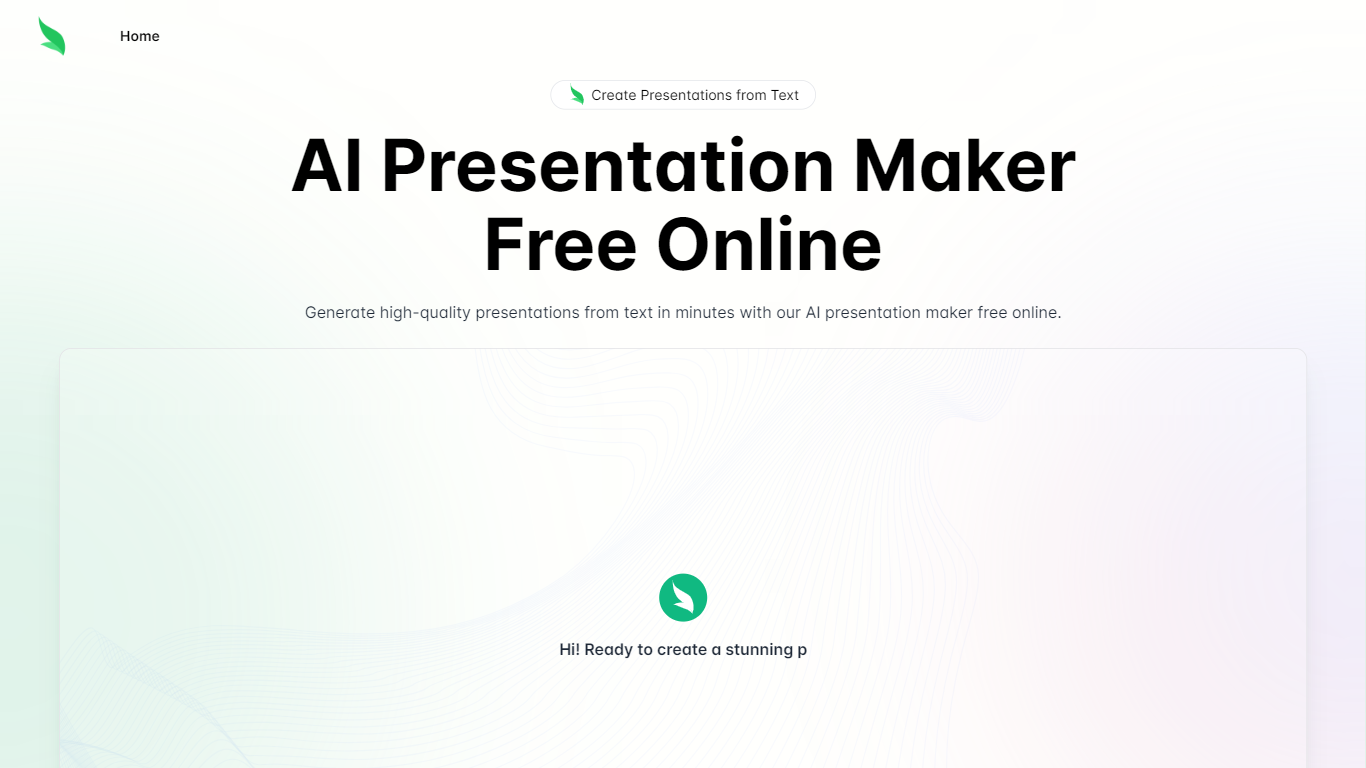

What is Slides.bot?
Slides.bot is a free online presentation maker that turns a topic or block of text into a finished slide deck. You sign up for an account, enter a prompt, adjust the layout and visuals, then download the result. It targets anyone who needs slides quickly without building each one from scratch.
The site is powered by GPT-4o and focuses on text-to-presentation conversion rather than manual slide design. It generates structured slides from your input, offers customizable templates, and supports multiple languages for international audiences.
Slides.bot fits business decks, classroom lectures, and creative projects where speed matters more than pixel-perfect manual design. The workflow is built around prompt in, edit, download out.
Gemoo Snap
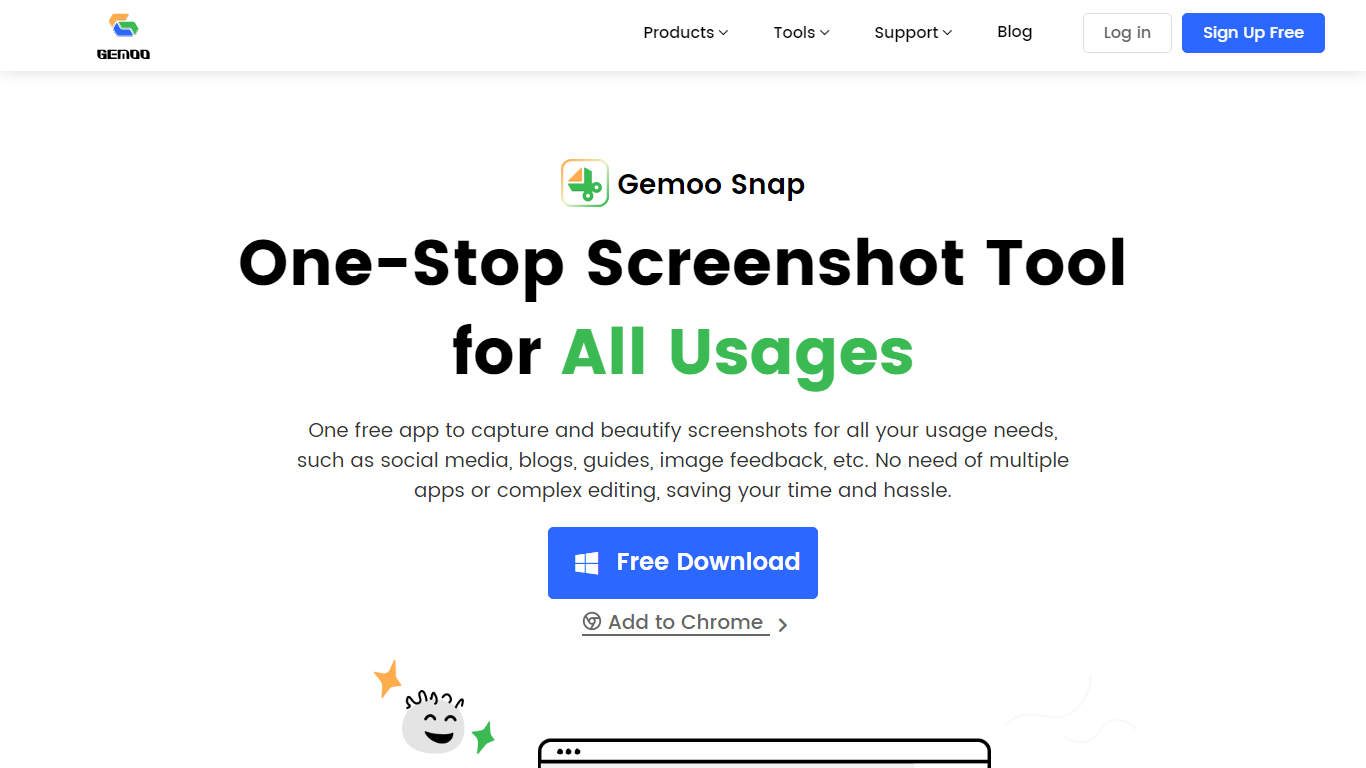
What is Gemoo Snap?
Gemoo Snap captures screenshots, scrolling webpages, and annotated feedback on Windows, macOS, and Chrome. You beautify shots with backgrounds, mockups, shapes, and redaction, then share links or save PNG files for social posts, guides, and support threads.
Most capture tools stop at a raw image file. Gemoo Snap bundles scrolling web capture, pinned screenshots, clipboard paste, sensitive-info redaction, and preset canvas sizes for Twitter, Facebook, Instagram, and LinkedIn in one lightweight install. That combination targets quick visual feedback rather than a full design suite.
Gemoo.com shows a site-wide maintenance page, and the stored product path returned a 404 during this enrichment. The Mac App Store and Chrome Web Store listings remain active, so treat feature limits as unchanged until the marketing site returns.
Slides.bot Upvotes
Gemoo Snap Upvotes
Slides.bot Top Features
Homepage title states the deck generator runs on GPT-4o for text-to-slide output
Site alternates cover 8 locales including English, Spanish, French, German, Russian, Japanese, Arabic, and Portuguese
Four-step workflow: register an account, enter a prompt, customize slides, then download
Customize templates, text, images, and layout before you download
Add images, charts, and graphs to make data-heavy decks more readable
Gemoo Snap Top Features
Scrolling capture grabs full webpages beyond the visible viewport
OCR extracts text from screenshots, videos, PDFs, and websites
Preset canvas sizes target Twitter, Facebook, Instagram, and LinkedIn
Annotation tools add shapes, text, arrows, and mosaic redaction
Pin screenshots on screen or paste captures directly from the clipboard
Mac app requires macOS 10.13 or later per the App Store listing
Slides.bot Category
- Presentation
Gemoo Snap Category
- Presentation
Slides.bot Pricing Type
- Free
Gemoo Snap Pricing Type
- Free