CubeOne vs Gemoo Snap
In the clash of CubeOne vs Gemoo Snap, which AI Presentation tool emerges victorious? We assess reviews, pricing, alternatives, features, upvotes, and more.
If you had to choose between CubeOne and Gemoo Snap, which one would you go for?
Let's take a closer look at CubeOne and Gemoo Snap, both of which are AI-driven presentation tools, and see what sets them apart. The upvote count shows a clear preference for Gemoo Snap. The number of upvotes for Gemoo Snap stands at 9, and for CubeOne it's 6.
Feeling rebellious? Cast your vote and shake things up!
CubeOne
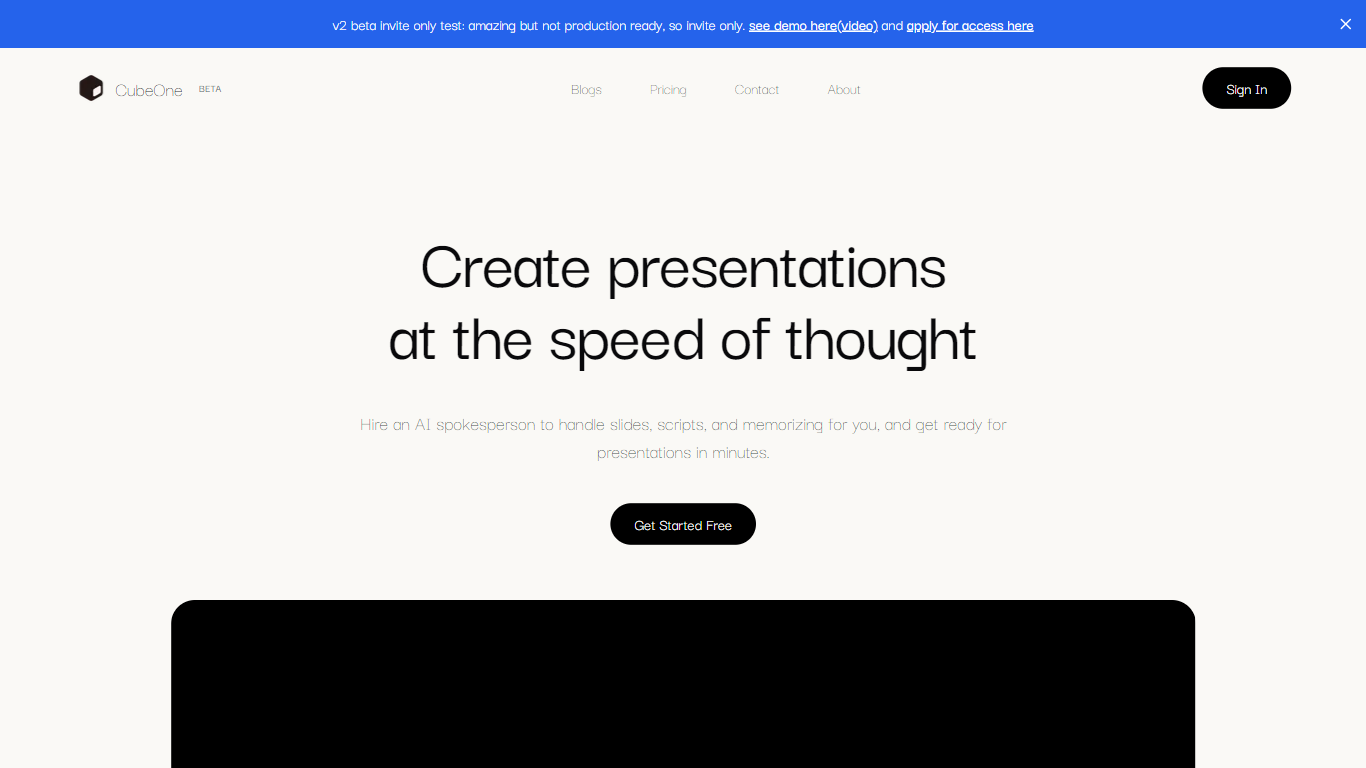

What is CubeOne?
CubeOne is an AI presentation maker that turns a short prompt or an imported PowerPoint file into designed slides you can still edit like a normal deck. You describe what you need, or drop in a .pptx, and it builds slides where every text box, image, and shape stays draggable and editable. Export back to PowerPoint or move into Canva whenever you want.
Most AI slide tools lock you into templates or flatten output into images you cannot tweak. CubeOne keeps native slide objects underneath, so you get freeform editing plus one-click Beautify that redesigns a rough draft into a polished slide. You can also draw a region on a slide and describe what to generate there, or chat with the built-in AI to restyle a slide in plain language.
It fits sales teams rebuilding pitch decks, founders shipping investor updates, educators turning lesson notes into visuals, and anyone who lives in slides but does not want to spend an hour on layout. Plans start at $15 per month after a free trial that redesigns your first three slides with no card required.
Gemoo Snap
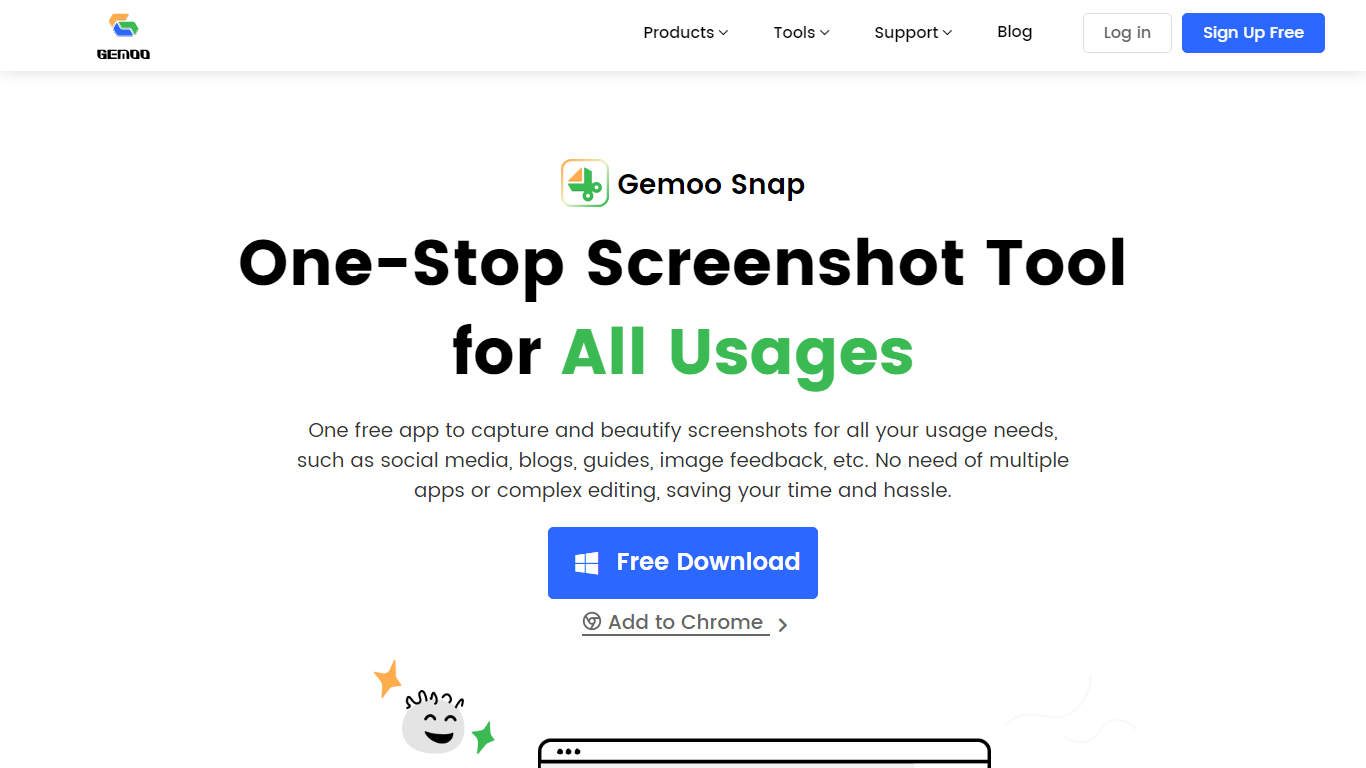
What is Gemoo Snap?
Gemoo Snap captures screenshots, scrolling webpages, and annotated feedback on Windows, macOS, and Chrome. You beautify shots with backgrounds, mockups, shapes, and redaction, then share links or save PNG files for social posts, guides, and support threads.
Most capture tools stop at a raw image file. Gemoo Snap bundles scrolling web capture, pinned screenshots, clipboard paste, sensitive-info redaction, and preset canvas sizes for Twitter, Facebook, Instagram, and LinkedIn in one lightweight install. That combination targets quick visual feedback rather than a full design suite.
Gemoo.com shows a site-wide maintenance page, and the stored product path returned a 404 during this enrichment. The Mac App Store and Chrome Web Store listings remain active, so treat feature limits as unchanged until the marketing site returns.
CubeOne Upvotes
Gemoo Snap Upvotes
CubeOne Top Features
Import any .pptx file and keep every slide element editable instead of flattened images
One-click Beautify redesigns rough content into a polished slide layout
Plus plan includes 6,000 credits per month; Pro includes 16,000 credits at $40 per month
Draw a region on a slide and describe what to generate inside that space
Built-in AI chat edits slides from plain-language prompts like restyle or add images
Export decks back to PowerPoint or move them into Canva without losing editability
Gemoo Snap Top Features
Scrolling capture grabs full webpages beyond the visible viewport
OCR extracts text from screenshots, videos, PDFs, and websites
Preset canvas sizes target Twitter, Facebook, Instagram, and LinkedIn
Annotation tools add shapes, text, arrows, and mosaic redaction
Pin screenshots on screen or paste captures directly from the clipboard
Mac app requires macOS 10.13 or later per the App Store listing
CubeOne Category
- Presentation
Gemoo Snap Category
- Presentation
CubeOne Pricing Type
- Freemium
Gemoo Snap Pricing Type
- Free