Gemoo Snap vs MindShow
Compare Gemoo Snap vs MindShow and see which AI Presentation tool is better when we compare features, reviews, pricing, alternatives, upvotes, etc.
Which one is better? Gemoo Snap or MindShow?
When we compare Gemoo Snap with MindShow, which are both AI-powered presentation tools, In the race for upvotes, Gemoo Snap takes the trophy. Gemoo Snap has 9 upvotes, and MindShow has 6 upvotes.
Feeling rebellious? Cast your vote and shake things up!
Gemoo Snap
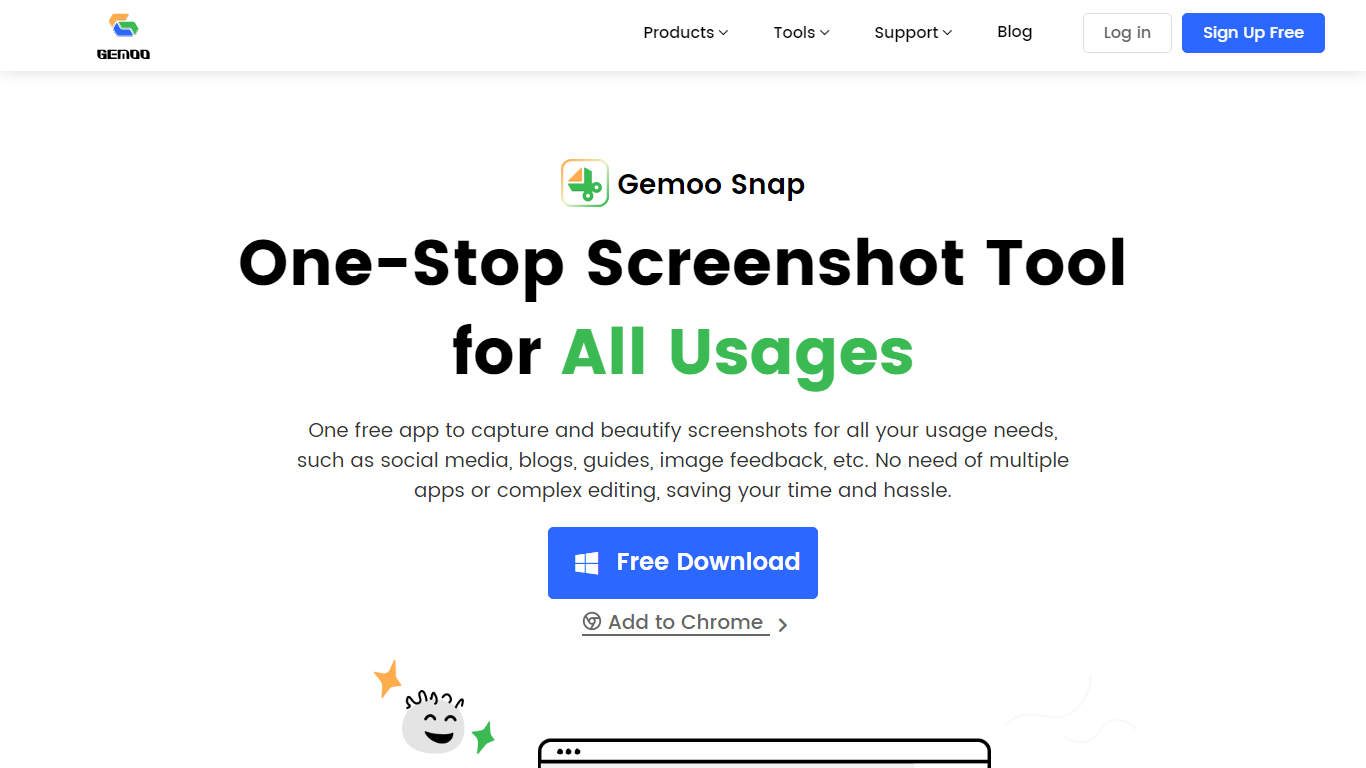

What is Gemoo Snap?
Gemoo Snap captures screenshots, scrolling webpages, and annotated feedback on Windows, macOS, and Chrome. You beautify shots with backgrounds, mockups, shapes, and redaction, then share links or save PNG files for social posts, guides, and support threads.
Most capture tools stop at a raw image file. Gemoo Snap bundles scrolling web capture, pinned screenshots, clipboard paste, sensitive-info redaction, and preset canvas sizes for Twitter, Facebook, Instagram, and LinkedIn in one lightweight install. That combination targets quick visual feedback rather than a full design suite.
Gemoo.com shows a site-wide maintenance page, and the stored product path returned a 404 during this enrichment. The Mac App Store and Chrome Web Store listings remain active, so treat feature limits as unchanged until the marketing site returns.
MindShow
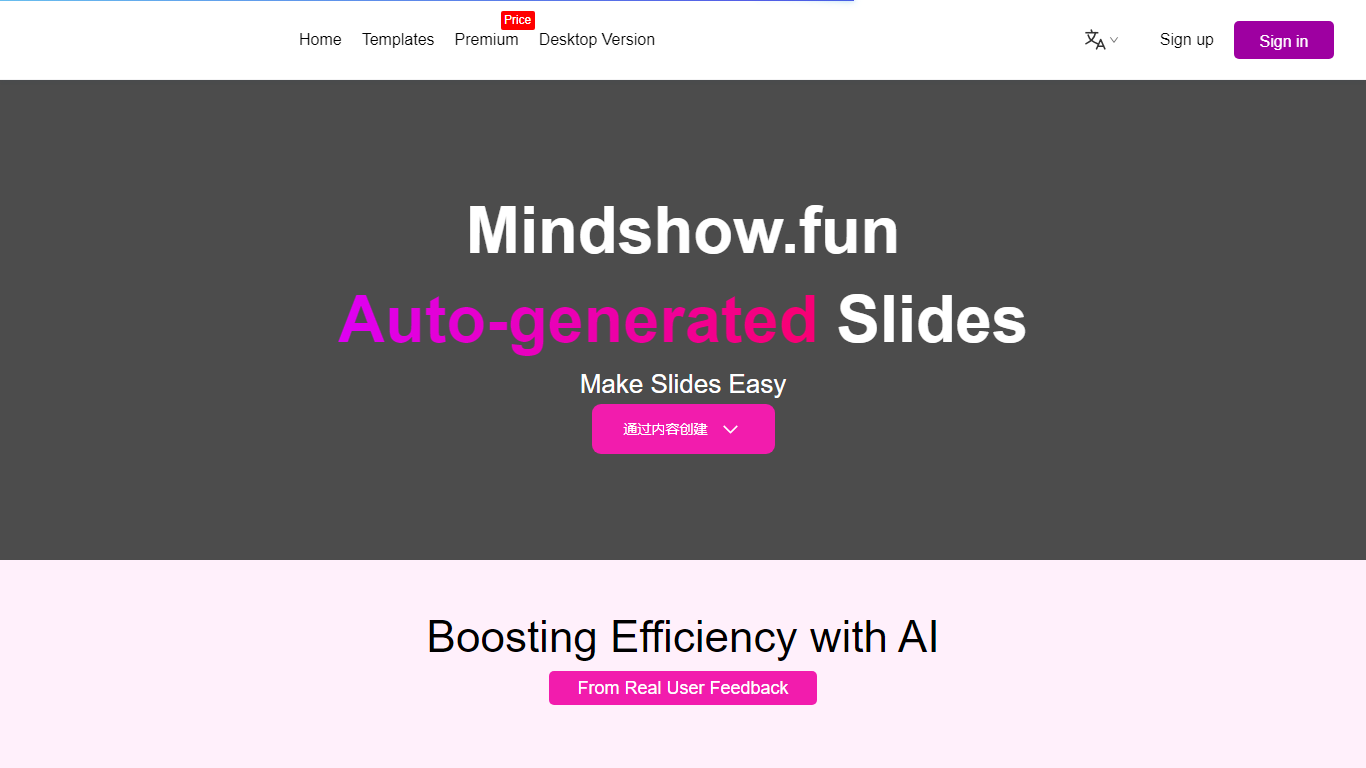
What is MindShow?
MindShow is an online presentation builder that turns a title, pasted text, or uploaded file into a finished slide deck. You can start from a prompt, drop in a Word or PDF file, or import Markdown and mind maps, then let the tool generate layouts, graphics, and animations automatically. It fits anyone who needs a PPT fast without rebuilding every slide by hand.
Where many slide tools stop at blank templates, MindShow pushes import paths and long-document handling. The site lists dedicated flows for Markdown, Word, PDF, PPTX redesign, mind maps in .xmind and .mm, plain text, image analysis, and long-text summaries up to 100,000 words. That breadth matters if your source material already lives outside the presentation app.
Office workers, teachers, and students use it for work reports, product decks, and defense presentations. MindShow also offers a downloadable desktop application, publishes help at mindshow.fun/help, and lists [email protected] for contact.
Gemoo Snap Upvotes
MindShow Upvotes
Gemoo Snap Top Features
Scrolling capture grabs full webpages beyond the visible viewport
OCR extracts text from screenshots, videos, PDFs, and websites
Preset canvas sizes target Twitter, Facebook, Instagram, and LinkedIn
Annotation tools add shapes, text, arrows, and mosaic redaction
Pin screenshots on screen or paste captures directly from the clipboard
Mac app requires macOS 10.13 or later per the App Store listing
MindShow Top Features
Generate a full PPT from a title, uploaded document, or pasted text
Import Markdown, Word .docx, PDF, PPTX, and mind maps in .xmind or .mm formats
Summarize long text up to 100,000 words into a condensed presentation
Switch between multiple themes and layouts with one click after generation
Edit generated content in an outline view before exporting to PPTX
Desktop application available alongside the browser-based editor
Gemoo Snap Category
- Presentation
MindShow Category
- Presentation
Gemoo Snap Pricing Type
- Free
MindShow Pricing Type
- Freemium