Quick Dreamviz vs Magic Brush AI
When comparing Quick Dreamviz vs Magic Brush AI, which AI Design tool shines brighter? We look at pricing, alternatives, upvotes, features, reviews, and more.
In a comparison between Quick Dreamviz and Magic Brush AI, which one comes out on top?
When we put Quick Dreamviz and Magic Brush AI side by side, both being AI-powered design tools, The upvote count reveals a draw, with both tools earning the same number of upvotes. Every vote counts! Cast yours and contribute to the decision of the winner.
Feeling rebellious? Cast your vote and shake things up!
Quick Dreamviz

What is Quick Dreamviz?
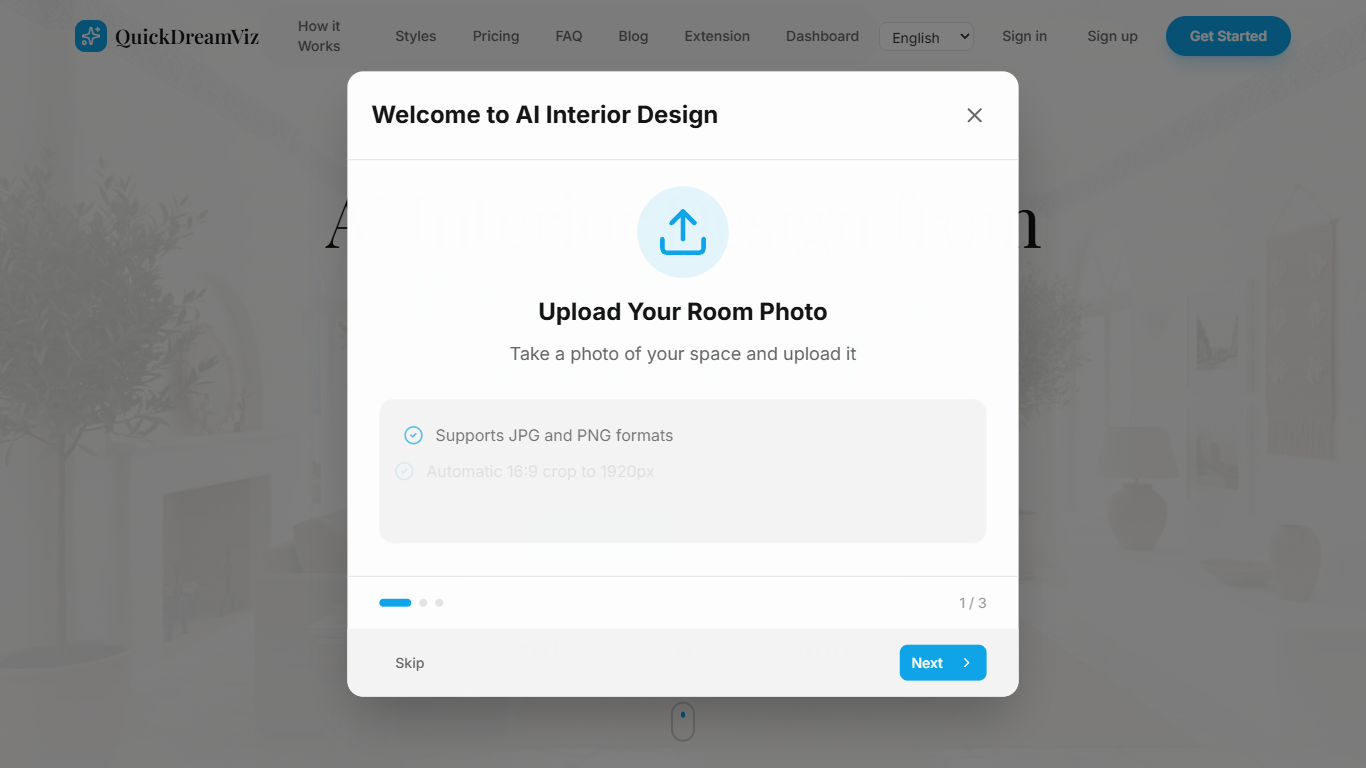
Quick Dreamviz turns a single room photo into interior design visuals and walkthrough videos. Upload a photo, pick from eight curated styles, and get a redesigned room preview along with a cinematic 3D walkthrough in about two minutes.
The platform covers the full visualization workflow from initial concept to client-ready output. Magic Brush lets you mask and replace specific furniture, flooring, or wall finishes without regenerating the whole room. Styles range from Modern Minimalist and Scandinavian to Japanese Zen and Luxury Classic.
It targets homeowners planning renovations, interior designers iterating on concepts, and real estate agents staging empty or dated listings. You can try the first design without signing up, and paid plans add higher resolution exports, more monthly credits, and API access.
Magic Brush AI

What is Magic Brush AI?
Magic Brush AI introduces an innovative AI-powered plugin specifically designed for Figma users who wish to enhance their design process. The Magic Brush AI plugin seamlessly integrates with Figma, allowing designers to generate and edit images directly within the application. If you're looking to speed up your design workflow and leverage artificial intelligence in your projects, Magic Brush AI offers a simple yet powerful solution. With easy installation and a user-friendly interface, Magic Brush expands creative possibilities without ever leaving your favorite design platform. Additionally, the community aspect is emphasized with an invitation to join their Discord, suggesting a focus on user engagement and support. Designed by Elie Toubiana from sunshine-filled Los Angeles, CA, Magic Brush AI is poised to transform how creatives interact with Figma and image editing.
Quick Dreamviz Upvotes
Magic Brush AI Upvotes
Quick Dreamviz Top Features
Upload a room photo and get a styled redesign plus a 3D walkthrough video in about two minutes
Choose from eight interior styles including Scandinavian, Industrial Loft, and Japanese Zen
Magic Brush masks individual objects so you can swap furniture or materials without redoing the whole room
Walkthroughs render up to 4K on Studio plans with style swapping across multiple looks for the same space
Browser extension available alongside the web app for quick edits from any listing photo
Magic Brush AI Top Features
AI Powered Plugin: A convenient Figma plugin that utilizes AI for image generation and editing.
Seamless Integration: Integrates with Figma for a streamlined design workflow.
Easy Installation: Simple process to install the plugin directly on Figma.
Community Support: Access to a Discord community for networking and support.
Frequent Updates: Continual improvements and feature additions to enhance user experience.
Quick Dreamviz Category
- Design
Magic Brush AI Category
- Design
Quick Dreamviz Pricing Type
- Freemium
Magic Brush AI Pricing Type
- Freemium