
Last updated 07-24-2026
Category:
Reviews:
Join thousands of AI enthusiasts in the World of AI!
Quick Dreamviz
Quick Dreamviz turns a single room photo into interior design visuals and walkthrough videos. Upload a photo, pick from eight curated styles, and get a redesigned room preview along with a cinematic 3D walkthrough in about two minutes.
The platform covers the full visualization workflow from initial concept to client-ready output. Magic Brush lets you mask and replace specific furniture, flooring, or wall finishes without regenerating the whole room. Styles range from Modern Minimalist and Scandinavian to Japanese Zen and Luxury Classic.
It targets homeowners planning renovations, interior designers iterating on concepts, and real estate agents staging empty or dated listings. You can try the first design without signing up, and paid plans add higher resolution exports, more monthly credits, and API access.
Upload a room photo and get a styled redesign plus a 3D walkthrough video in about two minutes
Choose from eight interior styles including Scandinavian, Industrial Loft, and Japanese Zen
Magic Brush masks individual objects so you can swap furniture or materials without redoing the whole room
Walkthroughs render up to 4K on Studio plans with style swapping across multiple looks for the same space
Browser extension available alongside the web app for quick edits from any listing photo
No signup required to test your first room design on the homepage upload widget
Credits roll over and never expire while your subscription stays active
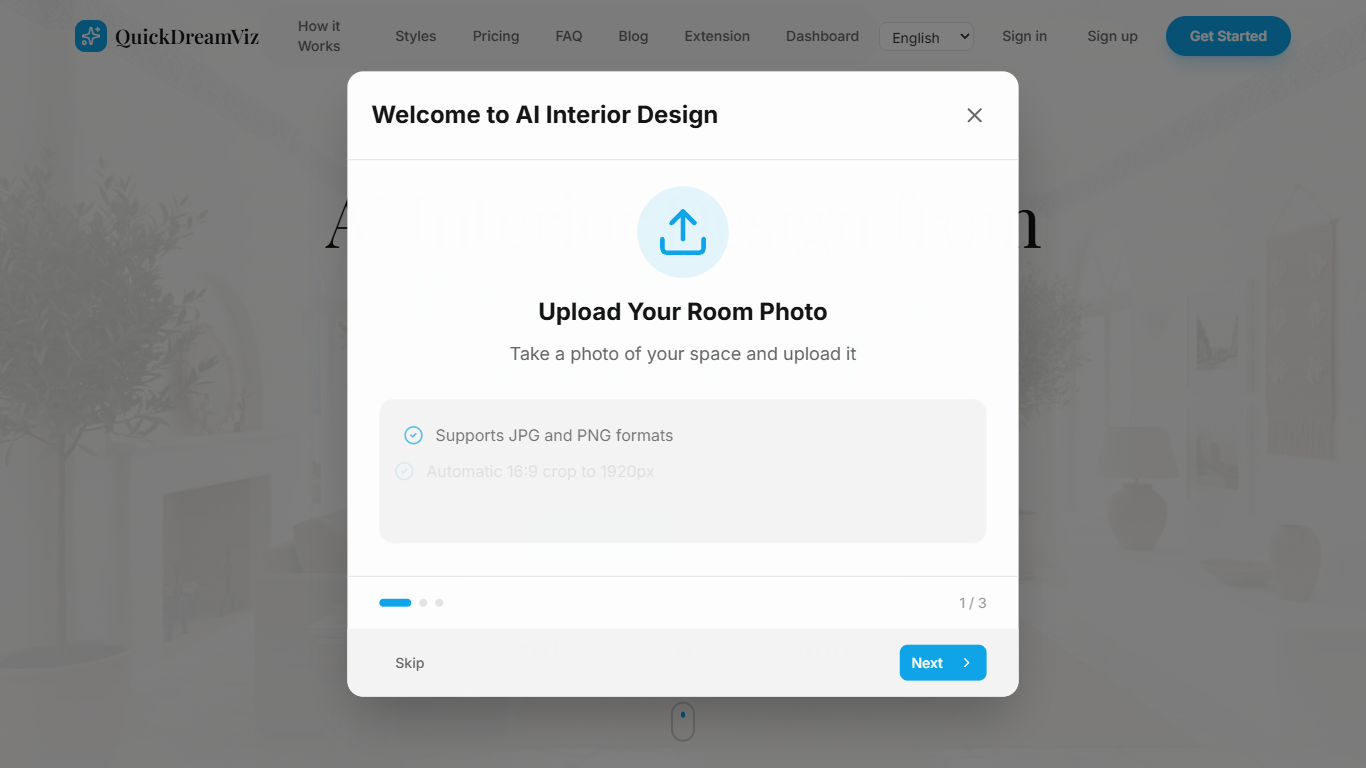
Supports JPG and PNG uploads up to 10MB with automatic room structure analysis
Studio plan includes batch upload for 10 images and API access for automated workflows
Interface available in English, Chinese, Japanese, Korean, and French
Starter plan walkthrough videos are limited to 720p with watermarks
Social media links in the footer currently point to placeholder anchors, not active profiles
Generated visuals are for presentation and visualization, not construction-grade floor plans
Studio tier API access is capped at 100 calls per month
Is Quick Dreamviz free to use?
Quick Dreamviz lets you try your first room design without signing up. New accounts receive five free credits, and all paid plans include a 14-day free trial with no credit card required.
What design styles does Quick Dreamviz offer?
Quick Dreamviz includes eight curated interior styles: Modern Minimalist, Scandinavian, Industrial Loft, Mediterranean, Japanese Zen, Bohemian, Mid-Century Modern, and Luxury Classic. You can preview how each style transforms your uploaded room photo.
Can Quick Dreamviz create 3D walkthrough videos?
Yes. Quick Dreamviz generates cinematic walkthrough videos from a single room photo, with average render times under two minutes. Video resolution depends on your plan, ranging from 720p on Starter to 4K on Studio.
What is AI Magic Brush in Quick Dreamviz?
Magic Brush is a selective editing tool in Quick Dreamviz that lets you paint over a specific object in your room photo and replace just that area. You can swap furniture, change wall colors, or update flooring without regenerating the entire room.
Who is Quick Dreamviz designed for?
Quick Dreamviz is built for homeowners previewing renovations before buying furniture, interior designers presenting faster concepts to clients, and real estate agents staging empty or dated rooms for listing photos.
What file formats does Quick Dreamviz accept?
Quick Dreamviz accepts JPG and PNG room photos up to 10MB. The site recommends 16:9 photos cropped to 1920px for the best walkthrough results, with clear walls, floor, and furniture visible.
Does Quick Dreamviz offer a free trial?
Yes. Quick Dreamviz includes a 14-day free trial on all paid plans with no credit card required. Credits roll over and never expire while your subscription remains active.