QuickRedact vs Luminar Neo
In the contest of QuickRedact vs Luminar Neo, which AI Photo Editing tool is the champion? We evaluate pricing, alternatives, upvotes, features, reviews, and more.
If you had to choose between QuickRedact and Luminar Neo, which one would you go for?
When we examine QuickRedact and Luminar Neo, both of which are AI-enabled photo editing tools, what unique characteristics do we discover? Luminar Neo is the clear winner in terms of upvotes. Luminar Neo has garnered 9 upvotes, and QuickRedact has garnered 7 upvotes.
You don't agree with the result? Cast your vote to help us decide!
QuickRedact

What is QuickRedact?
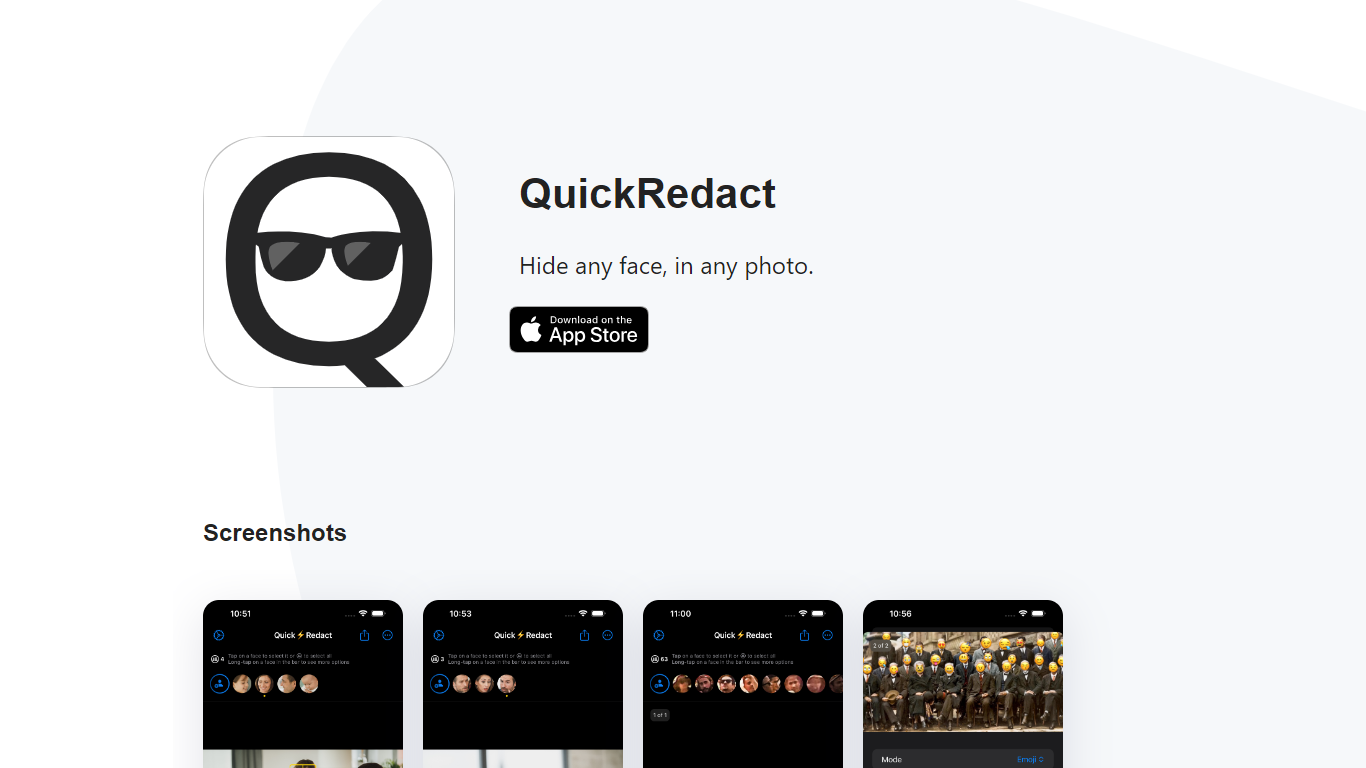
QuickRedact is an iOS photo privacy app that automatically detects and hides faces in your images. Import one photo or a whole batch, and the app finds every face on-device using local face detection, then lets you redact each one with blur, pixelation, emoji overlays, or shape masks.
All processing happens offline on your iPhone or iPad. Photos never leave your device, metadata is stripped from exports, and the developer does not use analytics or tracking services. Real-time previews use the device's GPU, Neural Engine, and Metal framework so edits render instantly.
QuickRedact is built by a solo developer and sold as a one-time App Store purchase with no subscriptions or in-app purchases. A share extension lets you send photos into the app from other iOS apps.
Luminar Neo

What is Luminar Neo?
Luminar Neo is a desktop photo editor for macOS and Windows that combines one-click AI adjustments with layer-based manual control. Sky replacement, portrait retouching, generative erase and expand, HDR merge, and noise reduction all live in one app, with optional Lightroom Classic and Photoshop plug-in support.
Where subscription editors lock you into monthly fees, Skylum sells Luminar as a perpetual license with 2 device activations. Generative AI tools and the asset library renew annually, but the core app stays yours after a single purchase, which suits photographers who edit in bursts rather than every day.
Landscape shooters, portrait photographers, and hobbyists use Luminar Neo for batch presets, RAW support across 1000+ cameras, and cross-device handoff from mobile to desktop on higher tiers. An AI Assistant suggests edits in 16 languages and opens the right tool when you ask how-to questions.
QuickRedact Upvotes
Luminar Neo Upvotes
QuickRedact Top Features
Detects any number of faces in a photo automatically, including large group shots
Batch import and process multiple photos in one session
Per-face redaction with blur, pixelation, emoji, or shape effects
On-device processing with GPU and Neural Engine for real-time previews
Strips all photo metadata and runs with no analytics or tracking
Luminar Neo Top Features
Perpetual licenses from $129 with 2 desktop activations on macOS and Windows
Generative AI tools include GenErase, GenSwap, GenExpand, and photo restoration
Supports RAW files from 1000+ cameras plus JPEG, PNG, TIFF, and major RAW formats
Pro Tools add Supersharp AI, Noiseless AI, HDR merge, focus stacking, and panorama stitch
AI Assistant suggests up to 3 edits per request in 16 languages with one-click apply
QuickRedact Category
- Photo Editing
Luminar Neo Category
- Photo Editing
QuickRedact Pricing Type
- Paid
Luminar Neo Pricing Type
- Paid