
Last updated 07-23-2026
Category:
Reviews:
Join thousands of AI enthusiasts in the World of AI!
QuickRedact
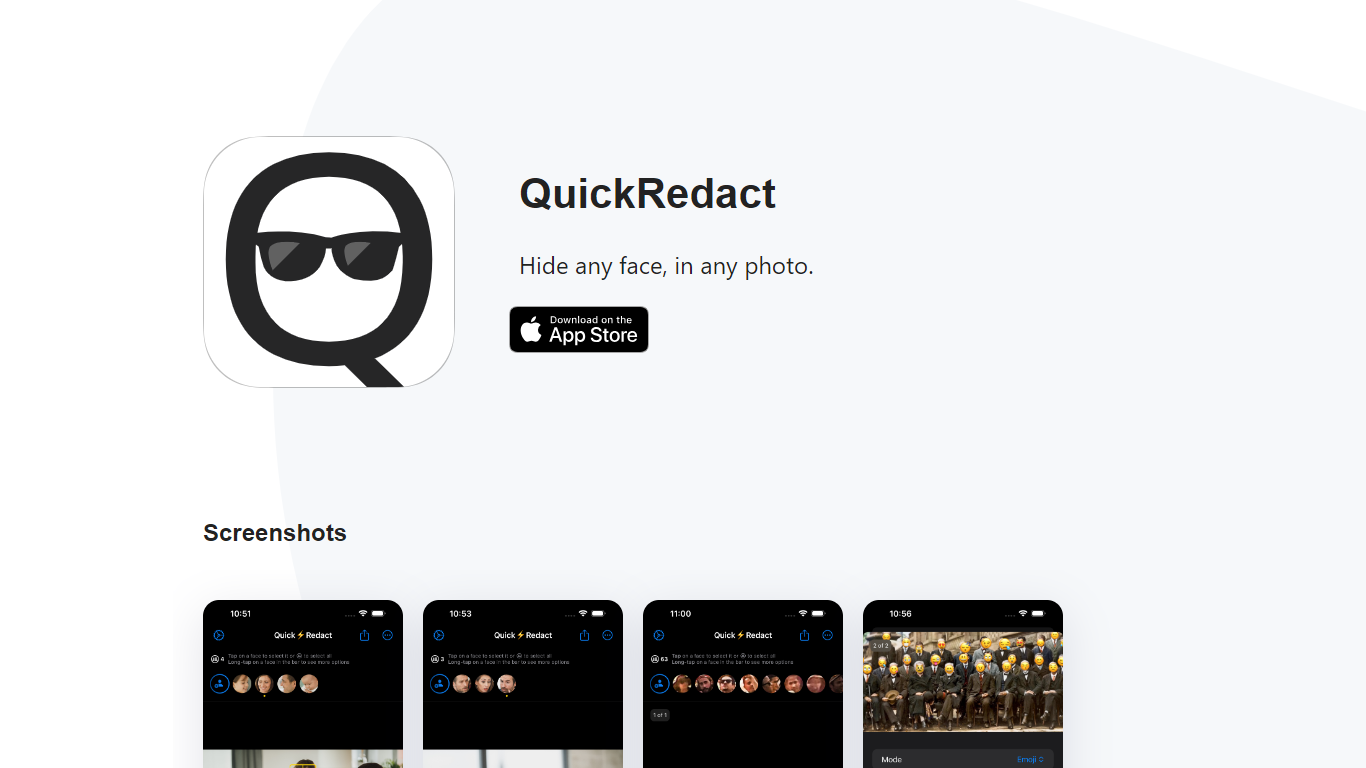
QuickRedact is an iOS photo privacy app that automatically detects and hides faces in your images. Import one photo or a whole batch, and the app finds every face on-device using local face detection, then lets you redact each one with blur, pixelation, emoji overlays, or shape masks.
All processing happens offline on your iPhone or iPad. Photos never leave your device, metadata is stripped from exports, and the developer does not use analytics or tracking services. Real-time previews use the device's GPU, Neural Engine, and Metal framework so edits render instantly.
QuickRedact is built by a solo developer and sold as a one-time App Store purchase with no subscriptions or in-app purchases. A share extension lets you send photos into the app from other iOS apps.
Detects any number of faces in a photo automatically, including large group shots
Batch import and process multiple photos in one session
Per-face redaction with blur, pixelation, emoji, or shape effects
On-device processing with GPU and Neural Engine for real-time previews
Strips all photo metadata and runs with no analytics or tracking
Fully offline processing keeps photos and facial data on your device.
One-time purchase with no subscription or in-app upsells.
Batch editing and per-face customization in a single workflow.
iOS only with no Android or web version available.
No free tier; requires a paid App Store purchase.
What is QuickRedact?
QuickRedact is an iOS app that automatically detects faces in photos and lets you hide them with blur, pixelation, emoji, or shape effects.
Does QuickRedact require an internet connection?
No. All face detection and editing runs locally on your device. Photos are never uploaded to a server.
Can QuickRedact process multiple photos at once?
Yes. You can import as many photos as you like and batch process them in a single session.
How much does QuickRedact cost?
QuickRedact is a one-time App Store purchase with no subscriptions or in-app purchases. The purchase covers all your devices.
How do I contact the QuickRedact developer?
Email [email protected] for support, feedback, or feature requests.