QuickRedact vs PhotoAid's AI Image Enlarger
Explore the showdown between QuickRedact vs PhotoAid's AI Image Enlarger and find out which AI Photo Editing tool wins. We analyze upvotes, features, reviews, pricing, alternatives, and more.
When comparing QuickRedact and PhotoAid's AI Image Enlarger, which one rises above the other?
When we contrast QuickRedact with PhotoAid's AI Image Enlarger, both of which are exceptional AI-operated photo editing tools, and place them side by side, we can spot several crucial similarities and divergences. The community has spoken, QuickRedact leads with more upvotes. QuickRedact has received 7 upvotes from aitools.fyi users, while PhotoAid's AI Image Enlarger has received 6 upvotes.
Don't agree with the result? Cast your vote and be a part of the decision-making process!
QuickRedact

What is QuickRedact?
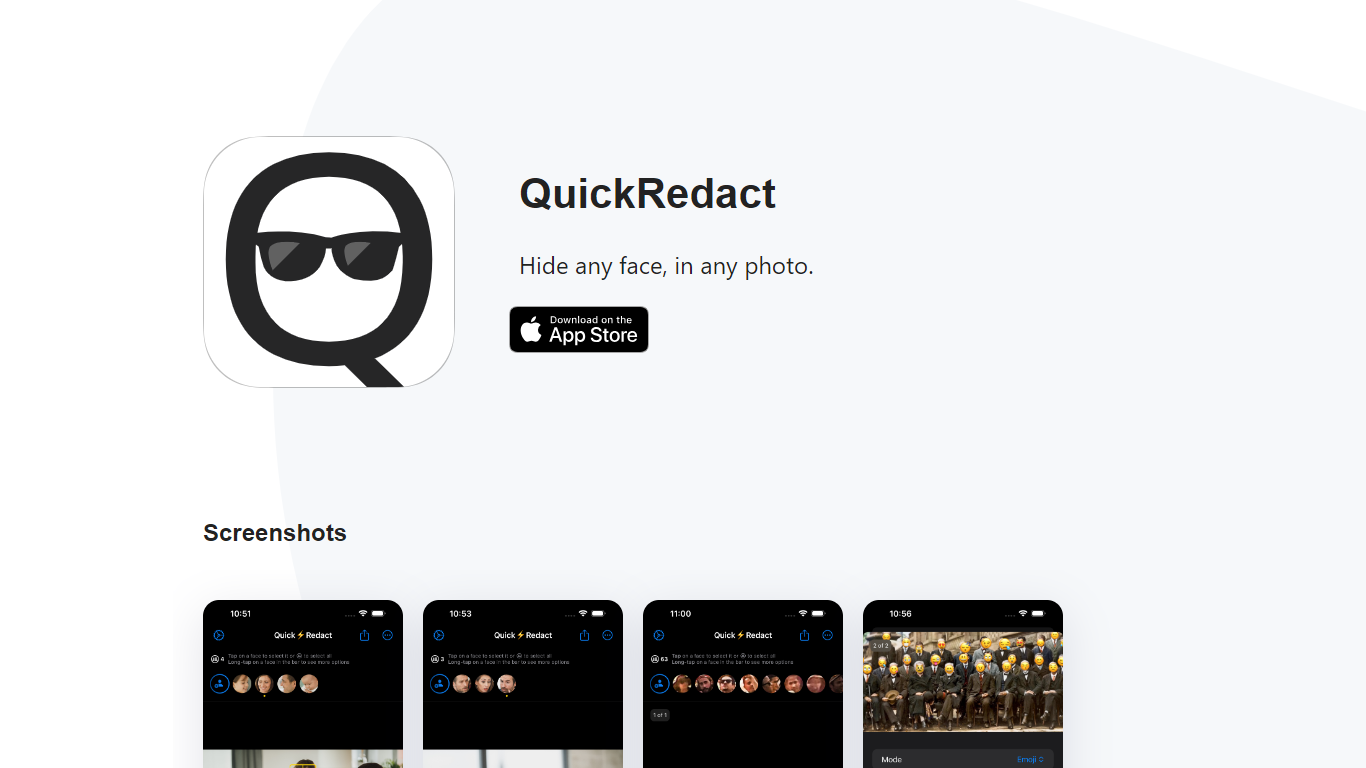
QuickRedact is an iOS photo privacy app that automatically detects and hides faces in your images. Import one photo or a whole batch, and the app finds every face on-device using local face detection, then lets you redact each one with blur, pixelation, emoji overlays, or shape masks.
All processing happens offline on your iPhone or iPad. Photos never leave your device, metadata is stripped from exports, and the developer does not use analytics or tracking services. Real-time previews use the device's GPU, Neural Engine, and Metal framework so edits render instantly.
QuickRedact is built by a solo developer and sold as a one-time App Store purchase with no subscriptions or in-app purchases. A share extension lets you send photos into the app from other iOS apps.
PhotoAid's AI Image Enlarger
What is PhotoAid's AI Image Enlarger?
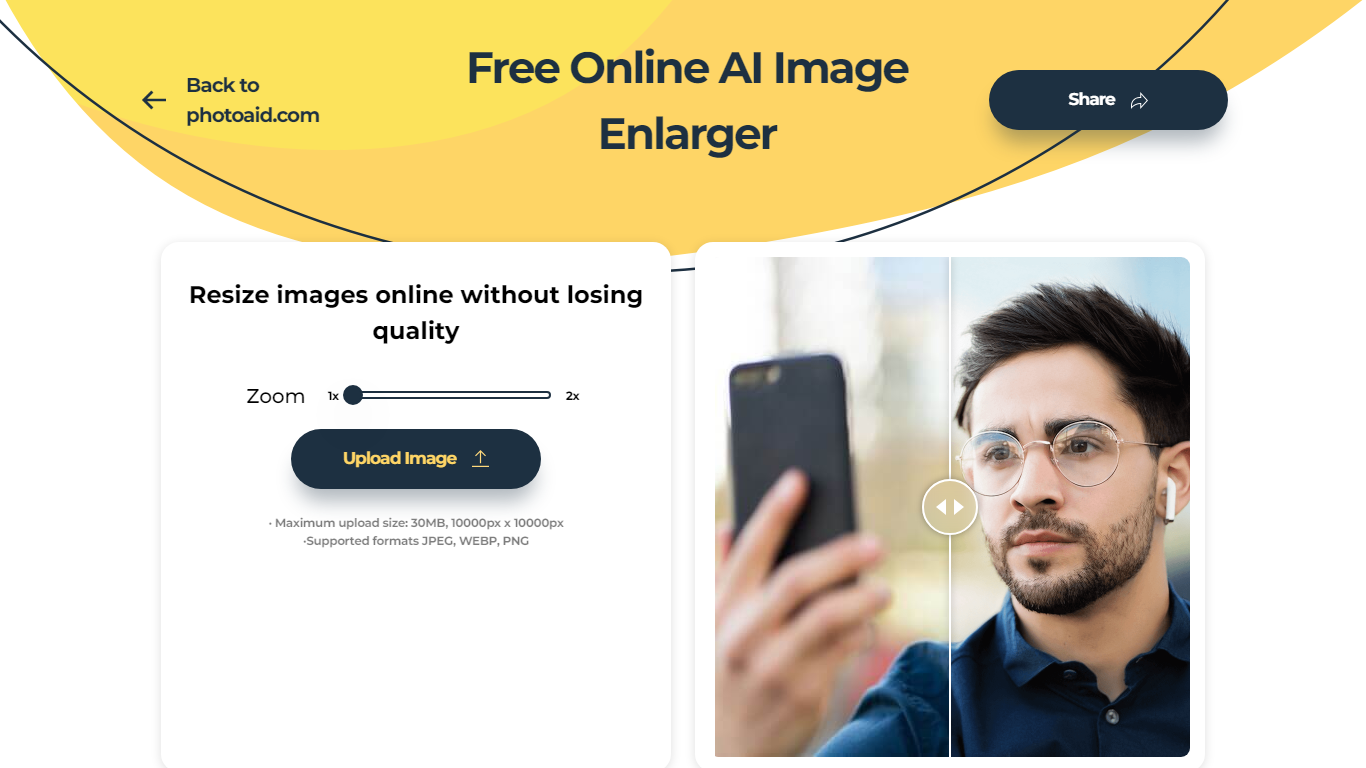
PhotoAid's AI Image Enlarger upscales photos in the browser without a software download. You upload a JPEG, WEBP, or PNG file up to 30MB or 10,000 by 10,000 pixels, pick a 1x or 2x zoom level, and the tool doubles dimensions while smoothing detail instead of leaving blocky pixels.
Standard resize tools stretch pixels and blur faces fast. PhotoAid's upscaler uses AI smoothing tuned especially for portraits, so a 1000 by 1000 px image can become 2000 by 2000 px with fewer artifacts than a basic bicubic stretch.
The enlarger is free and hosted by PhotoAiD, the same team behind passport and visa photo tools on photoaid.com. They released it as a standalone browser utility alongside their biometric photo pipeline, with multilingual site options and links back to other PhotoAid tools.
PhotoAid's AI Image Enlarger fits photographers, ecommerce sellers, and anyone who needs a quick upscale for profile shots or product images. It also helps travelers who already use PhotoAid for passport photos and want a separate enlargement step in the same ecosystem.
QuickRedact Upvotes
PhotoAid's AI Image Enlarger Upvotes
QuickRedact Top Features
Detects any number of faces in a photo automatically, including large group shots
Batch import and process multiple photos in one session
Per-face redaction with blur, pixelation, emoji, or shape effects
On-device processing with GPU and Neural Engine for real-time previews
Strips all photo metadata and runs with no analytics or tracking
PhotoAid's AI Image Enlarger Top Features
2x zoom doubles image dimensions, for example 1000 by 1000 px to 2000 by 2000 px
Maximum upload size is 30MB or 10,000 by 10,000 pixels
Supports JPEG, WEBP, and PNG input formats
Browser-based workflow requires no desktop software download
AI upscaler emphasizes face photos but handles other image types
Free access with share and tell-friends prompts on the tool page
Multilingual PhotoAid site lists 15 language options in the footer
QuickRedact Category
- Photo Editing
PhotoAid's AI Image Enlarger Category
- Photo Editing
QuickRedact Pricing Type
- Paid
PhotoAid's AI Image Enlarger Pricing Type
- Free