Quill Flow vs Formularizer
In the clash of Quill Flow vs Formularizer, which AI Excel tool emerges victorious? We assess reviews, pricing, alternatives, features, upvotes, and more.
When we put Quill Flow and Formularizer head to head, which one emerges as the victor?
Let's take a closer look at Quill Flow and Formularizer, both of which are AI-driven excel tools, and see what sets them apart. The upvote count favors Formularizer, making it the clear winner. Formularizer has attracted 7 upvotes from aitools.fyi users, and Quill Flow has attracted 6 upvotes.
Not your cup of tea? Upvote your preferred tool and stir things up!
Quill Flow
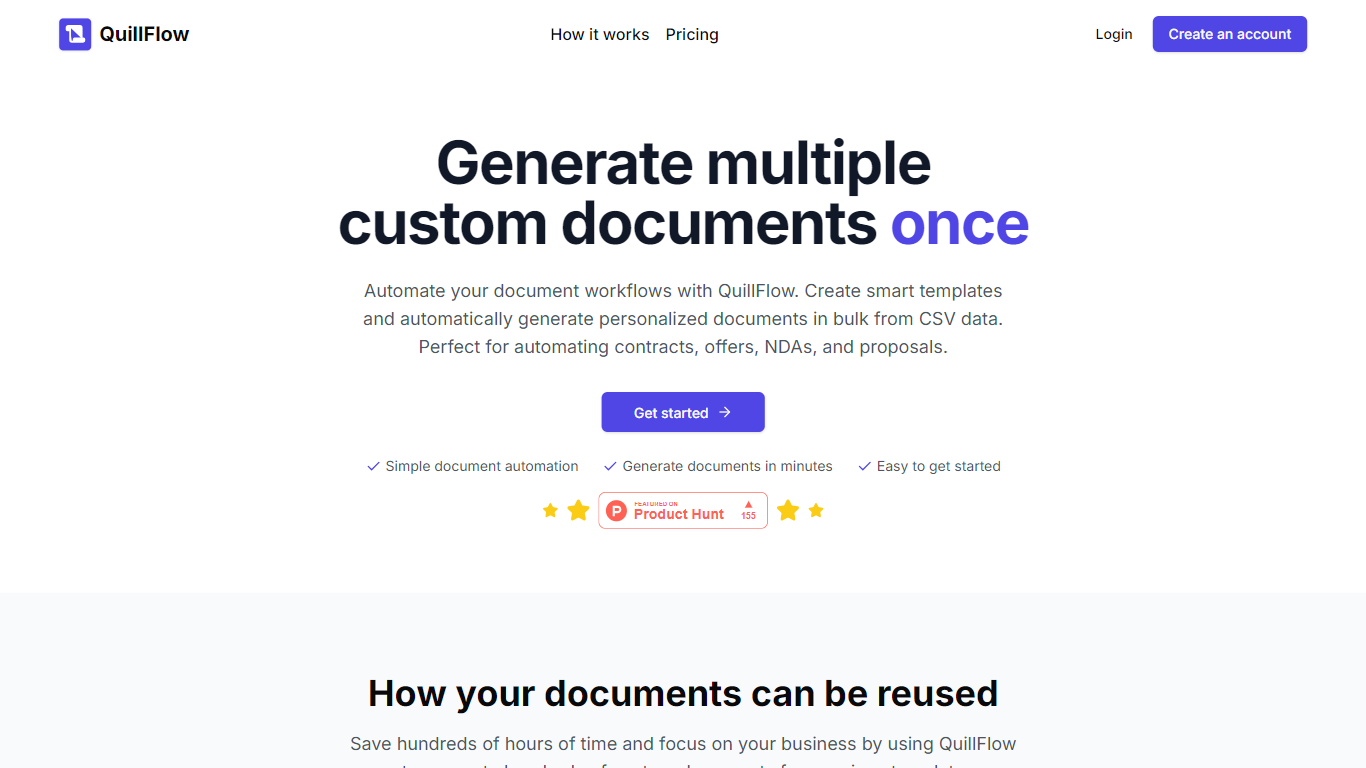

What is Quill Flow?
Quill Flow is a keyboard extension for iPhone that lets you swipe, type, or dictate in any app, then cleans up the text before it lands. Hold the mic, talk naturally, and get back formatted sentences with punctuation, capitalization, and filler words stripped out. It works in iMessage, WhatsApp, Gmail, Slack, Notes, and anywhere else you can type on iOS.
The keyboard combines glide typing, smart autocorrect, and dictation in one place so you do not have to switch apps or keyboards mid-message. Swipe typing covers 17 languages with live word candidates, while dictation supports 100+ languages including Hinglish for mixed Hindi and English in the same sentence.
Flow Studios built Quill Flow for people who write on their phone all day but hate fixing typos and messy transcripts. That includes commuters drafting emails, multilingual speakers code-switching mid-sentence, and VoiceOver users who need dictation that does not transcribe screen reader announcements.
Formularizer
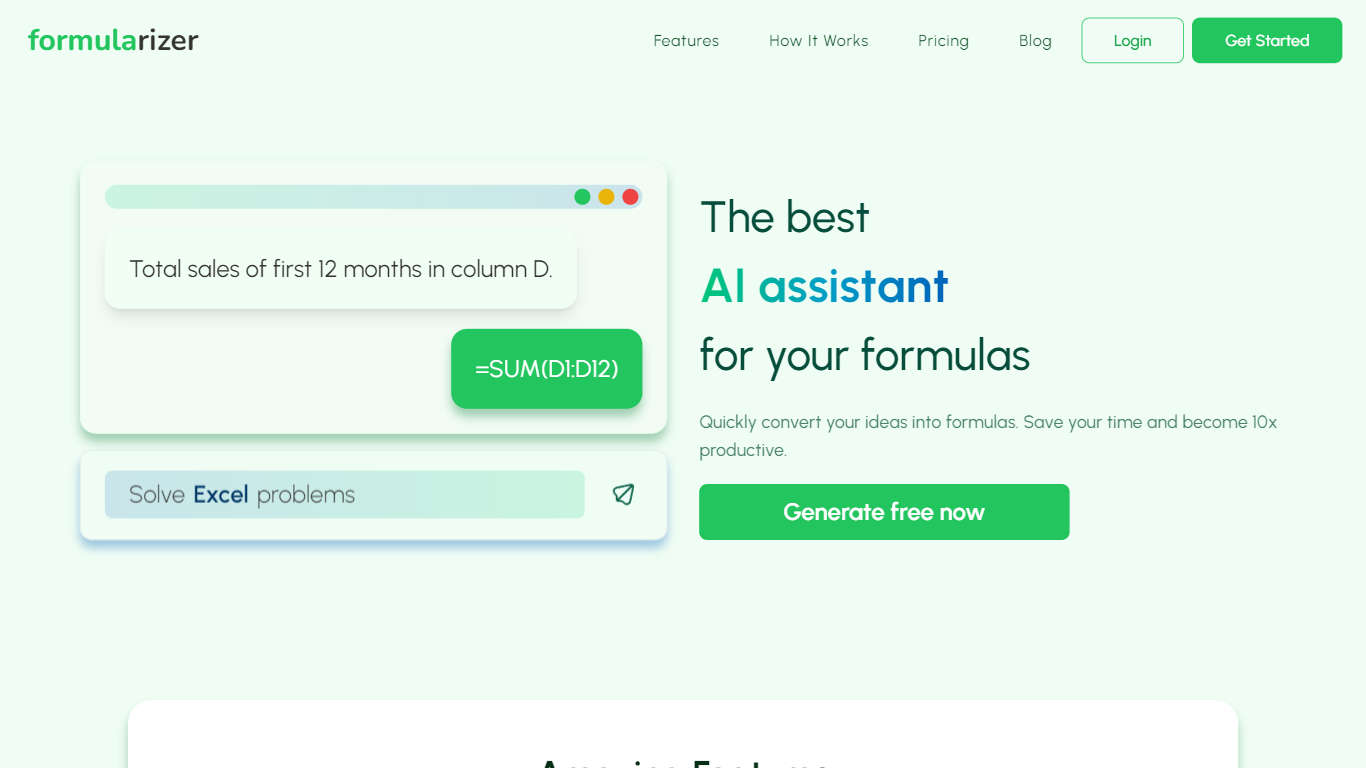
What is Formularizer?
Formularizer is a web assistant for spreadsheet and data work. Choose from four focused helpers: formulas for Excel and Google Sheets, SQL queries, regular expressions, and scripts in Excel VBA or Google Apps Script. Describe what you need in plain language, or paste an existing formula to get an explanation.
Each assistant supports Generate mode to build something new from a description and Explain mode to break down code you already have. For spreadsheet formulas, you pick the target platform so outputs match Excel or Google Sheets syntax. Adding sample data through the input panel helps accuracy on trickier requests.
The site gives you 3 free credits to try before creating an account. Signing up unlocks 50 free credits each month plus faster, more accurate responses. Accounts can be created with email or Google sign-in.
Formularizer fits analysts, students, and anyone who spends their day in spreadsheets but would rather not dig through function docs for every task.
Quill Flow Upvotes
Formularizer Upvotes
Quill Flow Top Features
Dictate in 100+ languages with filler words and false starts removed automatically
Glide typing in 17 languages with live candidates from an 82,000-word vocabulary
19 rewrite tones from Professional to Gen Z, applied to anything you dictated
Context-aware formatting that adjusts for email, chat, or notes based on the app you are in
Dedicated Hinglish dictation for mixing Hindi and English mid-sentence without garbled output
Full VoiceOver support with magic tap dictation and screen reader filtering in 34 languages
Works as a keyboard extension in every iOS app, no switching between keyboards required
Formularizer Top Features
Four assistants cover formulas, SQL, regex, and spreadsheet scripts in one workspace
Generate mode writes formulas, queries, regex patterns, or scripts from a plain-language prompt
Explain mode breaks down existing formulas and code line by line
Pick Excel or Google Sheets when generating spreadsheet formulas
Drop in sample data from the input menu to sharpen results on complex requests
Quill Flow Category
- Excel
Formularizer Category
- Excel
Quill Flow Pricing Type
- Freemium
Formularizer Pricing Type
- Freemium