RE:Create vs Riverside
In the battle of RE:Create vs Riverside, which AI Video Editing tool comes out on top? We compare reviews, pricing, alternatives, upvotes, features, and more.
Between RE:Create and Riverside, which one is superior?
Upon comparing RE:Create with Riverside, which are both AI-powered video editing tools, The upvote count favors Riverside, making it the clear winner. The number of upvotes for Riverside stands at 25, and for RE:Create it's 6.
Want to flip the script? Upvote your favorite tool and change the game!
RE:Create
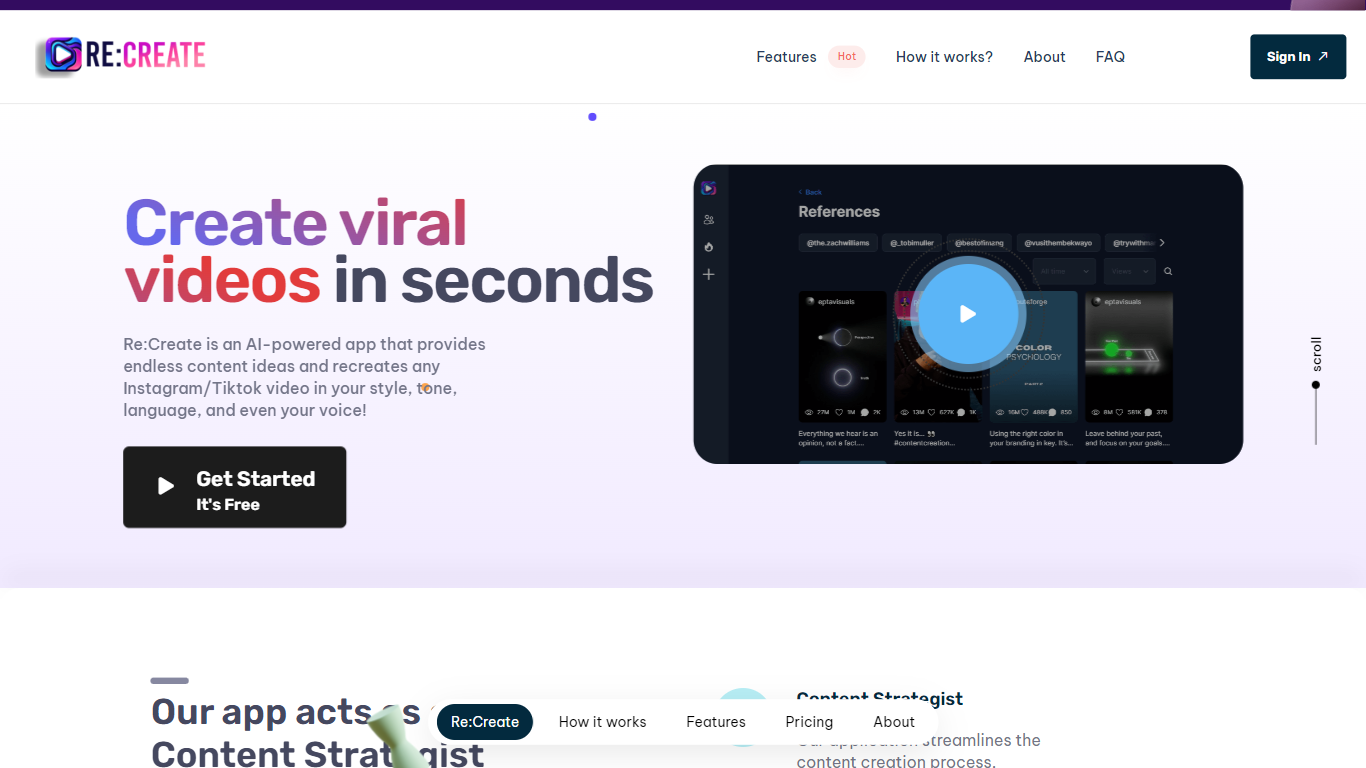

What is RE:Create?
RE:Create is a cutting-edge AI tool designed specifically for content creators who want to excel in the digital age. Revolutionizing video content generation for Instagram, TikTok, YouTube shorts, and more, RE:Create offers an intuitive platform that allows creators to discover, analyze, and optimize top-performing content for any profile. With the power of AI at its core, users can regenerate viral video concepts in seconds.
The tool provides actionable insights and allows content makers to mimic the style, tone, and language of their favorite influencers to create custom videos that resonate with their audience. Additionally, users benefit from in-built features like a content strategist, scriptwriter, and customizable voiceover options, effectively streamlining the entire content creation process. Whether you’re looking to skyrocket your audience, save time on content planning, or simply inject some creativity into your videos, RE:Create has got you covered.
Riverside

What is Riverside?
Riverside.fm is a powerful tool that makes it easy for podcasters and media companies to record high-quality audio and video content from anywhere. With Riverside.fm, you can conduct remote interviews and capture them in studio-quality audio and 4K video. Whether you're working on a podcast, a video series, or any other type of media project, Riverside.fm can help you get the content you need, no matter where you or your guests are located. It's a valuable resource for anyone looking to produce professional-grade audio and video content remotely.
RE:Create Upvotes
Riverside Upvotes
RE:Create Top Features
Content Strategist: Automates content planning and strategy, saving time and effort while delivering effective results.
Scriptwriter for Videos: Assists in creating engaging video scripts without needing a professional scriptwriter.
Voiceover Artist: Offers customizable voice options to eliminate the need for a separate voiceover artist.
Viral Video Generation: Quickly re-create viral content in your own style and tone with just a click.
Social Media Analytics: Provides insights into top-performing content across various platforms for better content optimization.
Riverside Top Features
No top features listedRE:Create Category
- Video Editing
Riverside Category
- Video Editing
RE:Create Pricing Type
- Freemium
Riverside Pricing Type
- Freemium