RE:Create vs Timebolt
In the face-off between RE:Create vs Timebolt, which AI Video Editing tool takes the crown? We scrutinize features, alternatives, upvotes, reviews, pricing, and more.
When we put RE:Create and Timebolt head to head, which one emerges as the victor?
If we were to analyze RE:Create and Timebolt, both of which are AI-powered video editing tools, what would we find? The upvote count shows a clear preference for Timebolt. The upvote count for Timebolt is 18, and for RE:Create it's 6.
You don't agree with the result? Cast your vote to help us decide!
RE:Create

What is RE:Create?
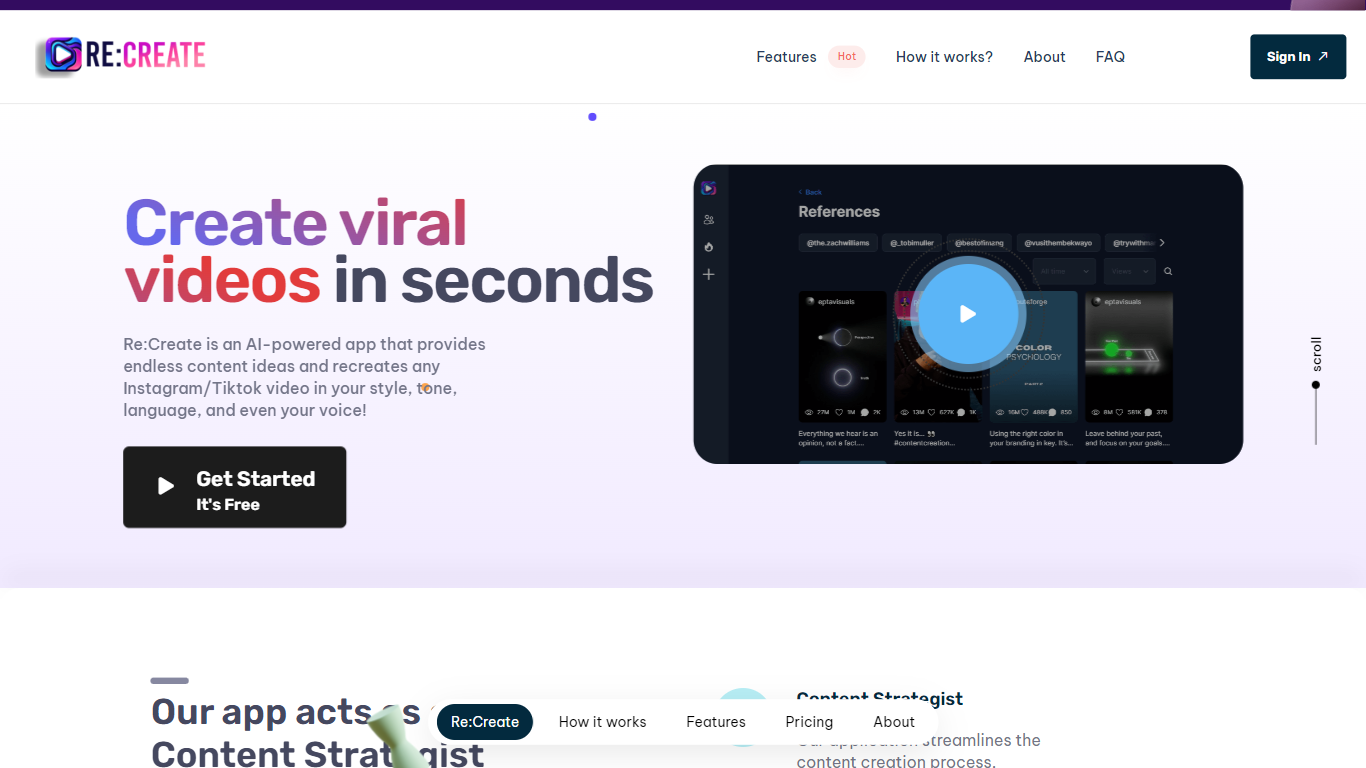
RE:Create is a cutting-edge AI tool designed specifically for content creators who want to excel in the digital age. Revolutionizing video content generation for Instagram, TikTok, YouTube shorts, and more, RE:Create offers an intuitive platform that allows creators to discover, analyze, and optimize top-performing content for any profile. With the power of AI at its core, users can regenerate viral video concepts in seconds.
The tool provides actionable insights and allows content makers to mimic the style, tone, and language of their favorite influencers to create custom videos that resonate with their audience. Additionally, users benefit from in-built features like a content strategist, scriptwriter, and customizable voiceover options, effectively streamlining the entire content creation process. Whether you’re looking to skyrocket your audience, save time on content planning, or simply inject some creativity into your videos, RE:Create has got you covered.
Timebolt

What is Timebolt?
Experience the future of video editing with TimeBolt.io. Automatically jump-cut videos to eliminate silences and awkward pauses, transforming lengthy content into engaging masterpieces. Whether you're editing podcasts or videos, TimeBolt ensures a seamless and rapid editing process, making you talk like a superhuman without the burnout.
RE:Create Upvotes
Timebolt Upvotes
RE:Create Top Features
Content Strategist: Automates content planning and strategy, saving time and effort while delivering effective results.
Scriptwriter for Videos: Assists in creating engaging video scripts without needing a professional scriptwriter.
Voiceover Artist: Offers customizable voice options to eliminate the need for a separate voiceover artist.
Viral Video Generation: Quickly re-create viral content in your own style and tone with just a click.
Social Media Analytics: Provides insights into top-performing content across various platforms for better content optimization.
Timebolt Top Features
Elimina automáticamente el silencio de vídeos y podcasts
Editor de vídeo rápido para Windows y MAC
Detección automática de silencio en vídeos.
Esculpir: Corta o conserva cualquier palabra o escena.
Opciones de exportación: Premiere, Final Cut Pro, DaVinci Resolve y Camtasia
Elimina las palabras de relleno automáticamente con Umcheck
RE:Create Category
- Video Editing
Timebolt Category
- Video Editing
RE:Create Pricing Type
- Freemium
Timebolt Pricing Type
- Paid