Reach vs Autoclear ChatGPT History
Dive into the comparison of Reach vs Autoclear ChatGPT History and discover which AI Sales tool stands out. We examine alternatives, upvotes, features, reviews, pricing, and beyond.
In a comparison between Reach and Autoclear ChatGPT History, which one comes out on top?
When we compare Reach and Autoclear ChatGPT History, two exceptional sales tools powered by artificial intelligence, and place them side by side, several key similarities and differences come to light. Autoclear ChatGPT History stands out as the clear frontrunner in terms of upvotes. Autoclear ChatGPT History has attracted 7 upvotes from aitools.fyi users, and Reach has attracted 6 upvotes.
Don't agree with the result? Cast your vote and be a part of the decision-making process!
Reach
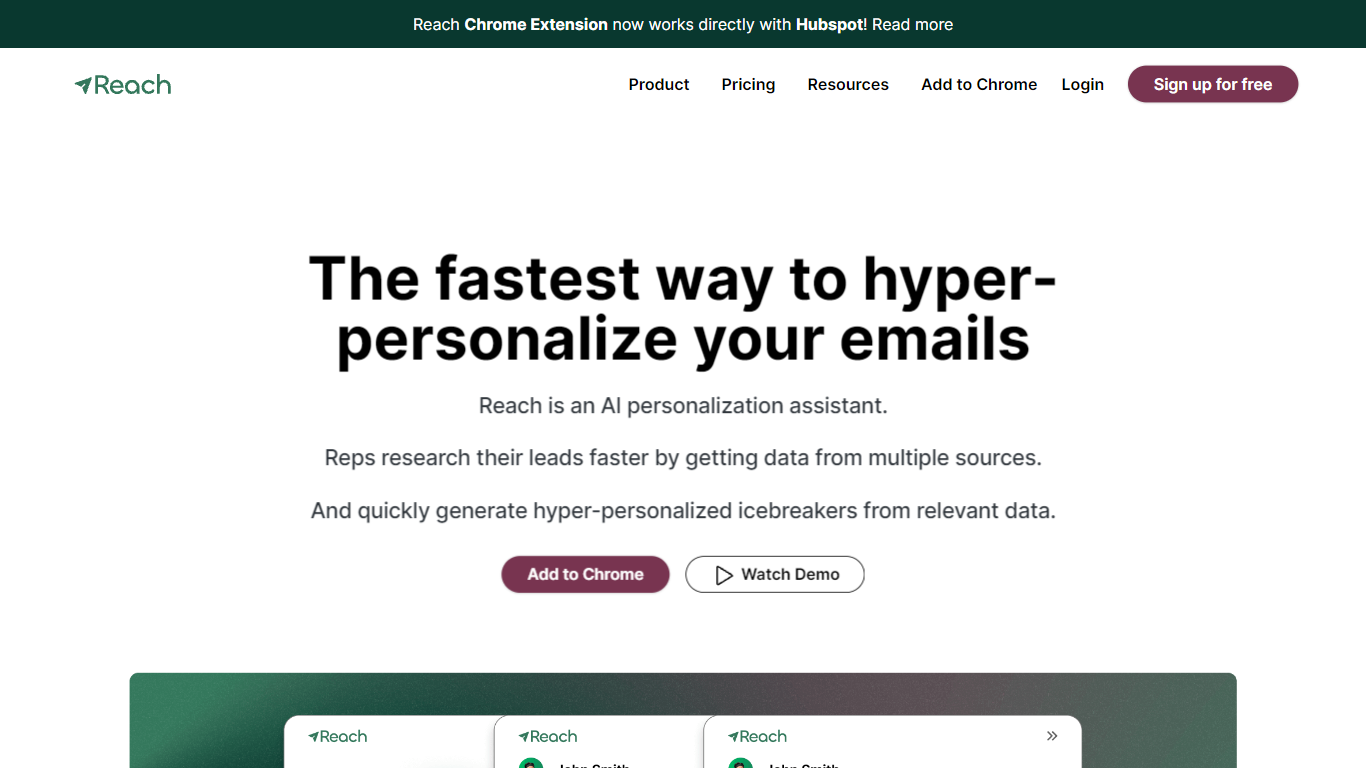

What is Reach?
Reach monitors your prospect list across LinkedIn, job boards, company websites, tech stack changes, and other signals, then sends a daily email with who to contact and why. Sales teams use it to catch hiring spikes, funding news, social activity, and SEC filings without manually refreshing tabs for every account.
Most personalization tools wait for you to open a profile and write an opener. Reach flips that by running trigger monitoring in the background and scoring each signal against your keyword list and value proposition, so reps work from a ranked daily list instead of guessing which leads moved overnight.
SDRs and account executives at companies like Calendly, Carta, and Veeva use Reach to cut email personalization from about 5 minutes to 30 seconds per message. A Chrome extension pulls prospect data into one panel, generates icebreaker copy from the trigger, and pushes leads into HubSpot, Salesloft, Outreach, or Salesforce.
Autoclear ChatGPT History
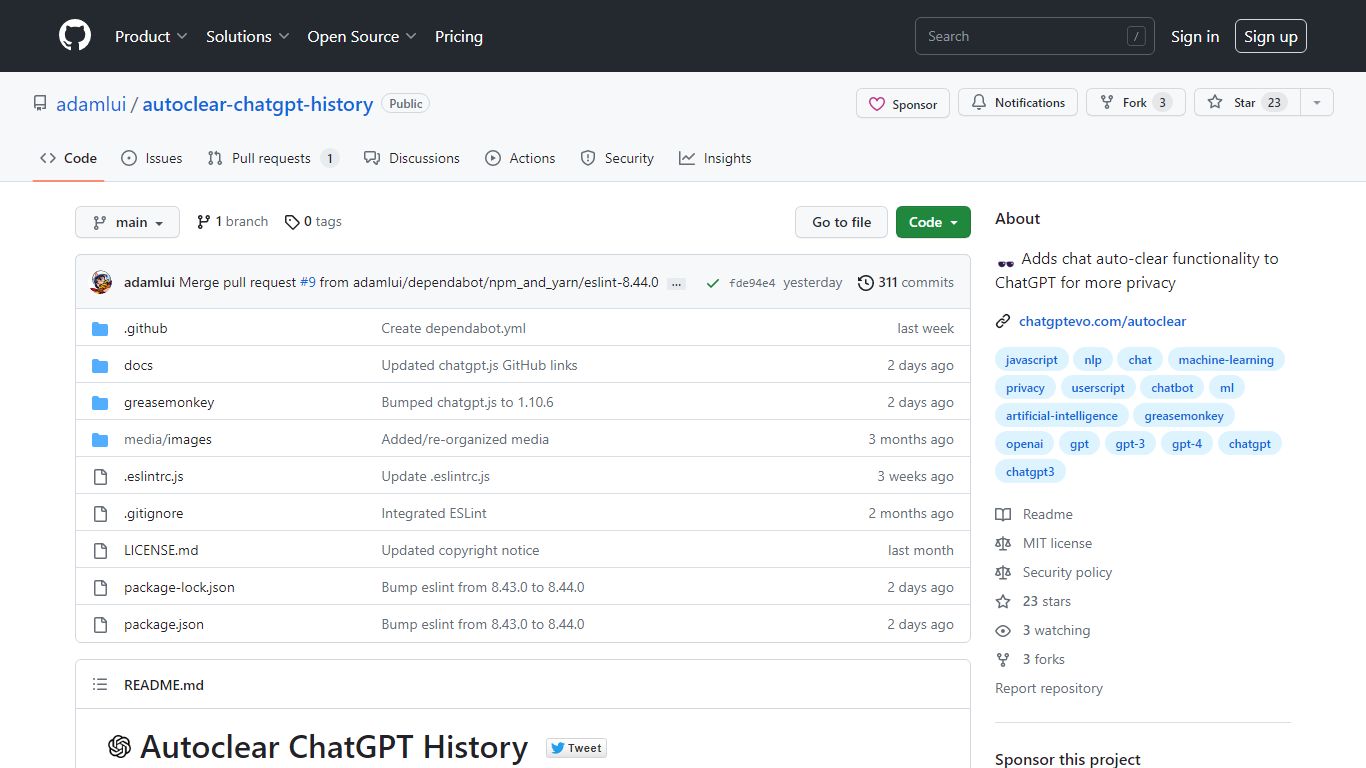
What is Autoclear ChatGPT History?
Autoclear ChatGPT History is a free userscript that wipes your ChatGPT conversation list each time you open chatgpt.com, so prior chats do not linger in the sidebar. You install it through a userscript manager such as Tampermonkey, Violentmonkey, or ScriptCat, then visit chatgpt.com as usual and a toggle appears for controlling the behavior.
Unlike browser privacy extensions that block trackers broadly, this script targets one job on one site: clearing stored ChatGPT threads on arrival. That narrow scope keeps the install lightweight compared with full privacy suites, though it only helps if you already use a userscript manager.
The project is MIT licensed, distributed via Greasy Fork and GitHub, and built on the chatgpt.js library from KudoAI. It supports Chrome, Firefox, Edge, Opera, Brave, Vivaldi, LibreWolf, Ghost, and QQ, with Safari options through Stay or Userscripts.
Reach Upvotes
Autoclear ChatGPT History Upvotes
Reach Top Features
Monitors leads across 20+ data sources including LinkedIn, job postings, tech stack changes, and company websites
Sends a daily email listing who to contact and the trigger event from the previous 24 hours
AI relevance scoring ranks triggers against your keyword list and value proposition
Generates personalized email copy from the specific trigger instead of generic templates
Chrome extension works inside HubSpot and aggregates prospect research in one side panel
Integrates with Slack, Outreach, Salesloft, Salesforce, Google Sheets, and HubSpot
Typical users monitor around 1,000 leads with no hard cap on monitored accounts
Autoclear ChatGPT History Top Features
Clears ChatGPT sidebar history automatically each time you load chatgpt.com
Adds an on-page toggle so you can turn auto-clear on or off during a session
Installs through Tampermonkey, Violentmonkey, ScriptCat, OrangeMonkey, or Safari Stay
MIT licensed with a free Greasy Fork install and a raw GitHub userscript URL
Lists compatibility with 9 browsers including Chrome, Firefox, Edge, Brave, and Vivaldi
Runs on chatgpt.js, the open-source library maintained by KudoAI
Reach Category
- Sales
Autoclear ChatGPT History Category
- Sales
Reach Pricing Type
- Freemium
Autoclear ChatGPT History Pricing Type
- Free