Readable vs Dubbah
When comparing Readable vs Dubbah, which AI Translation tool shines brighter? We look at pricing, alternatives, upvotes, features, reviews, and more.
In a comparison between Readable and Dubbah, which one comes out on top?
When we put Readable and Dubbah side by side, both being AI-powered translation tools, The upvote count favors Dubbah, making it the clear winner. Dubbah has received 7 upvotes from aitools.fyi users, while Readable has received 6 upvotes.
Feeling rebellious? Cast your vote and shake things up!
Readable

What is Readable?
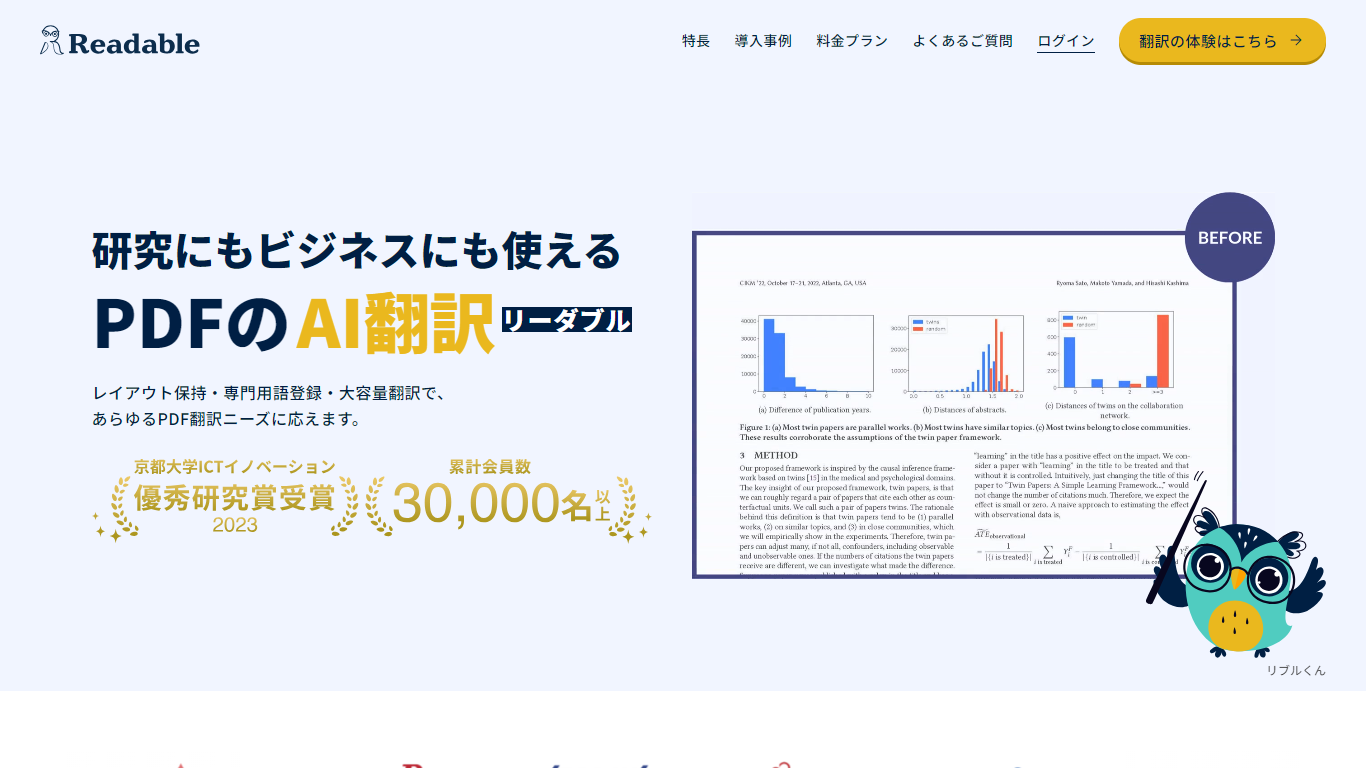
Readable translates PDF files into Japanese while keeping the original layout intact, including tables, figures, and images. Built by NextLab Inc., it targets researchers reading academic papers and business teams working through manuals, reports, and contracts without rebuilding documents by hand.
The reader shows original and translated text side by side so you can scan a translation and jump back to the source line when something needs a closer look. Premium users can register custom dictionaries so product names, abbreviations, and field-specific terms translate the same way every time.
Readable runs in the browser and through a Chrome extension for quick file translation. Pro Standard focuses on English-to-Japanese PDFs, while Pro Premium adds 200+ source languages, larger file limits, and optional ChatGPT-based translation engines.
Dubbah
What is Dubbah?
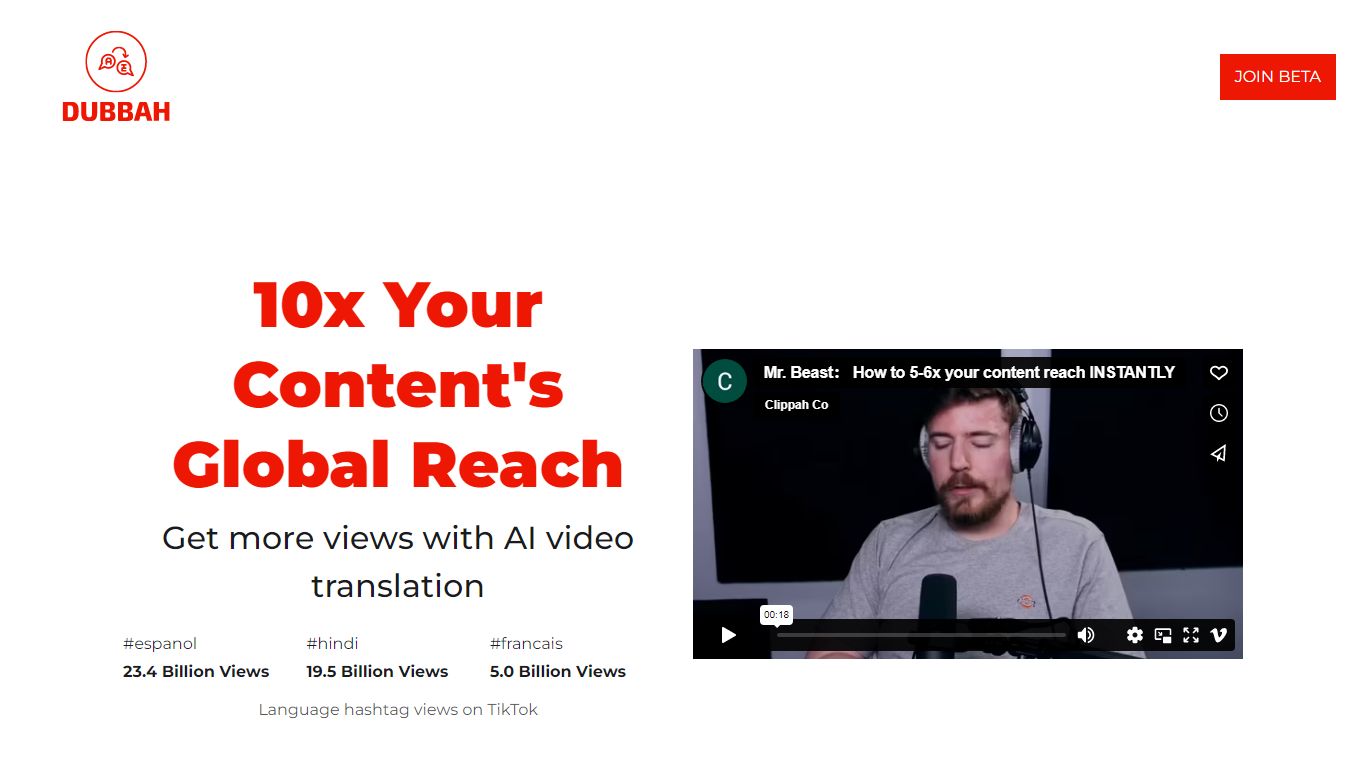
Dubbah dubs videos into 14 languages locally on your Mac without shipping files to the cloud. Drop an MP4 or MOV, pick target languages, and the app translates dialogue, clones the speaker's voice tone, and lets you edit every line before export.
Cloud dubbing services charge per minute and keep copies on remote servers. Dubbah runs on macOS 13+ for Apple Silicon and Intel, works offline after setup, and stays free with no subscriptions or per-minute metering according to the product site.
Creators, educators, and indie filmmakers use Dubbah when they need multilingual cuts for social clips, training videos, or client deliverables while keeping sensitive footage on the machine. There is no account signup; download the app and start dubbing immediately.
Readable Upvotes
Dubbah Upvotes
Readable Top Features
Tables, charts, and images stay in place in the translated PDF
Original and Japanese text sit side by side for faster research reading
Custom dictionaries pin product names and technical terms to your preferred wording
Premium translates up to 1,000 pages or 200 MB in a single upload
Chrome extension handles one-click translation for online files
Dubbah Top Features
Dubs video into 14 languages including Spanish, Mandarin, Hindi, Arabic, and Japanese
Runs locally on macOS 13+ for Apple Silicon and Intel Macs
Voice cloning matches original speaker tone in the target language
Edit translated lines, timing, and re-generate individual segments before export
Works offline after initial setup with no internet required for dubbing
Completely free with no subscriptions or per-minute fees listed on site
Readable Category
- Translation
Dubbah Category
- Translation
Readable Pricing Type
- Freemium
Dubbah Pricing Type
- Free