Readable vs GhostCut
In the contest of Readable vs GhostCut, which AI Translation tool is the champion? We evaluate pricing, alternatives, upvotes, features, reviews, and more.
If you had to choose between Readable and GhostCut, which one would you go for?
When we examine Readable and GhostCut, both of which are AI-enabled translation tools, what unique characteristics do we discover? The upvote count shows a clear preference for GhostCut. GhostCut has garnered 7 upvotes, and Readable has garnered 6 upvotes.
Don't agree with the result? Cast your vote and be a part of the decision-making process!
Readable

What is Readable?
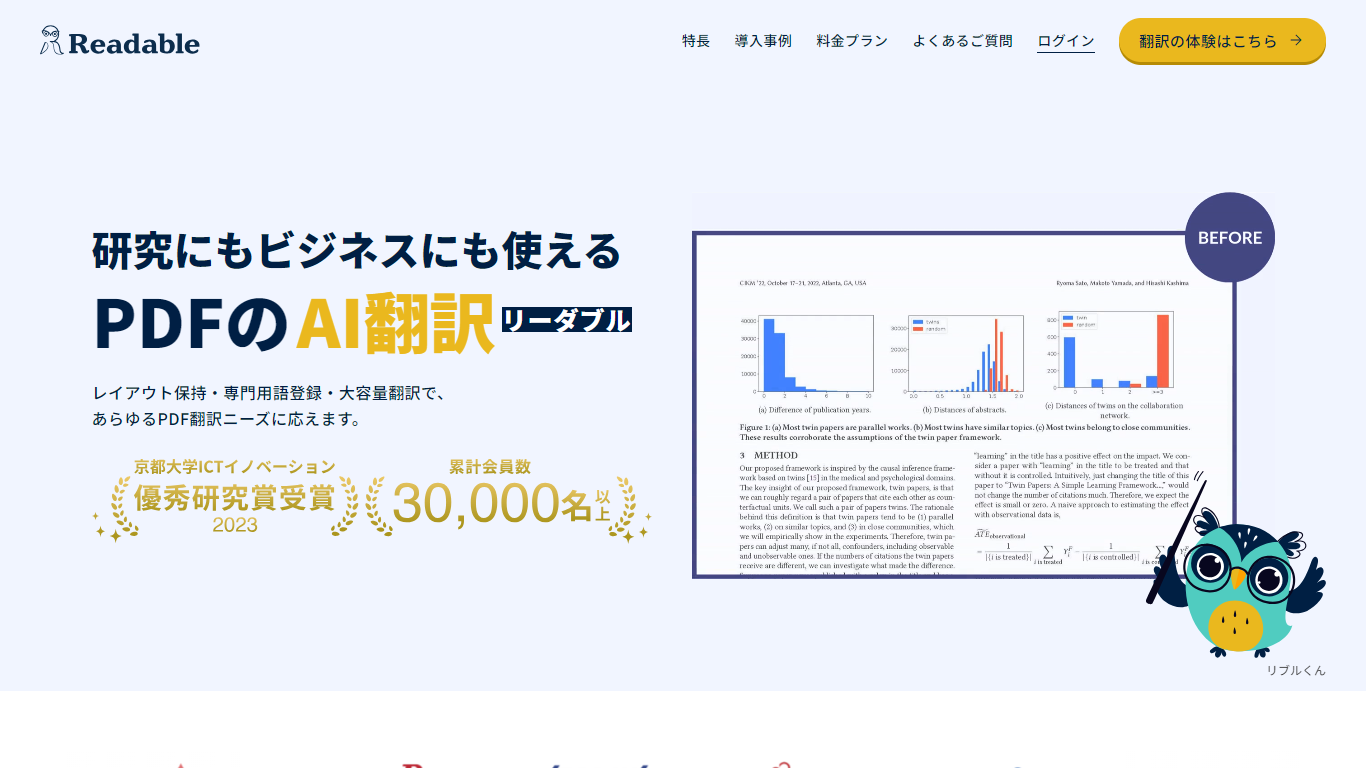
Readable translates PDF files into Japanese while keeping the original layout intact, including tables, figures, and images. Built by NextLab Inc., it targets researchers reading academic papers and business teams working through manuals, reports, and contracts without rebuilding documents by hand.
The reader shows original and translated text side by side so you can scan a translation and jump back to the source line when something needs a closer look. Premium users can register custom dictionaries so product names, abbreviations, and field-specific terms translate the same way every time.
Readable runs in the browser and through a Chrome extension for quick file translation. Pro Standard focuses on English-to-Japanese PDFs, while Pro Premium adds 200+ source languages, larger file limits, and optional ChatGPT-based translation engines.
GhostCut
What is GhostCut?
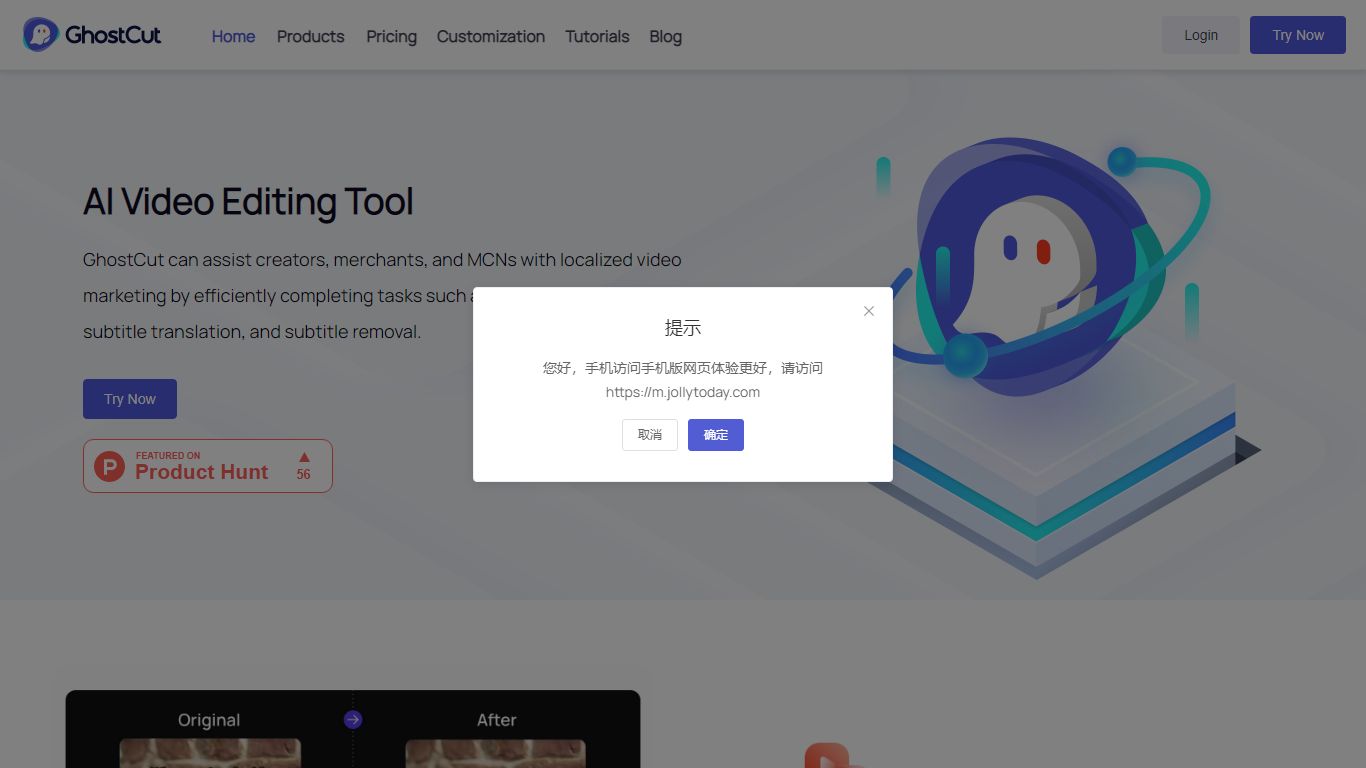
GhostCut localizes videos with a translation workflow that covers subtitle generation, hardcoded text removal, AI translation, voice cloning, and dubbing from one dashboard on jollytoday.com. You can batch upload MP4, MOV, and other formats up to 1 GB, run ASR and OCR on 100+ languages, and export synced subtitles, dubbed audio, and project files. It targets creators who need end-to-end localization rather than a single subtitle editor.
Most video translators stop at text conversion. GhostCut also erases on-screen subtitles and lower thirds, clones speaker voices with emotion controls, and replaces background music to reduce copyright risk. Credit billing is per 30-second blocks across services, and published rates start around $0.10 per minute, which is cheaper than many enterprise localization suites.
Short-drama producers, e-commerce sellers, educators, and social creators running TikTok or YouTube channels are the core audience. Teams that only need occasional SRT files may prefer a lighter translator. GhostCut fits high-volume localization where removal, dubbing, and batch APIs matter.
Readable Upvotes
GhostCut Upvotes
Readable Top Features
Tables, charts, and images stay in place in the translated PDF
Original and Japanese text sit side by side for faster research reading
Custom dictionaries pin product names and technical terms to your preferred wording
Premium translates up to 1,000 pages or 200 MB in a single upload
Chrome extension handles one-click translation for online files
GhostCut Top Features
Dual ASR and OCR subtitle generation across 100+ source languages
Video translator supports 40+ target languages with batch uploads up to 1 GB
Traceless removal of hardcoded subtitles, lower thirds, and watermarks
Hyper-realistic AI dubbing with multi-speaker detection and voice cloning
Credit packs from 70 credits for ¥28 up to 250,000 credits for ¥30,000
Free tier limits single videos to 15 seconds and 720P export quality
API access mirrors web billing for subtitle removal, translation, and image tools
Readable Category
- Translation
GhostCut Category
- Translation
Readable Pricing Type
- Freemium
GhostCut Pricing Type
- Freemium