Readable vs OpenL Translate
In the clash of Readable vs OpenL Translate, which AI Translation tool emerges victorious? We assess reviews, pricing, alternatives, features, upvotes, and more.
When we put Readable and OpenL Translate head to head, which one emerges as the victor?
Let's take a closer look at Readable and OpenL Translate, both of which are AI-driven translation tools, and see what sets them apart. OpenL Translate is the clear winner in terms of upvotes. The number of upvotes for OpenL Translate stands at 7, and for Readable it's 6.
You don't agree with the result? Cast your vote to help us decide!
Readable
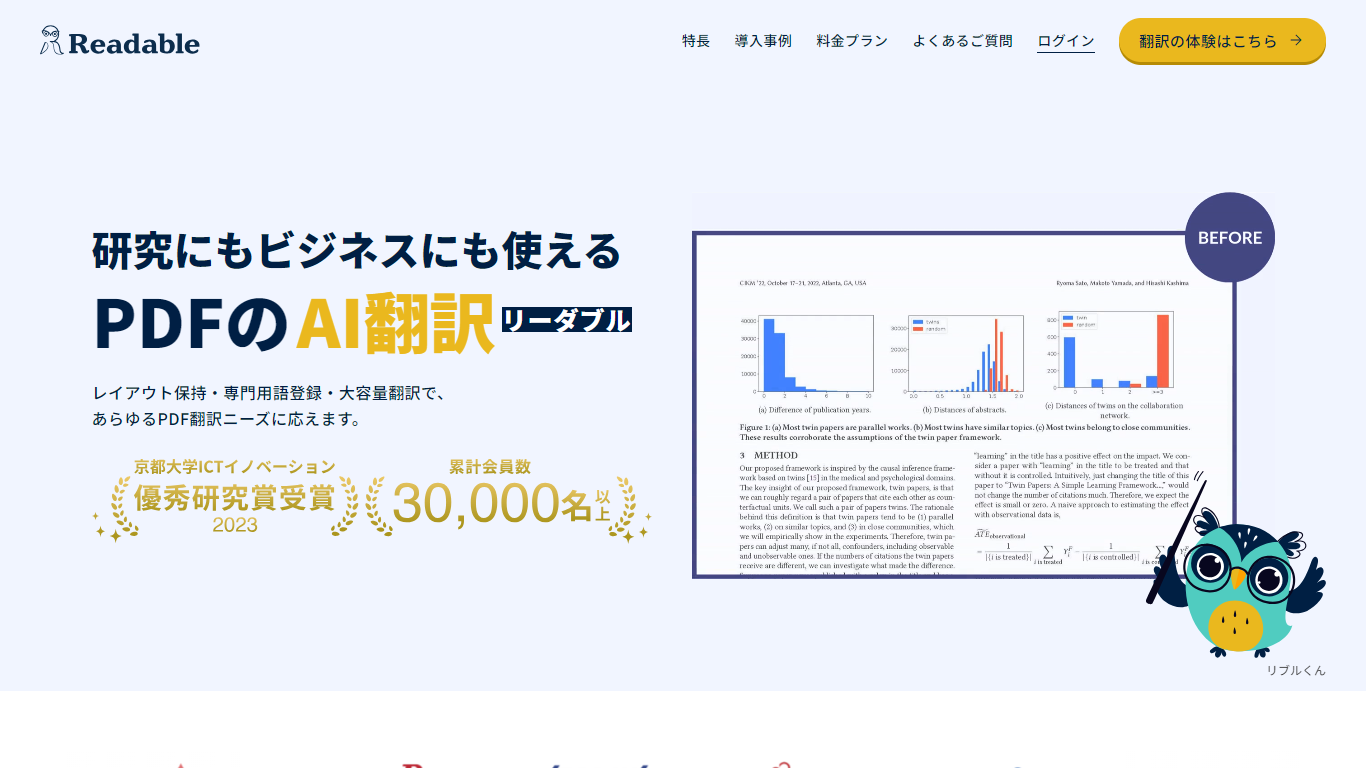

What is Readable?
Readable translates PDF files into Japanese while keeping the original layout intact, including tables, figures, and images. Built by NextLab Inc., it targets researchers reading academic papers and business teams working through manuals, reports, and contracts without rebuilding documents by hand.
The reader shows original and translated text side by side so you can scan a translation and jump back to the source line when something needs a closer look. Premium users can register custom dictionaries so product names, abbreviations, and field-specific terms translate the same way every time.
Readable runs in the browser and through a Chrome extension for quick file translation. Pro Standard focuses on English-to-Japanese PDFs, while Pro Premium adds 200+ source languages, larger file limits, and optional ChatGPT-based translation engines.
OpenL Translate
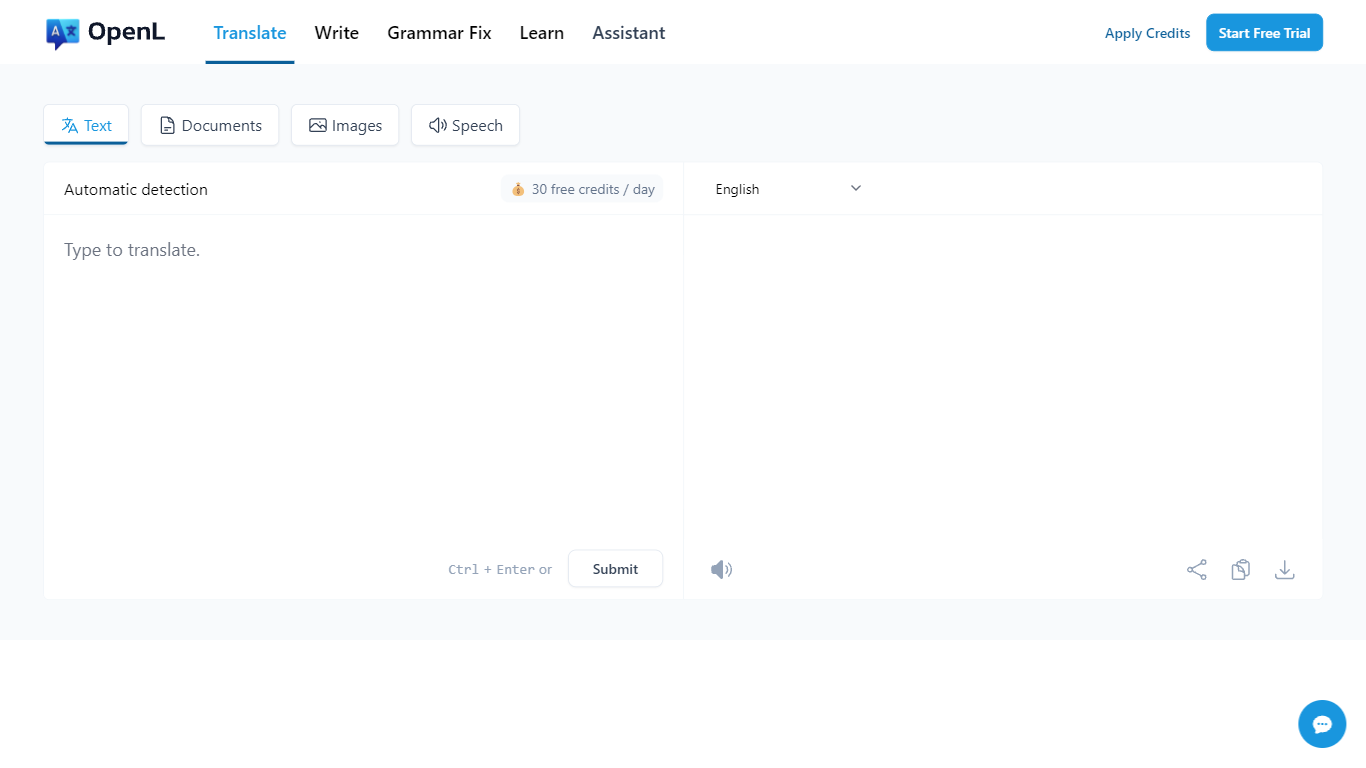
What is OpenL Translate?
OpenL Translate turns pasted text, uploaded files, screenshots, and audio into fluent output across 100+ languages. Separate tabs handle documents, images, speech, and live websites, so you can move from a PDF contract to a menu photo without switching tools.
Where Google Translate often stays literal on idioms and long files, OpenL pushes natural phrasing and bundles document OCR, scanned PDF handling, and writing helpers in one account. Paid tiers add Advanced Credits, Translate Agent for complex passages, and much higher per-request character limits up to 150,000.
Freelancers, educators, and global teams use it for quick message checks, contract drafts, and localized marketing copy. Browser extensions for Chrome and Edge, plus iOS and web apps, let you translate selected text without leaving the page.
Readable Upvotes
OpenL Translate Upvotes
Readable Top Features
Tables, charts, and images stay in place in the translated PDF
Original and Japanese text sit side by side for faster research reading
Custom dictionaries pin product names and technical terms to your preferred wording
Premium translates up to 1,000 pages or 200 MB in a single upload
Chrome extension handles one-click translation for online files
OpenL Translate Top Features
100+ languages including niche options like Ancient Greek and Toki Pona
Document translation for PDF, DOCX, TXT, Markdown, and SRT up to 100 MB on Pro
Image and scanned PDF translation with Pro OCR on paid plans
Free plan includes 40 Fast Credits per day and 1,500 characters per request
Chrome and Microsoft Edge extensions for in-page text translation
Translate Agent and DeepThink modes on Pro and Ultimate for complex content
Grammar checker, rewriter, and summarizer tools beyond raw translation
Readable Category
- Translation
OpenL Translate Category
- Translation
Readable Pricing Type
- Freemium
OpenL Translate Pricing Type
- Freemium