Readable vs Translate Voice to Text | Sonix
In the face-off between Readable vs Translate Voice to Text | Sonix, which AI Translation tool takes the crown? We scrutinize features, alternatives, upvotes, reviews, pricing, and more.
In a face-off between Readable and Translate Voice to Text | Sonix, which one takes the crown?
If we were to analyze Readable and Translate Voice to Text | Sonix, both of which are AI-powered translation tools, what would we find? Both tools have received the same number of upvotes from aitools.fyi users. Join the aitools.fyi users in deciding the winner by casting your vote.
You don't agree with the result? Cast your vote to help us decide!
Readable

What is Readable?
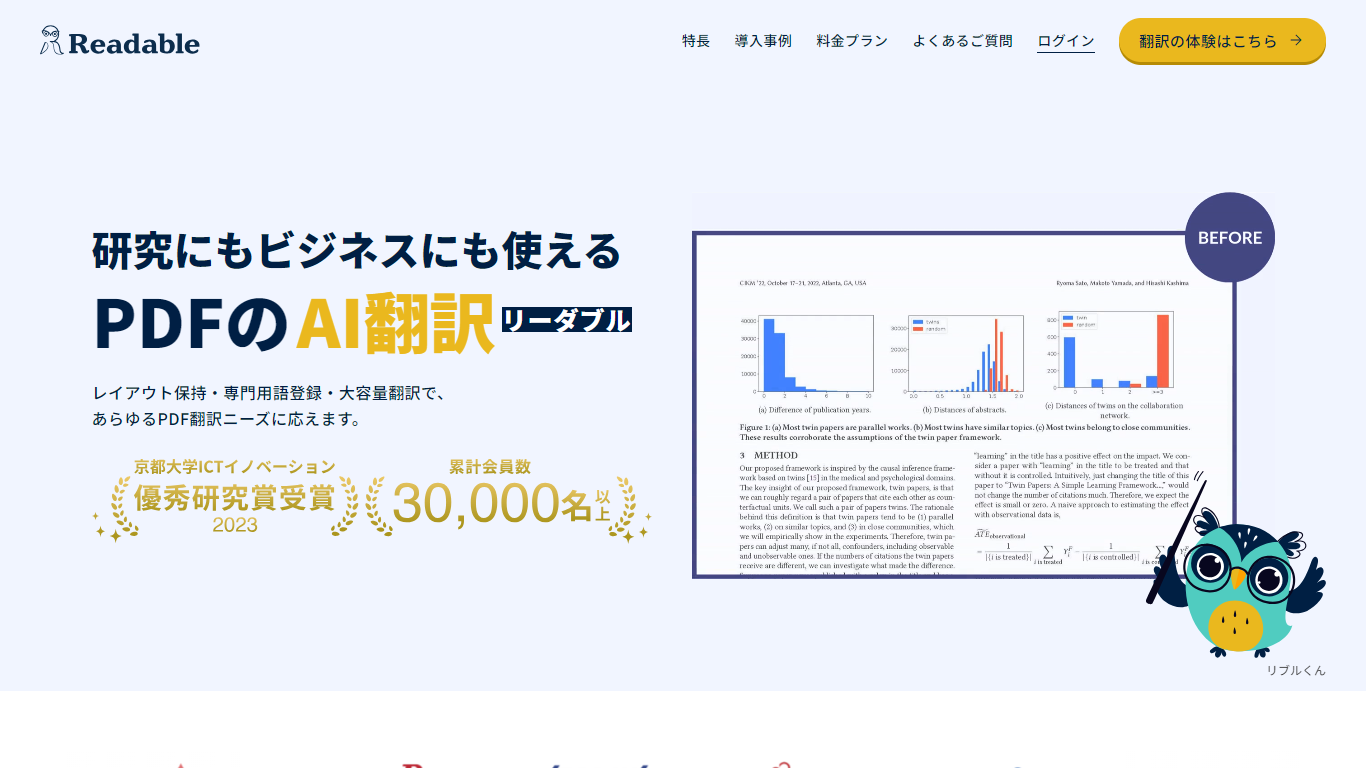
Readable translates PDF files into Japanese while keeping the original layout intact, including tables, figures, and images. Built by NextLab Inc., it targets researchers reading academic papers and business teams working through manuals, reports, and contracts without rebuilding documents by hand.
The reader shows original and translated text side by side so you can scan a translation and jump back to the source line when something needs a closer look. Premium users can register custom dictionaries so product names, abbreviations, and field-specific terms translate the same way every time.
Readable runs in the browser and through a Chrome extension for quick file translation. Pro Standard focuses on English-to-Japanese PDFs, while Pro Premium adds 200+ source languages, larger file limits, and optional ChatGPT-based translation engines.
Translate Voice to Text | Sonix
What is Translate Voice to Text | Sonix?
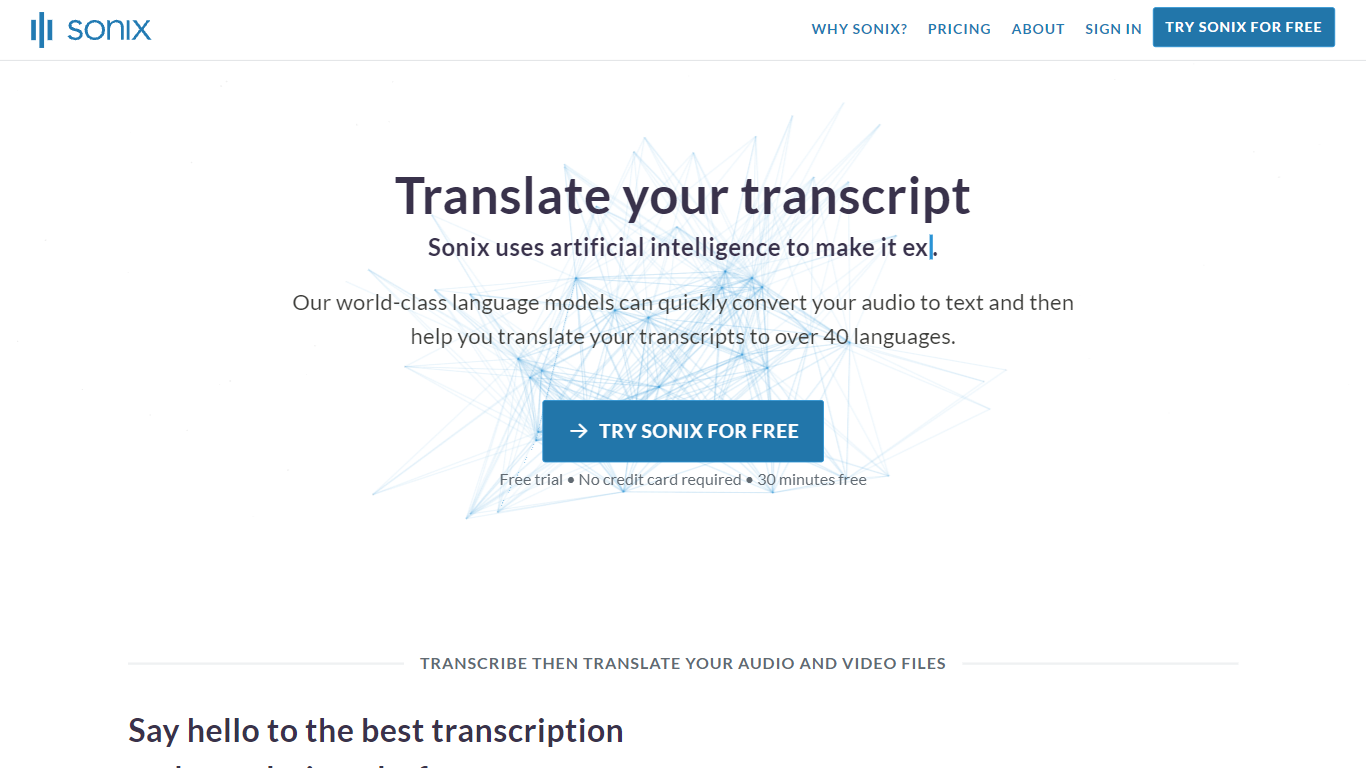
Translate Voice to Text | Sonix is Sonix's audio and video translation workflow: upload a recording, get a transcript, then convert it into any of 54+ target languages inside one browser editor. The platform pairs speech-to-text with neural machine translation so subtitles, timestamps, and speaker labels stay attached through the whole process.
Standalone text translators cannot work from raw audio, and hiring human translators per language gets expensive fast. Sonix handles transcription and translation in a single upload, preserves SRT and VTT timing for video, and bills translation at the same per-hour rate as transcription rather than as a separate vendor line item.
A side-by-side editor lets you compare source and translated text while listening to the original audio, which matters when you are polishing interviews, depositions, or training footage. Export options span DOCX, PDF, TXT, SRT, and VTT across 20+ formats, and integrations cover Zoom, Zapier, Dropbox, Google Drive, and a REST API.
Media teams, legal departments, researchers, and global companies use it when they need multilingual transcripts without rebuilding subtitle timing by hand. New accounts receive 30 free minutes with no credit card required.
Readable Upvotes
Translate Voice to Text | Sonix Upvotes
Readable Top Features
Tables, charts, and images stay in place in the translated PDF
Original and Japanese text sit side by side for faster research reading
Custom dictionaries pin product names and technical terms to your preferred wording
Premium translates up to 1,000 pages or 200 MB in a single upload
Chrome extension handles one-click translation for online files
Translate Voice to Text | Sonix Top Features
Translate transcripts into 54+ languages with 2916 language pairs
Pay-as-you-go pricing at $10 per audio hour with translation included
Side-by-side editor syncs translated text to original audio timestamps
Export subtitles as SRT or VTT in multiple languages from one upload
Core plan includes 5 hours per month of transcription and translation for $25
SOC 2 Type II and HIPAA compliance with encrypted storage
Readable Category
- Translation
Translate Voice to Text | Sonix Category
- Translation
Readable Pricing Type
- Freemium
Translate Voice to Text | Sonix Pricing Type
- Freemium