Readable vs Translate.video
In the contest of Readable vs Translate.video, which AI Translation tool is the champion? We evaluate pricing, alternatives, upvotes, features, reviews, and more.
If you had to choose between Readable and Translate.video, which one would you go for?
When we examine Readable and Translate.video, both of which are AI-enabled translation tools, what unique characteristics do we discover? In the race for upvotes, Translate.video takes the trophy. Translate.video has garnered 8 upvotes, and Readable has garnered 6 upvotes.
Don't agree with the result? Cast your vote and be a part of the decision-making process!
Readable

What is Readable?
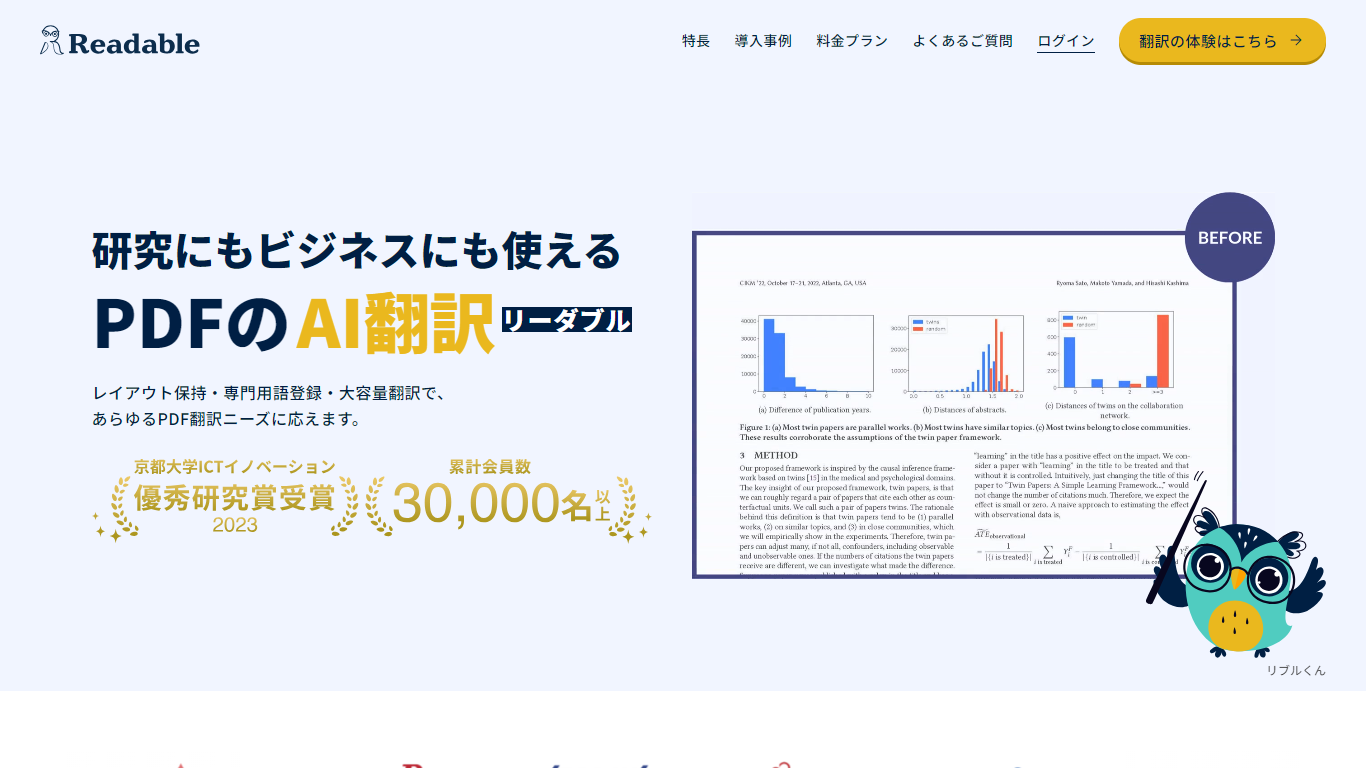
Readable translates PDF files into Japanese while keeping the original layout intact, including tables, figures, and images. Built by NextLab Inc., it targets researchers reading academic papers and business teams working through manuals, reports, and contracts without rebuilding documents by hand.
The reader shows original and translated text side by side so you can scan a translation and jump back to the source line when something needs a closer look. Premium users can register custom dictionaries so product names, abbreviations, and field-specific terms translate the same way every time.
Readable runs in the browser and through a Chrome extension for quick file translation. Pro Standard focuses on English-to-Japanese PDFs, while Pro Premium adds 200+ source languages, larger file limits, and optional ChatGPT-based translation engines.
Translate.video
What is Translate.video?
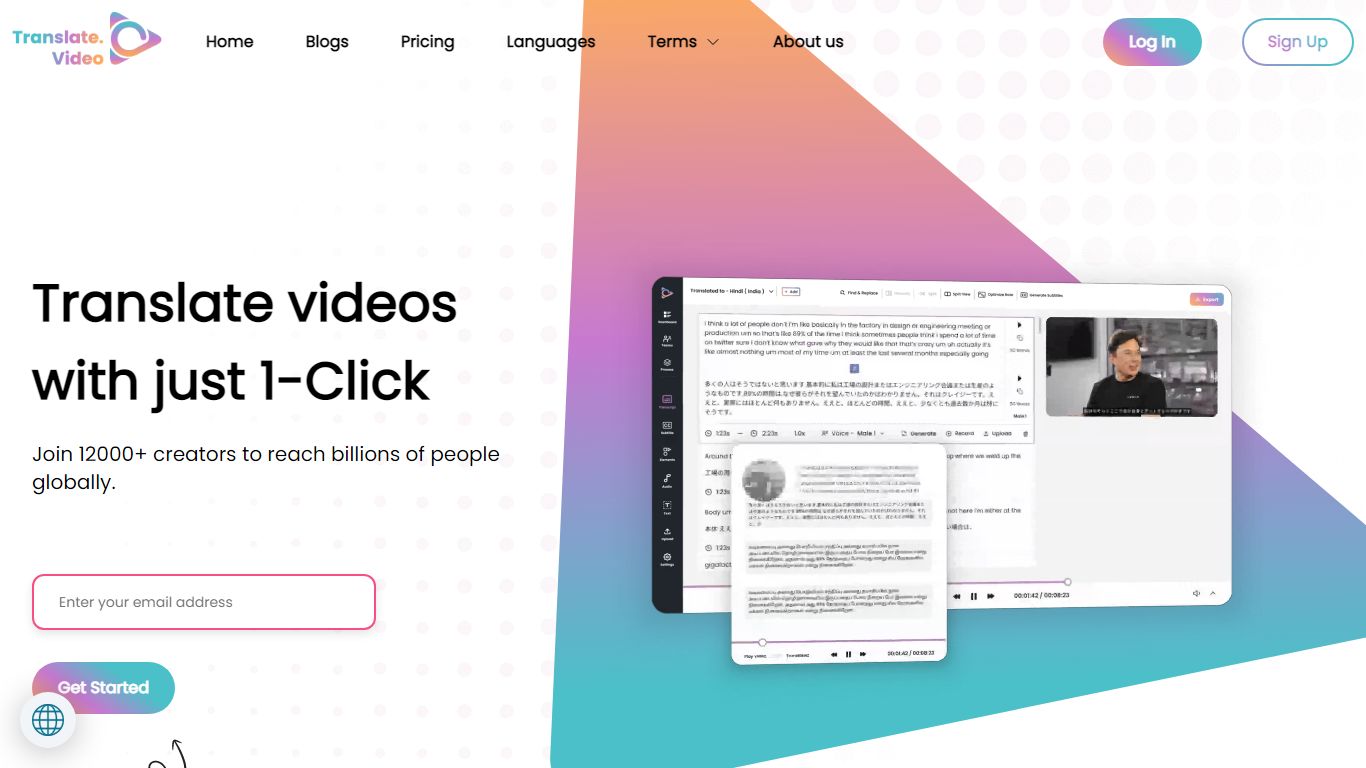
Publishing the same training clip in twelve languages usually means hiring voice actors or reshooting every scene. Translate.video is a video translation platform that dubs, captions, and lip-syncs footage into 75+ languages from one upload. Creators upload MP4, MOV, or WEBM files, pick target languages, and download localized versions with synced audio and optional mouth alignment.
Dedicated dubbing studios charge per minute and queue projects for days. Translate.video bundles dubbing minutes, text-to-speech, voice cloning, speaker diarization, and lip sync in browser workflows priced by monthly minute allowances. That trades studio polish for speed, though lip sync and multi-speaker diarization still cap out on English-only detection on lower tiers.
YouTube creators, course builders, and marketing teams use it to reach global audiences without rebuilding every edit. Pro and Premium plans add 81 languages per process, 1080p exports, animated subtitle styles, and direct publishing hooks for YouTube and Instagram.
Readable Upvotes
Translate.video Upvotes
Readable Top Features
Tables, charts, and images stay in place in the translated PDF
Original and Japanese text sit side by side for faster research reading
Custom dictionaries pin product names and technical terms to your preferred wording
Premium translates up to 1,000 pages or 200 MB in a single upload
Chrome extension handles one-click translation for online files
Translate.video Top Features
Translate and dub videos into 81 languages on paid plans
Lip sync aligns translated voiceover to speaker mouth movements
Pro includes 100 dubbing minutes and 10 lip sync minutes per month
Voice cloning and text-to-speech with instant clone voices
Exports 1080p video with 24 animated subtitle styles on Basic and above
Upload files up to 60 minutes long on Pro with 1 GB max file size
Readable Category
- Translation
Translate.video Category
- Translation
Readable Pricing Type
- Freemium
Translate.video Pricing Type
- Freemium