Readdy vs Flux
Explore the showdown between Readdy vs Flux and find out which AI Design tool wins. We analyze upvotes, features, reviews, pricing, alternatives, and more.
When comparing Readdy and Flux, which one rises above the other?
When we contrast Readdy with Flux, both of which are exceptional AI-operated design tools, and place them side by side, we can spot several crucial similarities and divergences. Flux stands out as the clear frontrunner in terms of upvotes. Flux has been upvoted 11 times by aitools.fyi users, and Readdy has been upvoted 6 times.
Not your cup of tea? Upvote your preferred tool and stir things up!
Readdy

What is Readdy?
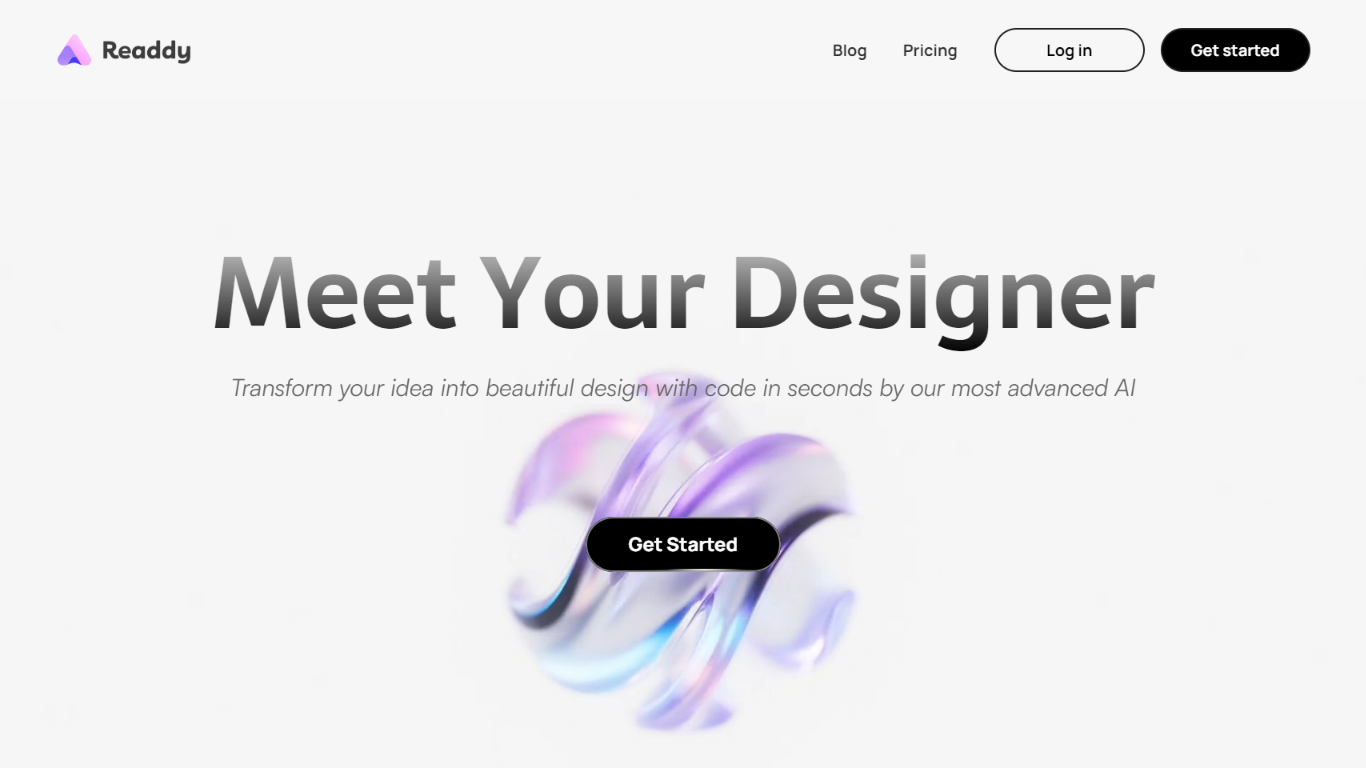
Readdy is a no-code AI website builder that turns a text prompt, template, screenshot, or reference URL into a full multi-page site in minutes. You describe what you want, and it generates layouts, copy, images, and navigation with responsive design baked in from the start.
What sets it apart from a typical page builder is the end-to-end stack. Readdy covers generation, a visual editor with Selector Mode, hosting, custom domains, SEO controls, form storage, and integrations like Stripe, Shopify, Calendly, and Supabase without wiring up separate tools.
It fits solo creators, small businesses, and web agencies that need to ship business sites, portfolios, blogs, landing pages, or storefronts fast. Agency tiers add white-label delivery, lead finding, outreach campaigns, and client management under your own brand.
Flux

What is Flux?
Flux runs ECAD in the browser so hardware engineers design printed circuit boards from idea through manufacturing without desktop installs. You describe what you want to build, and Flux Copilot plans the work, generates schematics and layouts, and checks in before key steps so you stay in control.
Compared with traditional desktop ECAD suites, Flux combines collaborative schematic and layout editing with live component data, supply chain pricing, and explainable automation in one workspace. Copilot handles planning, part research, BoM generation, placement, routing, and design reviews while you approve key steps instead of clicking through every net manually.
Flux supports multi-layer PCBs up to eight layers for IoT devices, wearables, robotics, and production-bound hardware. You can import from Altium, Cadence, KiCad, Eagle, and EasyEDA, then export Gerbers, drill files, BoMs, pick-and-place files, and standard netlists for fabrication.
Readdy Upvotes
Flux Upvotes
Readdy Top Features
Generates complete websites from a text prompt, screenshot, reference URL, or 500+ industry templates
Selector Mode lets you click any element to edit text, colors, spacing, or AI-generated backgrounds in real time
One-click publish with hosting, SSL, custom domains, sitemap.xml, and Google Search Console verification
Built-in form backend stores submissions in Supabase with no external database setup
Connects Stripe, Shopify, Calendly, Mailchimp, and Google Analytics from the same dashboard
Agency plans add white-label portals, AI lead finder, batch demo sites, and cold email outreach campaigns
Flux Top Features
Describe a board in plain language and Copilot maps a plan for approval
Generates schematics, BoMs, and layouts with placement and routing
Runs design reviews for unconnected pins, missing caps, and tolerance issues
Multi-layer PCBs up to eight layers, from prototype to production
Imports Altium, Cadence, KiCad, Eagle, and EasyEDA projects
Exports Gerbers, drill files, BoM, pick-and-place, and netlists
14-day free trial covers all features before Explore, Build, or Pro billing starts
Readdy Category
- Design
Flux Category
- Design
Readdy Pricing Type
- Freemium
Flux Pricing Type
- Freemium