Readdy vs Microsoft Designer
Dive into the comparison of Readdy vs Microsoft Designer and discover which AI Design tool stands out. We examine alternatives, upvotes, features, reviews, pricing, and beyond.
In a comparison between Readdy and Microsoft Designer, which one comes out on top?
When we compare Readdy and Microsoft Designer, two exceptional design tools powered by artificial intelligence, and place them side by side, several key similarities and differences come to light. Microsoft Designer stands out as the clear frontrunner in terms of upvotes. The upvote count for Microsoft Designer is 10, and for Readdy it's 6.
Not your cup of tea? Upvote your preferred tool and stir things up!
Readdy
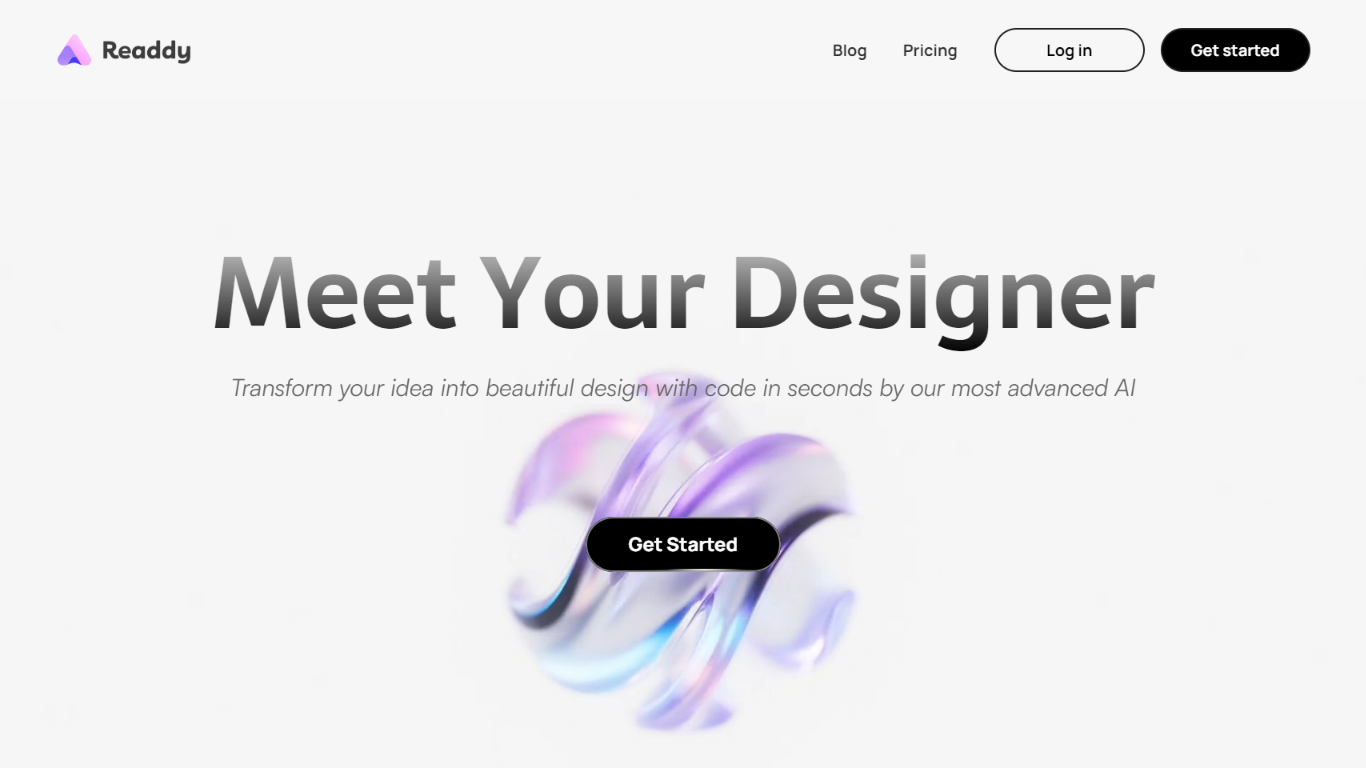

What is Readdy?
Readdy is a no-code AI website builder that turns a text prompt, template, screenshot, or reference URL into a full multi-page site in minutes. You describe what you want, and it generates layouts, copy, images, and navigation with responsive design baked in from the start.
What sets it apart from a typical page builder is the end-to-end stack. Readdy covers generation, a visual editor with Selector Mode, hosting, custom domains, SEO controls, form storage, and integrations like Stripe, Shopify, Calendly, and Supabase without wiring up separate tools.
It fits solo creators, small businesses, and web agencies that need to ship business sites, portfolios, blogs, landing pages, or storefronts fast. Agency tiers add white-label delivery, lead finding, outreach campaigns, and client management under your own brand.
Microsoft Designer
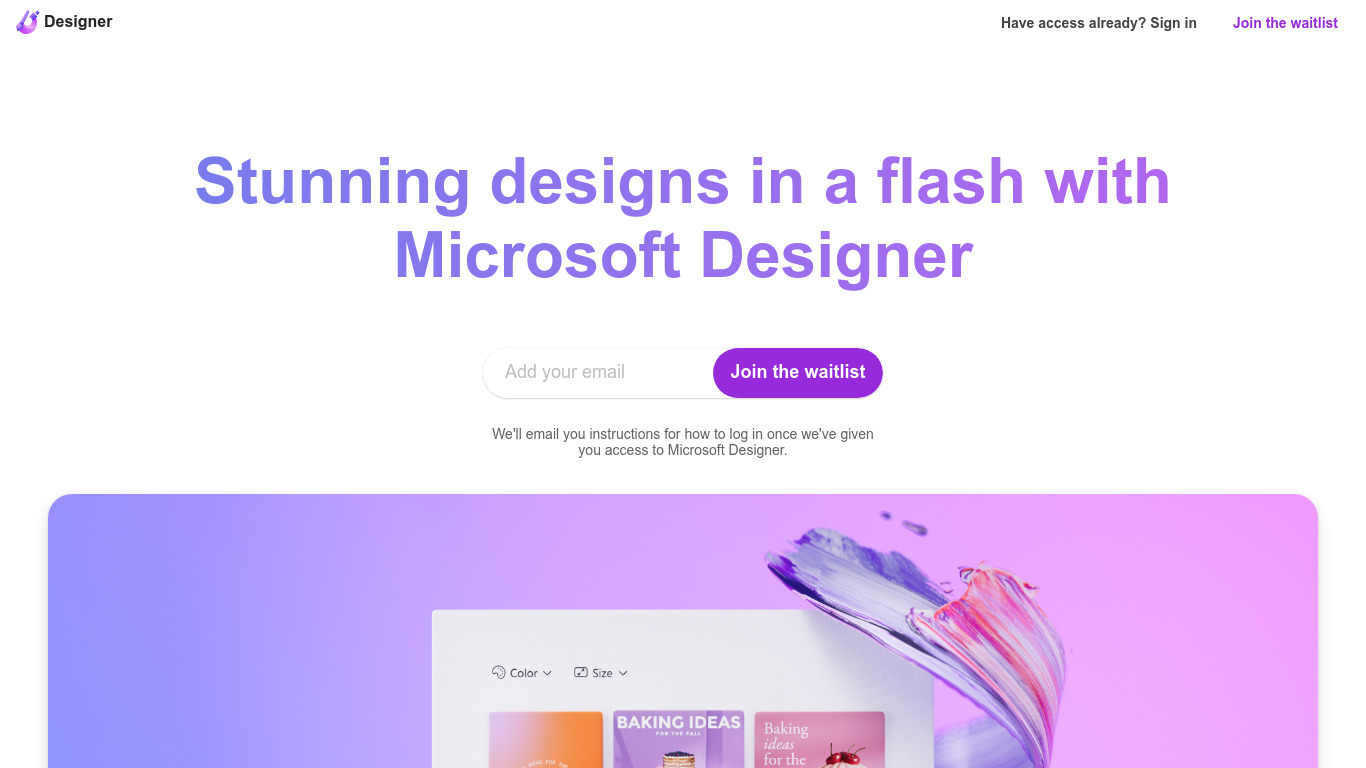
What is Microsoft Designer?
Microsoft Designer helps you build social posts, invitations, flyers, and graphics from prompt templates inside a browser app. Pick a category such as Instagram posts, LinkedIn banners, or Outlook headers, then use Create with AI, Edit with AI, or blank canvas layouts sized for each platform. Sign-in with a Microsoft account unlocks the editor.
Canva gives you a broad template marketplace, while Microsoft Designer ties layouts directly to Microsoft 365 surfaces like Teams headers, SharePoint banners, Word covers, and PowerPoint slides. Its Edit with AI tools add background removal, generative erase, and image framing without leaving the Microsoft ecosystem, which matters if your files already live in Office apps.
Microsoft Designer fits small business owners making weekly social content, internal comms teams publishing Teams and Outlook assets, and creators who want sized templates instead of resizing manually. Teachers, event planners, and marketers who already use Microsoft sign-in can start from the homepage categories without installing desktop software.
Readdy Upvotes
Microsoft Designer Upvotes
Readdy Top Features
Generates complete websites from a text prompt, screenshot, reference URL, or 500+ industry templates
Selector Mode lets you click any element to edit text, colors, spacing, or AI-generated backgrounds in real time
One-click publish with hosting, SSL, custom domains, sitemap.xml, and Google Search Console verification
Built-in form backend stores submissions in Supabase with no external database setup
Connects Stripe, Shopify, Calendly, Mailchimp, and Google Analytics from the same dashboard
Agency plans add white-label portals, AI lead finder, batch demo sites, and cold email outreach campaigns
Microsoft Designer Top Features
Create with AI templates for images, icons, wallpapers, avatars, stickers, and social posts
Edit with AI includes background removal, generative erase, and image framing tools
Design-from-scratch presets for Instagram, Facebook, LinkedIn, Pinterest, and Twitter formats
Built-in sizes for Outlook headers, Teams banners, SharePoint covers, Word, and PowerPoint layouts
Document presets cover A4, A5, US letter, and common photo print dimensions
Sign in with a Microsoft account to save and continue designs in the web app
Readdy Category
- Design
Microsoft Designer Category
- Design
Readdy Pricing Type
- Freemium
Microsoft Designer Pricing Type
- Freemium