ReadSpeaker vs Free TTS
In the face-off between ReadSpeaker vs Free TTS, which AI Text to Speech (TTS) tool takes the crown? We scrutinize features, alternatives, upvotes, reviews, pricing, and more.
In a face-off between ReadSpeaker and Free TTS, which one takes the crown?
If we were to analyze ReadSpeaker and Free TTS, both of which are AI-powered text to speech (tts) tools, what would we find? With more upvotes, Free TTS is the preferred choice. Free TTS has 19 upvotes, and ReadSpeaker has 6 upvotes.
Disagree with the result? Upvote your favorite tool and help it win!
ReadSpeaker
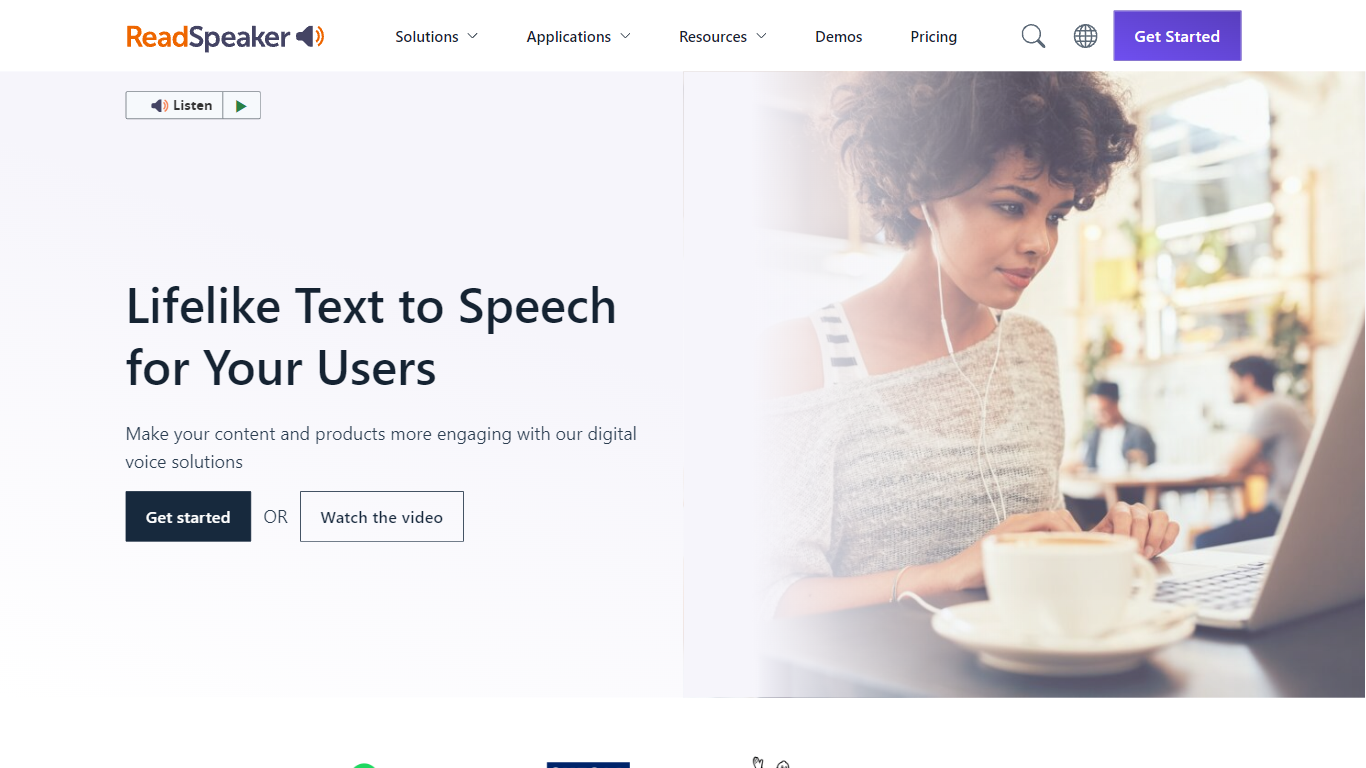

What is ReadSpeaker?
ReadSpeaker offers a wide range of text-to-speech (TTS) solutions that convert written content into natural-sounding speech. With over 200 realistic AI voices in more than 50 languages, it supports diverse audiences worldwide. The platform caters to various sectors including education, government, healthcare, and entertainment, making digital content more accessible and engaging.
Its solutions include webReader for real-time online content reading, docReader for documents and PDFs, and speechCloud API for developers to integrate TTS into applications. ReadSpeaker also provides SDKs and server solutions for embedded and desktop environments, ensuring flexibility across platforms.
In education, ReadSpeaker enhances learning by integrating with popular LMS platforms like Blackboard, Moodle, and Canvas. It supports literacy tools for struggling readers and offers custom voice creation to personalize learning experiences. The platform complies with accessibility standards such as WCAG and VPAT, promoting inclusivity.
ReadSpeaker's pricing is adaptable, offering subscription, license, and pay-per-use models tailored to organizations of all sizes. Custom voice branding and scalable options are available for enterprises seeking unique audio identities.
The service emphasizes security and compliance, holding ISO/IEC 27001:2022 certification and GDPR adherence. Its voice studio tools enable cloud-based and desktop voice content creation, empowering businesses to produce multilingual voice assets efficiently.
Overall, ReadSpeaker combines extensive language support, versatile deployment options, and sector-specific integrations to deliver accessible, engaging, and high-quality speech solutions for a broad range of users and industries.
Free TTS
What is Free TTS?
Free TTS is an online audio workspace that brings together text to speech, speech to text, vocal removal, voice enhancement, and browser-based audio editing on one site. You can turn scripts into spoken audio, transcribe recordings, split song vocals, clean up noisy voice tracks, and handle everyday format work without installing desktop software.
The platform keeps free browser tools separate from credit-based cloud text to speech. Utilities like the audio cutter, joiner, converter, and compressor run in the browser when possible, while AI Cloud TTS uses monthly character allowances and optional paid top-ups for Google and AWS voices.
Text to speech offers three paths: Device TTS for instant local playback, AI Local TTS with offline models after sign-in, and AI Cloud TTS with cloud voices and short-term history. Speech to text runs server-side with Whisper AI, supports auto language detection, and exports plain text transcripts.
Podcasters, educators, content creators, and musicians who need narration, transcription, karaoke tracks, or quick file cleanup without opening a full DAW can cover those jobs from a single dashboard.
ReadSpeaker Upvotes
Free TTS Upvotes
ReadSpeaker Top Features
🌐 WebReader plugin reads web content aloud instantly
📄 docReader supports reading PDFs and documents online
🛠️ speechCloud API enables easy TTS integration for developers
🎓 Education Suite integrates with major LMS platforms
🎙️ Custom Voice Studio creates unique branded voices
Free TTS Top Features
Three TTS modes cover Device playback, AI Local offline voices, and AI Cloud with Google and AWS voices
Whisper-backed speech to text transcribes MP3, WAV, OGG, and FLAC up to 25 MB with auto language detect
Vocal remover splits uploaded songs into separate vocal and instrumental tracks for karaoke or remixing
Voice enhancer reduces background noise and sharpens spoken recordings for podcasts and meetings
Browser audio cutter, joiner, converter, and compressor support MP3, WAV, OGG, FLAC, AAC, M4A, and batch jobs
ReadSpeaker Category
- Text to Speech (TTS)
Free TTS Category
- Text to Speech (TTS)
ReadSpeaker Pricing Type
- Paid
Free TTS Pricing Type
- Freemium