Ready to Send vs Email Bind
In the clash of Ready to Send vs Email Bind, which AI Email Assistant tool emerges victorious? We assess reviews, pricing, alternatives, features, upvotes, and more.
When we put Ready to Send and Email Bind head to head, which one emerges as the victor?
Let's take a closer look at Ready to Send and Email Bind, both of which are AI-driven email assistant tools, and see what sets them apart. The users have made their preference clear, Email Bind leads in upvotes. Email Bind has received 7 upvotes from aitools.fyi users, while Ready to Send has received 6 upvotes.
Disagree with the result? Upvote your favorite tool and help it win!
Ready to Send
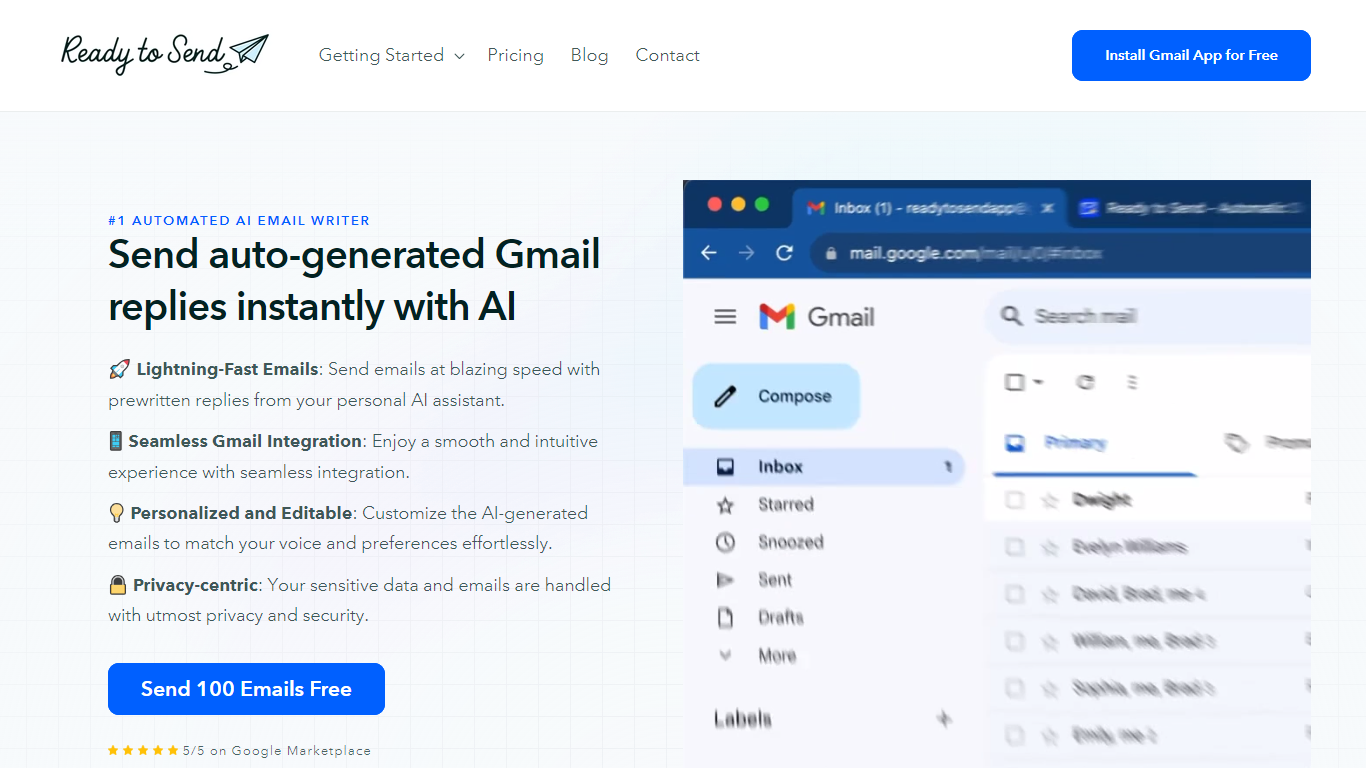

What is Ready to Send?
Ready to Send transforms your Gmail inbox with the power of AI, enabling automatic generation of email responses to help you manage your emails efficiently. Utilize the service to instantly craft contextual, human-like replies that mirror your unique voice and style. Designed to boost productivity, Ready to Send ensures you spend less time on email correspondence and more on tasks that matter.
With 100 free AI-generated email credits available upon signup, getting started is both easy and cost-effective. The platform integrates seamlessly with Gmail, offering a user-friendly experience that doesn't compromise on your privacy or security. Customizable responses ensure that the final touch is always authentically yours. Embrace the speed of AI-assisted communication with Ready to Send.
Email Bind
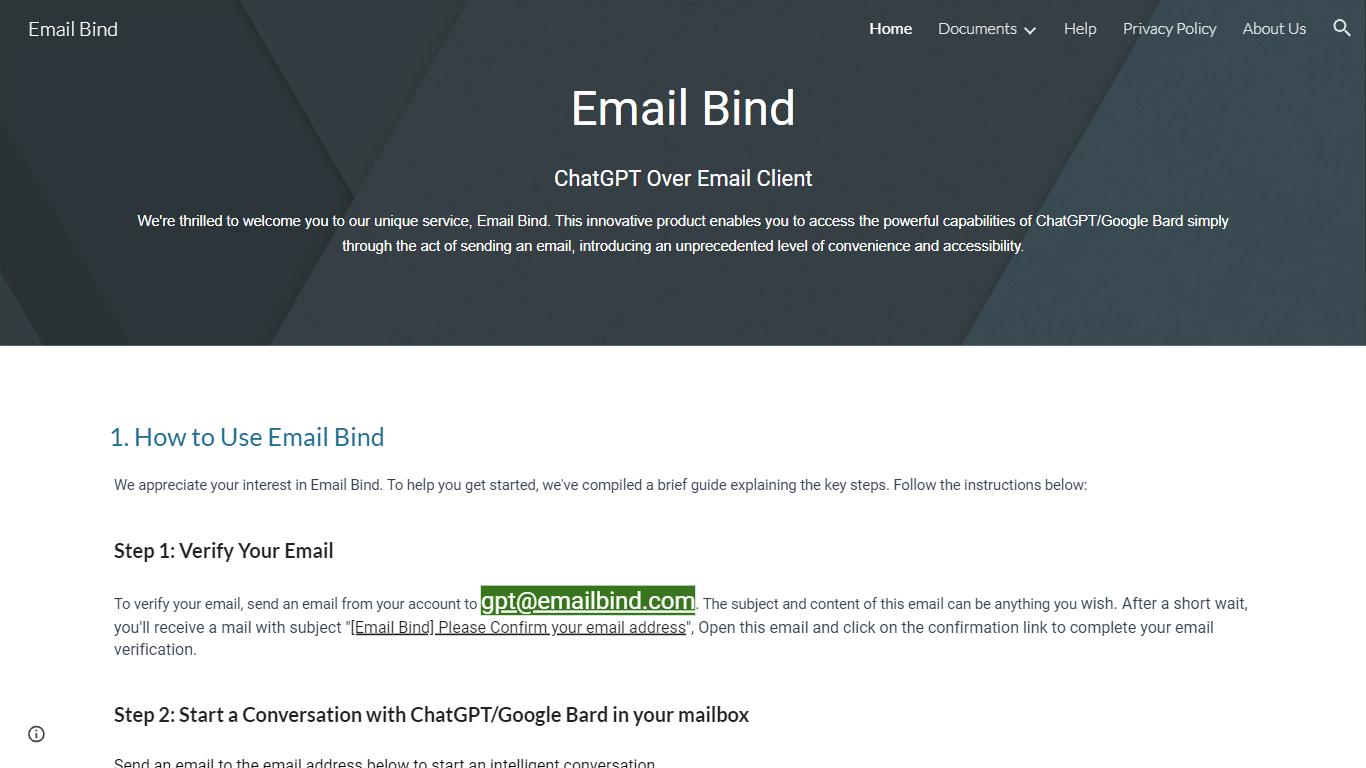
What is Email Bind?
Discover the convenience of conversing with AI-powered chat models like ChatGPT and Google Bard directly from your inbox with Email Bind! This innovative service transforms your email into a portal for intelligent dialogue, offering ease of use like never before. Get started by verifying your email, simply by sending a message to a designated Email Bind address. Engage in enriching conversations using either the GPT-3.5/4 or Google Bard, with the latter even providing updated internet information and Chinese language support. Looking for more control? The Email Bind app unlocks customization features, such as prompt templates, GPT-4 model access, and adjustable settings, offering a tailored AI email experience. Experience this groundbreaking convenience at your fingertips!
Ready to Send Upvotes
Email Bind Upvotes
Ready to Send Top Features
Lightning-Fast Emails: Send emails quickly with prewritten AI-generated replies.
Seamless Gmail Integration: Ready to Send works fluidly within the Gmail interface.
Personalized and Editable: Tailor AI-generated emails to align with your personal style.
Privacy-centric: Your email data is treated with the utmost respect for privacy.
Free Start: Try the service with 100 free AI-generated emails.
Email Bind Top Features
Convenience of Email: Use your regular email service to access AI chat models.
Broad Model Compatibility: Compatible with both ChatGPT and Google Bard including GPT-3.5/4 models.
Internet Connectivity: Google Bard access updates and information from the web.
Multilingual Support: Google Bard includes support for the Chinese language.
Customization & Advanced Settings: Unlock advanced features with the Email Bind app providing template and setting adjustments.
Ready to Send Category
- Email Assistant
Email Bind Category
- Email Assistant
Ready to Send Pricing Type
- Freemium
Email Bind Pricing Type
- Freemium