
Last updated 10-23-2025
Category:
Reviews:
Join thousands of AI enthusiasts in the World of AI!
Ready to Send
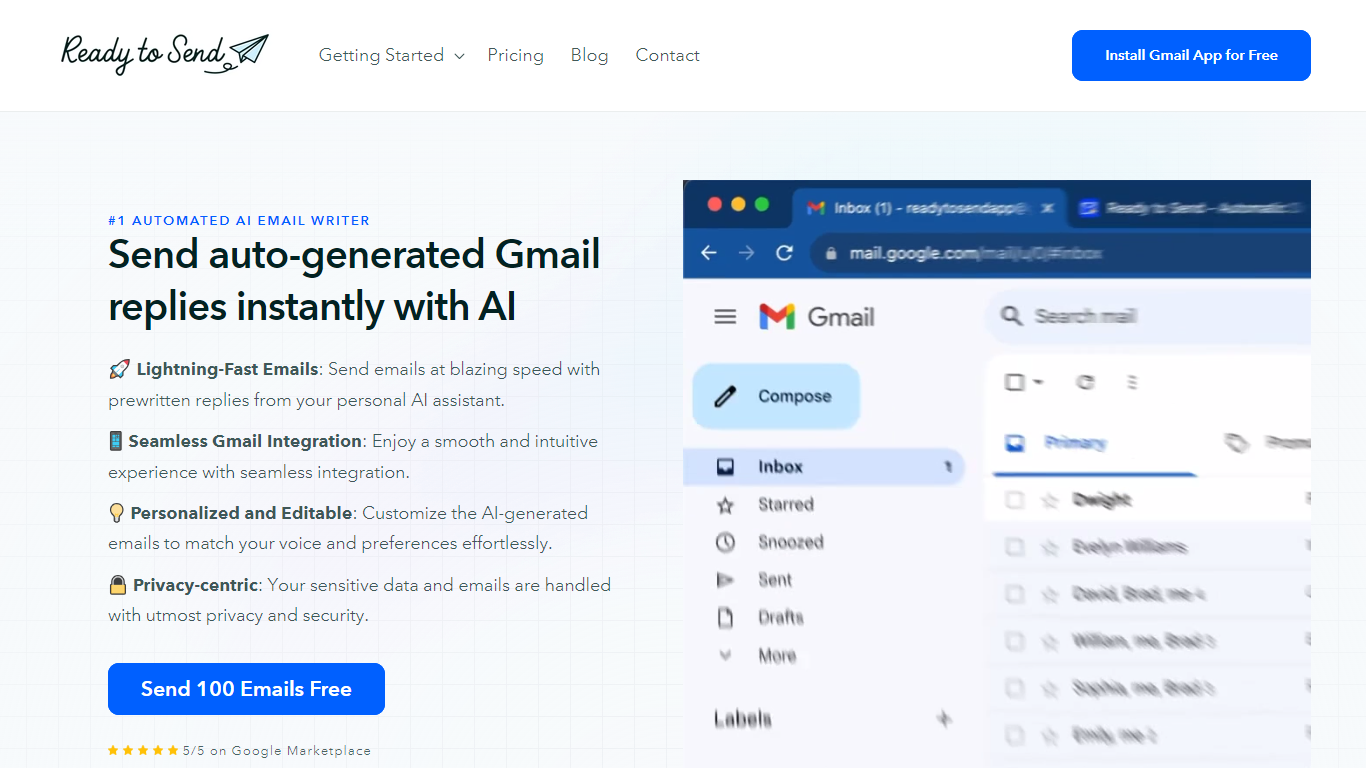
Ready to Send transforms your Gmail inbox with the power of AI, enabling automatic generation of email responses to help you manage your emails efficiently. Utilize the service to instantly craft contextual, human-like replies that mirror your unique voice and style. Designed to boost productivity, Ready to Send ensures you spend less time on email correspondence and more on tasks that matter.
With 100 free AI-generated email credits available upon signup, getting started is both easy and cost-effective. The platform integrates seamlessly with Gmail, offering a user-friendly experience that doesn't compromise on your privacy or security. Customizable responses ensure that the final touch is always authentically yours. Embrace the speed of AI-assisted communication with Ready to Send.
Lightning-Fast Emails: Send emails quickly with prewritten AI-generated replies.
Seamless Gmail Integration: Ready to Send works fluidly within the Gmail interface.
Personalized and Editable: Tailor AI-generated emails to align with your personal style.
Privacy-centric: Your email data is treated with the utmost respect for privacy.
Free Start: Try the service with 100 free AI-generated emails.
What is Ready to Send?
Ready to Send is a service that generates AI-powered email replies within Gmail, streamlining your email management process and saving you time.
How many free AI-generated emails do I get with Ready to Send?
You can start with 100 free AI-generated emails on Ready to Send, allowing you to test the platform and see the benefits firsthand without any initial cost.
Can I personalize the AI-generated email replies on Ready to Send?
Yes, the AI-generated email responses can be personalized and edited to fit your voice and style, ensuring your emails remain authentic.
Does Ready to Send work with my existing Gmail account?
Ready to Send integrates seamlessly with Gmail, making it easy to adopt into your existing workflow without needing to switch to a new platform.
Is my email data secure with Ready to Send?
Ready to Send places a high priority on privacy and security, ensuring that your sensitive email data is handled with care and confidentiality.