Ready to Send vs Inbox Zero
In the battle of Ready to Send vs Inbox Zero, which AI Email Assistant tool comes out on top? We compare reviews, pricing, alternatives, upvotes, features, and more.
Which one is better? Ready to Send or Inbox Zero?
Upon comparing Ready to Send with Inbox Zero, which are both AI-powered email assistant tools, Inbox Zero is the clear winner in terms of upvotes. The number of upvotes for Inbox Zero stands at 7, and for Ready to Send it's 6.
Think we got it wrong? Cast your vote and show us who's boss!
Ready to Send
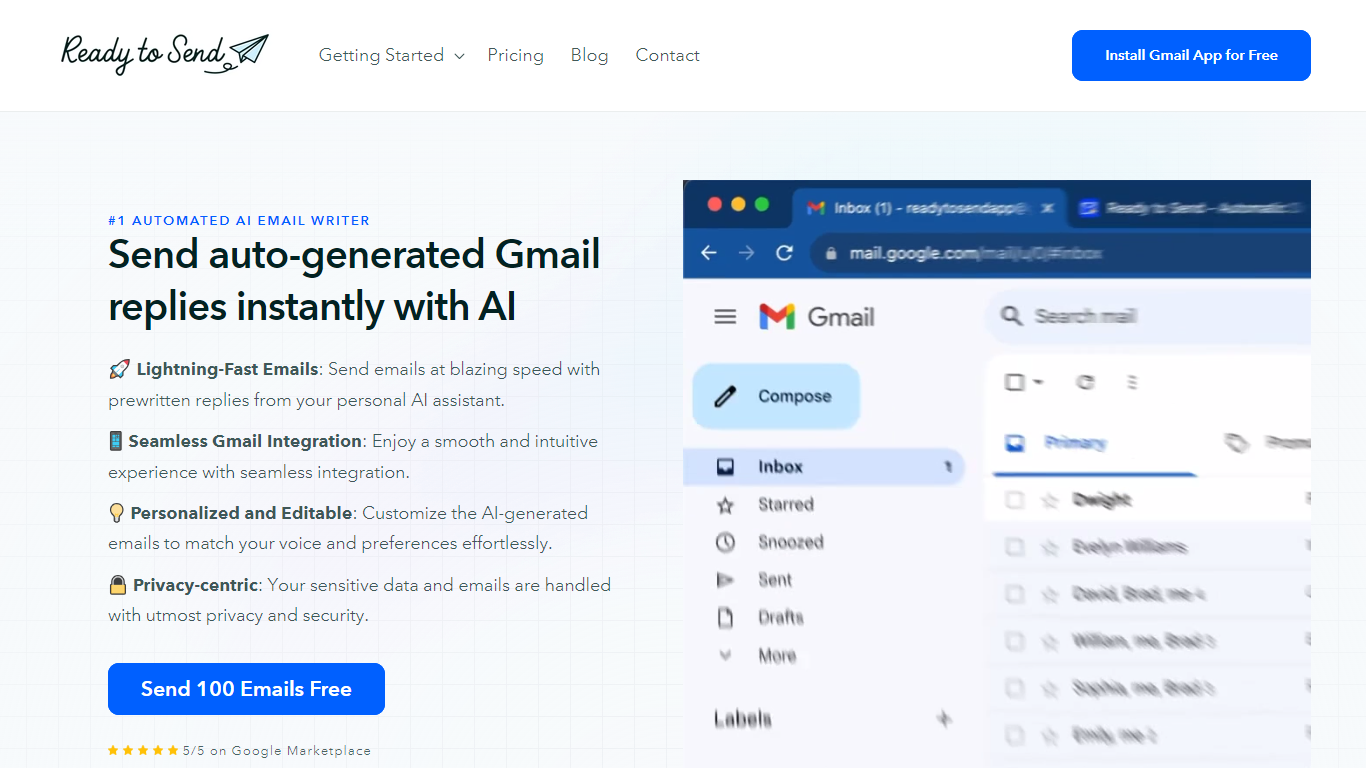

What is Ready to Send?
Ready to Send transforms your Gmail inbox with the power of AI, enabling automatic generation of email responses to help you manage your emails efficiently. Utilize the service to instantly craft contextual, human-like replies that mirror your unique voice and style. Designed to boost productivity, Ready to Send ensures you spend less time on email correspondence and more on tasks that matter.
With 100 free AI-generated email credits available upon signup, getting started is both easy and cost-effective. The platform integrates seamlessly with Gmail, offering a user-friendly experience that doesn't compromise on your privacy or security. Customizable responses ensure that the final touch is always authentically yours. Embrace the speed of AI-assisted communication with Ready to Send.
Inbox Zero
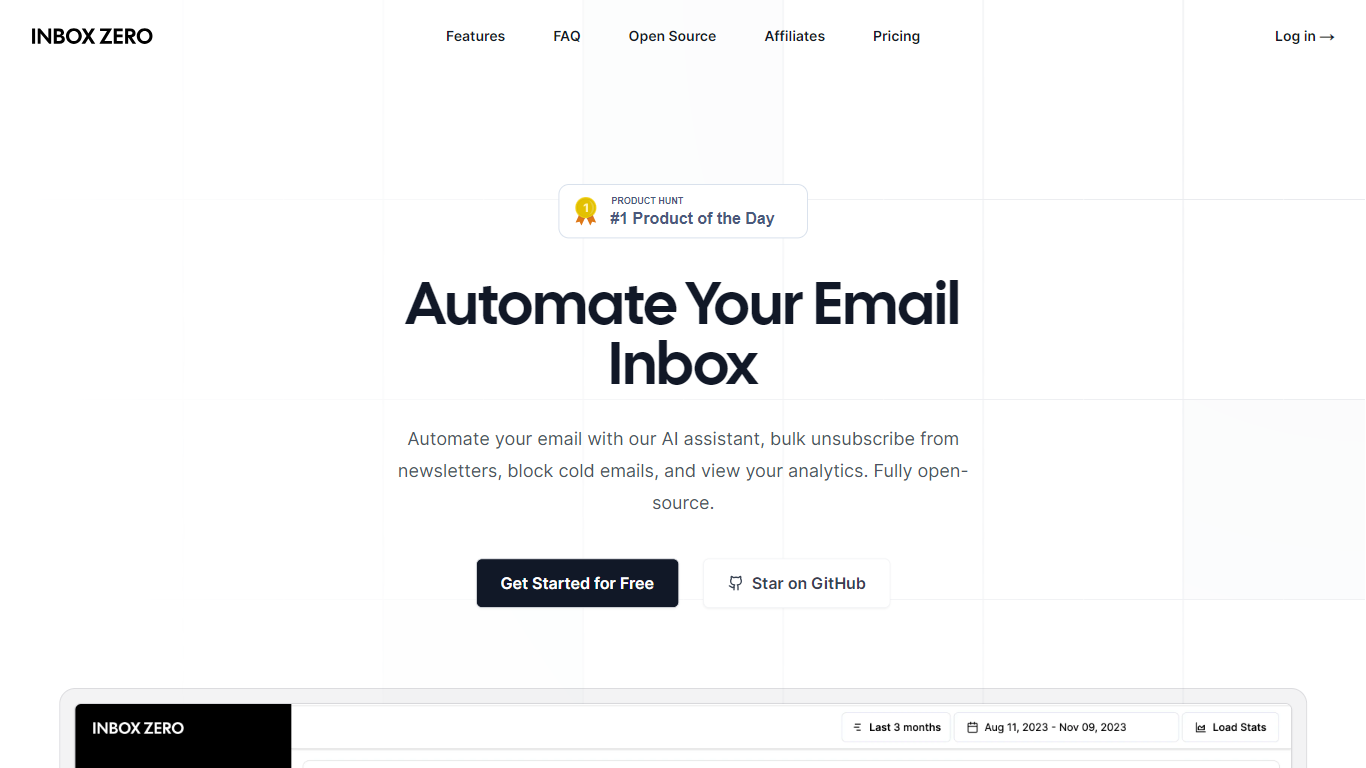
What is Inbox Zero?
Unlock a clutter-free email experience with Inbox Zero, your ultimate solution to managing a bloated inbox swiftly and effectively. Designed to revolutionize email management, Inbox Zero offers a suite of powerful tools, including a newsletter cleaner, AI automation, a cold email blocker, and comprehensive email analytics. Its user-friendly interface allows you to easily unsubscribe from undesired emails or auto-archive them with just a click, making it the quickest way to reach that satisfying state of "inbox zero."
Curate your inbox by prioritizing who to unsubscribe from based on the volume and frequency of received marketing emails. Implement Gmail filters within the tool for a seamless integration that enhances your existing email setup. Inbox Zero is also committed to privacy, being open-source, approved by Google, and offering the possibility of self-hosting.
With full control over your email interactions, you minimize distractions and enhance your productivity. Say goodbye to repetitive email responses; let Inbox Zero's AI agent take over with its smart automation capabilities. Block unwanted cold emails and keep your inbox focused on what truly matters.
Ready to Send Upvotes
Inbox Zero Upvotes
Ready to Send Top Features
Lightning-Fast Emails: Send emails quickly with prewritten AI-generated replies.
Seamless Gmail Integration: Ready to Send works fluidly within the Gmail interface.
Personalized and Editable: Tailor AI-generated emails to align with your personal style.
Privacy-centric: Your email data is treated with the utmost respect for privacy.
Free Start: Try the service with 100 free AI-generated emails.
Inbox Zero Top Features
Newsletter Cleaner: Easily unsubscribe or auto-archive unwanted subscriptions.
AI Automation: Smart automation for replying, forwarding, or archiving emails.
Cold Email Blocker: Advanced filtering to block unsolicited cold emails.
Email Analytics: Insightful analytics to monitor sender frequency and manage your inbox.
Privacy and Security: Open-source code and Google-approved security measures.
Ready to Send Category
- Email Assistant
Inbox Zero Category
- Email Assistant
Ready to Send Pricing Type
- Freemium
Inbox Zero Pricing Type
- Freemium