Ready to Send vs AI Email Writer | HubSpot
In the face-off between Ready to Send vs AI Email Writer | HubSpot, which AI Email Assistant tool takes the crown? We scrutinize features, alternatives, upvotes, reviews, pricing, and more.
In a face-off between Ready to Send and AI Email Writer | HubSpot, which one takes the crown?
If we were to analyze Ready to Send and AI Email Writer | HubSpot, both of which are AI-powered email assistant tools, what would we find? Interestingly, both tools have managed to secure the same number of upvotes. Join the aitools.fyi users in deciding the winner by casting your vote.
Does the result make you go "hmm"? Cast your vote and turn that frown upside down!
Ready to Send
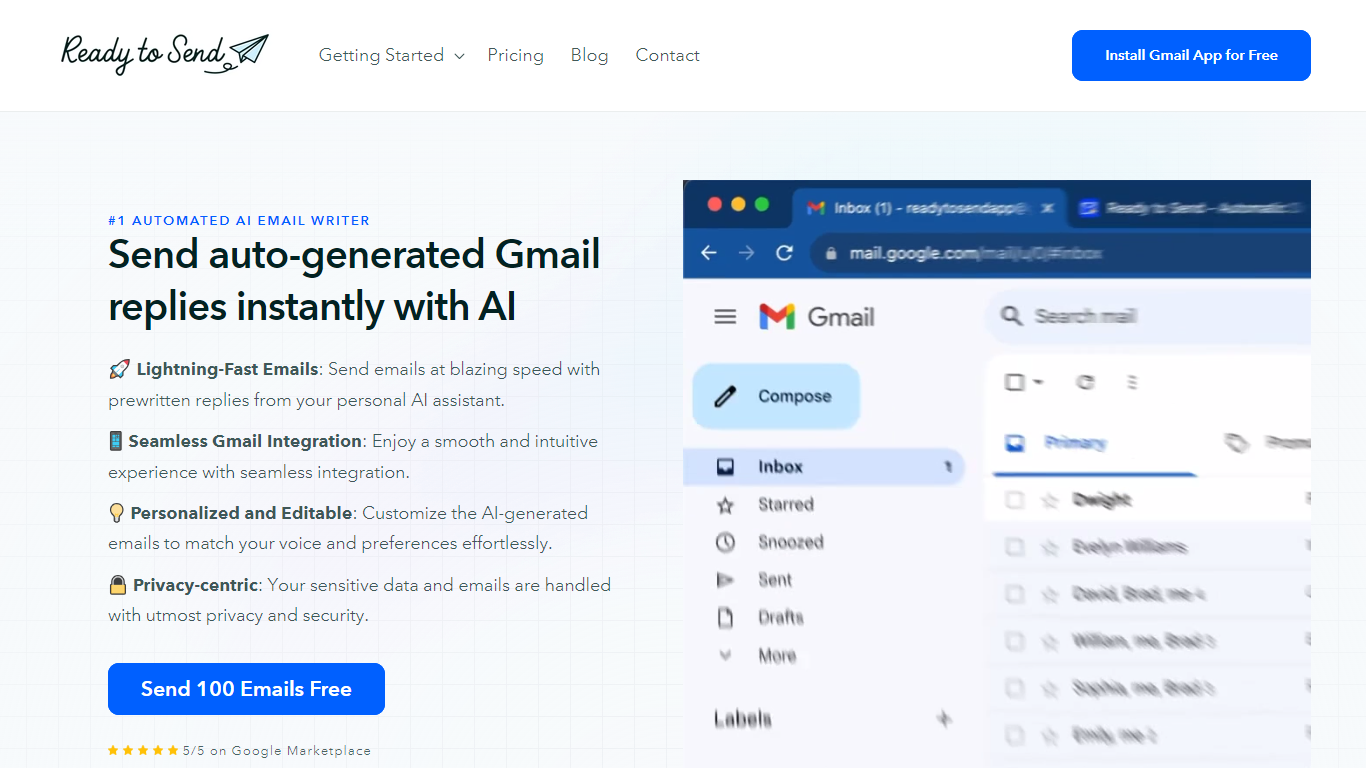

What is Ready to Send?
Ready to Send transforms your Gmail inbox with the power of AI, enabling automatic generation of email responses to help you manage your emails efficiently. Utilize the service to instantly craft contextual, human-like replies that mirror your unique voice and style. Designed to boost productivity, Ready to Send ensures you spend less time on email correspondence and more on tasks that matter.
With 100 free AI-generated email credits available upon signup, getting started is both easy and cost-effective. The platform integrates seamlessly with Gmail, offering a user-friendly experience that doesn't compromise on your privacy or security. Customizable responses ensure that the final touch is always authentically yours. Embrace the speed of AI-assisted communication with Ready to Send.
AI Email Writer | HubSpot
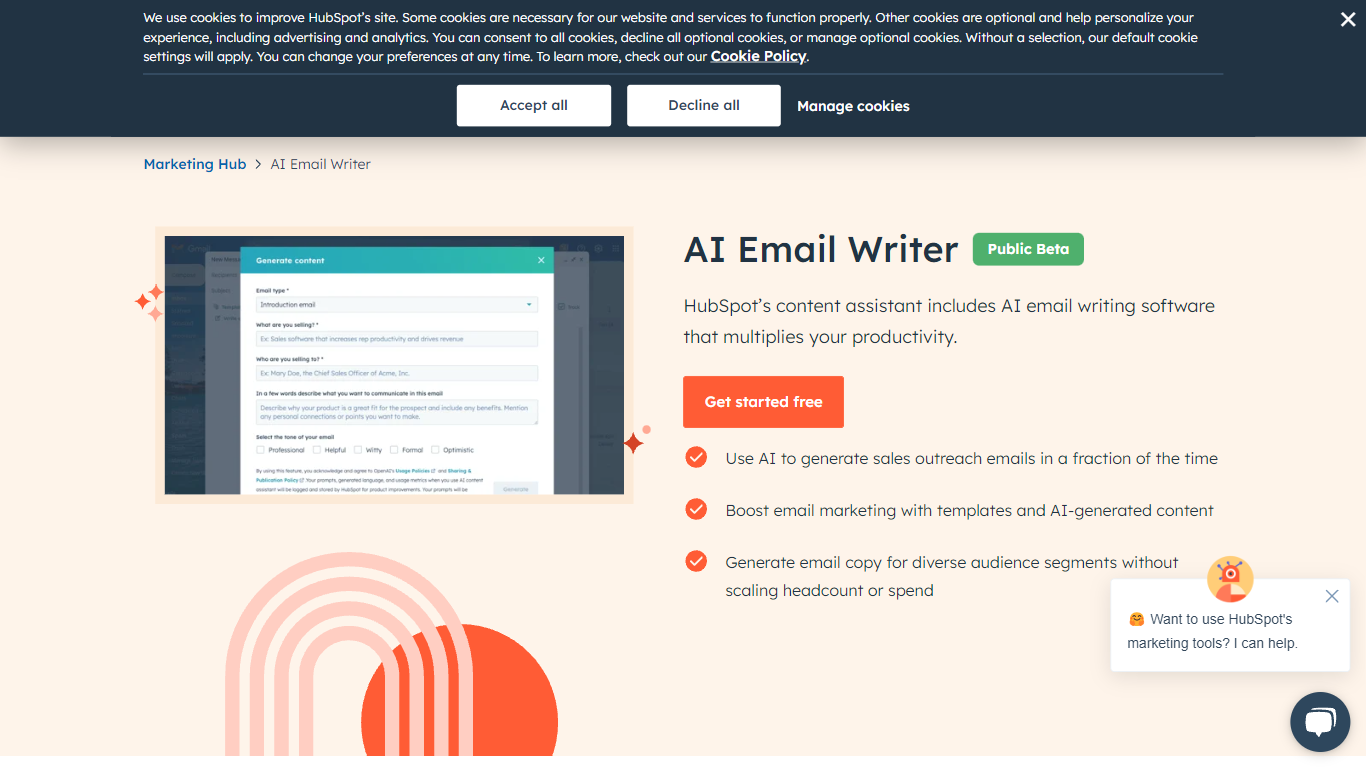
What is AI Email Writer | HubSpot?
The HubSpot AI Email Writer is a groundbreaking tool designed to revolutionize your sales outreach and email marketing strategies. By harnessing the power of AI, this tool significantly cuts down content creation time and expense. Users benefit from a streamlined process in which AI technology generates compelling, personalized email content that resonates with the target audience. Whether for nurturing leads, closing sales, or customer engagement, the AI Email Writer by HubSpot equips you with fast, cost-effective solutions to enhance your communication efforts. With its easy-to-use interface and integration with the full suite of HubSpot's marketing platforms, it stands as an invaluable asset for companies looking to optimize their email outreach and stay ahead in a competitive digital landscape.
Ready to Send Upvotes
AI Email Writer | HubSpot Upvotes
Ready to Send Top Features
Lightning-Fast Emails: Send emails quickly with prewritten AI-generated replies.
Seamless Gmail Integration: Ready to Send works fluidly within the Gmail interface.
Personalized and Editable: Tailor AI-generated emails to align with your personal style.
Privacy-centric: Your email data is treated with the utmost respect for privacy.
Free Start: Try the service with 100 free AI-generated emails.
AI Email Writer | HubSpot Top Features
Cutting-Edge AI Technology: Leverage AI to create personalized emails swiftly.
Seamless Integration: Works harmoniously with HubSpot’s suite for comprehensive marketing strategies.
Time & Cost Efficiency: Reduces the resources required for content creation by half.
User-Friendly Interface: Designed for ease of use facilitating a more streamlined workflow.
Sales & Marketing Enhancement: Optimizes email outreach for lead nurturing and customer engagement.
Ready to Send Category
- Email Assistant
AI Email Writer | HubSpot Category
- Email Assistant
Ready to Send Pricing Type
- Freemium
AI Email Writer | HubSpot Pricing Type
- Free