Recall vs Inbox Narrator
In the clash of Recall vs Inbox Narrator, which AI Summarizer tool emerges victorious? We assess reviews, pricing, alternatives, features, upvotes, and more.
When we put Recall and Inbox Narrator head to head, which one emerges as the victor?
Let's take a closer look at Recall and Inbox Narrator, both of which are AI-driven summarizer tools, and see what sets them apart. Recall is the clear winner in terms of upvotes. Recall has 10 upvotes, and Inbox Narrator has 6 upvotes.
Feeling rebellious? Cast your vote and shake things up!
Recall

What is Recall?
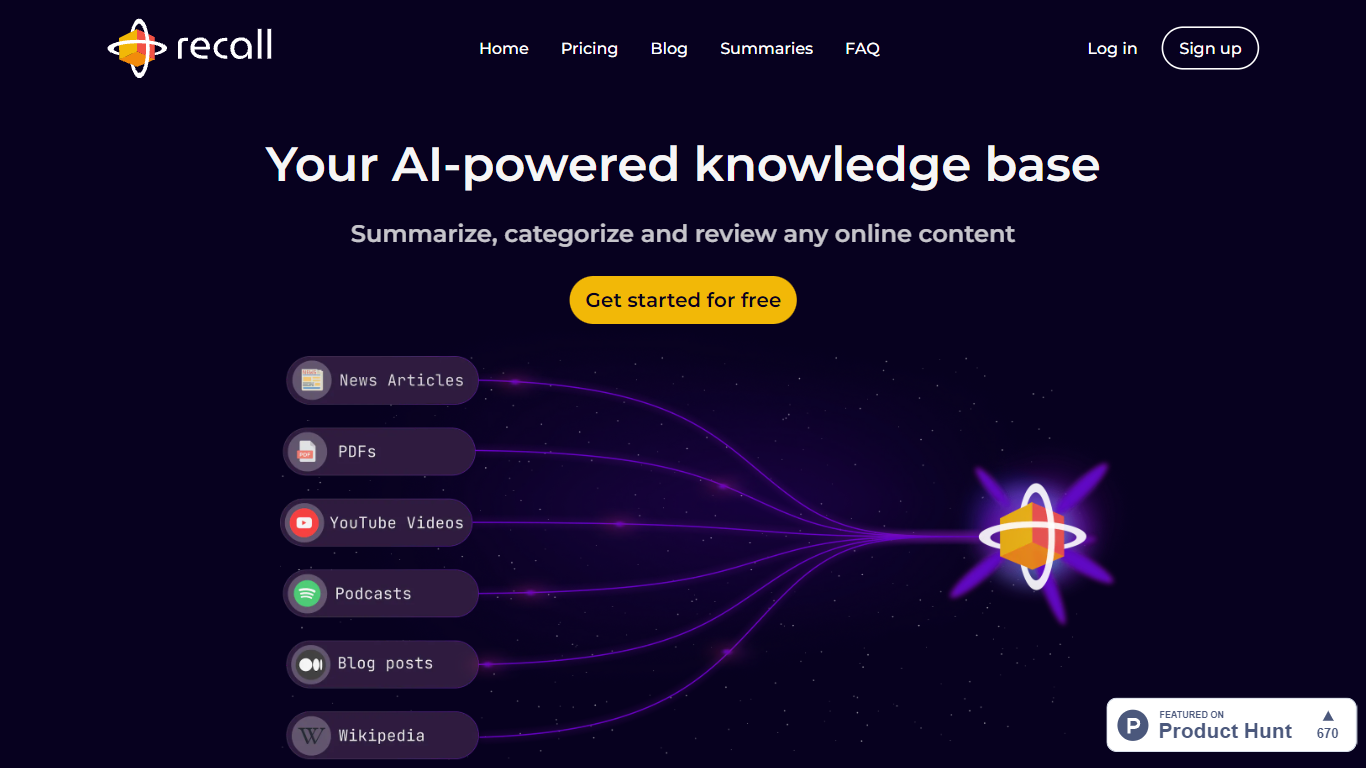
Recall is a personal AI knowledge base and summarizer that saves articles, YouTube videos, podcasts, PDFs, and notes in one place. It turns each saved item into a summarized card, tags it automatically, and links related ideas in a knowledge graph you can browse or chat with. You pick the AI model for questions, including ChatGPT, Claude, or Gemini, and answers can draw on your saved library, the open web, or both.
Where NotebookLM locks you into one notebook per project and Obsidian expects you to build every link by hand, Recall treats lifelong learning as one growing library. It captures web content in a click, summarizes it, connects it without manual filing, and adds spaced repetition quizzes so saved material actually sticks. The trade-off is less team workspace structure than Notion and less local-first control than Obsidian.
Recall fits researchers, founders, students, and heavy readers who save more than they can reread. Browser extensions for Chrome and Firefox, plus iOS and Android apps, make it easy to clip on the go and pick up in the web app later.
Inbox Narrator
What is Inbox Narrator?
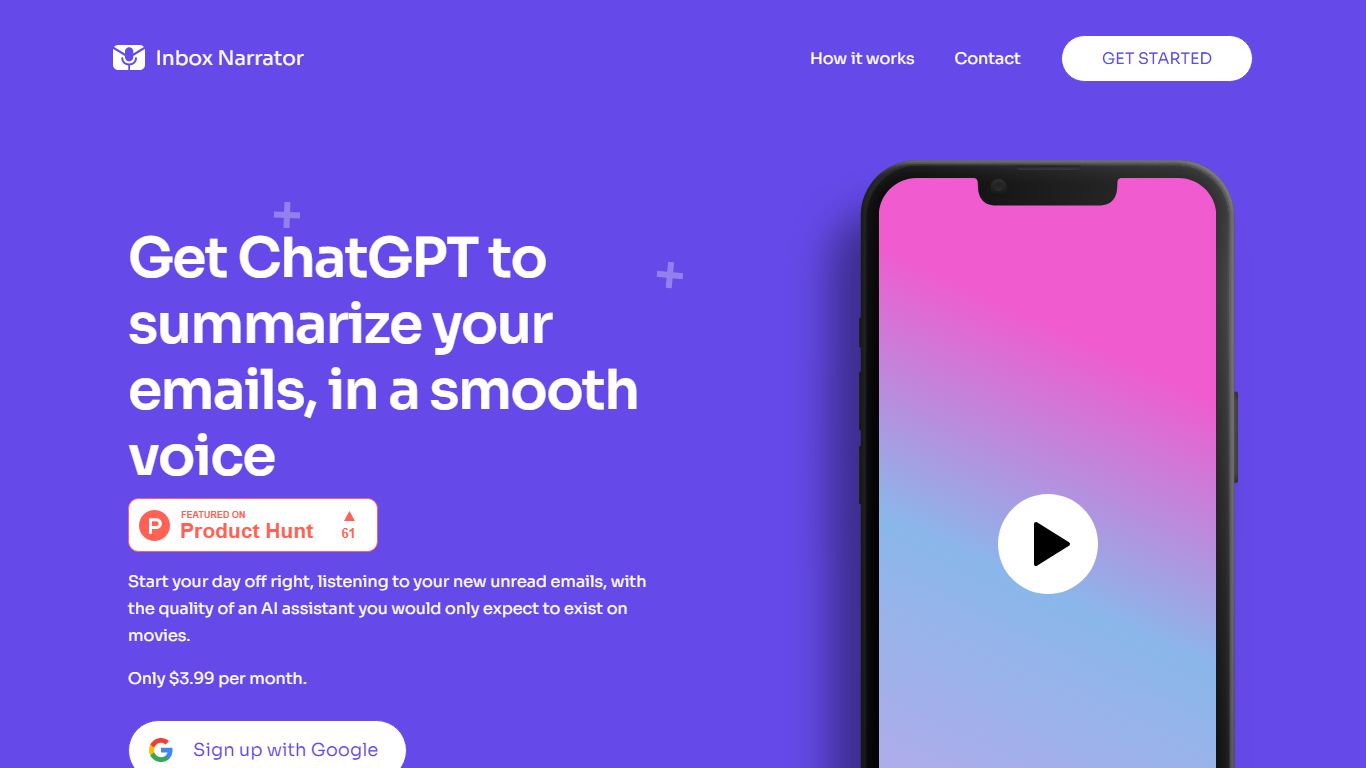
Inbox Narrator is a summarizer that turns unread Gmail into a morning audio briefing you can hear through Siri, Google Assistant, or a private podcast feed. After you connect Gmail with read-only access, the service uses AI to condense new messages and deliver them as spoken summaries so you can catch up while making coffee or commuting.
Unlike text-only inbox digests, Inbox Narrator bets on voice delivery and three linked modes on one subscription: spoken morning summaries, a daily email podcast, and Inbox Chat for asking questions about your mailbox. That mix targets people who want hands-free triage rather than another dashboard to scroll.
Busy professionals, founders, and anyone drowning in Gmail notifications are the core audience. Setup walks through Google sign-in, voice assistant configuration, and optional podcast subscription, with support reachable at [email protected] if billing or Siri setup gets stuck.
Recall Upvotes
Inbox Narrator Upvotes
Recall Top Features
Free tier includes 10 AI summaries per month plus unlimited saves of articles, videos, and PDFs
Plus plan at $10 per month (billed yearly) unlocks unlimited AI summaries and automatic smart tags
Chat across your saved library, the open web, or both using ChatGPT, Claude, Gemini, or other models
Spaced repetition quizzes generated from saved cards to reinforce long-term memory
Chrome, Firefox, iOS, and Android apps plus API and MCP access to connect external AI tools
Augmented browsing resurfaces related saved cards while you read new pages on the web
Inbox Narrator Top Features
Summarizes new Gmail messages and delivers them through Siri or Google Assistant each morning
Email Podcast generates one private daily episode from your inbox for any podcast app
Inbox Chat lets you query, organize, and draft replies to Gmail through a web chat or Siri
30-day free trial, then $5 per month for all three features on one subscription
Read-only Gmail access with email content not stored on Inbox Narrator servers
Works on any device that supports Siri or Google Assistant
Recall Category
- Summarizer
Inbox Narrator Category
- Summarizer
Recall Pricing Type
- Freemium
Inbox Narrator Pricing Type
- Paid