YouTube Summarizer vs Inbox Narrator
In the face-off between YouTube Summarizer vs Inbox Narrator, which AI Summarizer tool takes the crown? We scrutinize features, alternatives, upvotes, reviews, pricing, and more.
When we put YouTube Summarizer and Inbox Narrator head to head, which one emerges as the victor?
If we were to analyze YouTube Summarizer and Inbox Narrator, both of which are AI-powered summarizer tools, what would we find? The upvote count is neck and neck for both YouTube Summarizer and Inbox Narrator. Since other aitools.fyi users could decide the winner, the ball is in your court now to cast your vote and help us determine the winner.
Think we got it wrong? Cast your vote and show us who's boss!
YouTube Summarizer
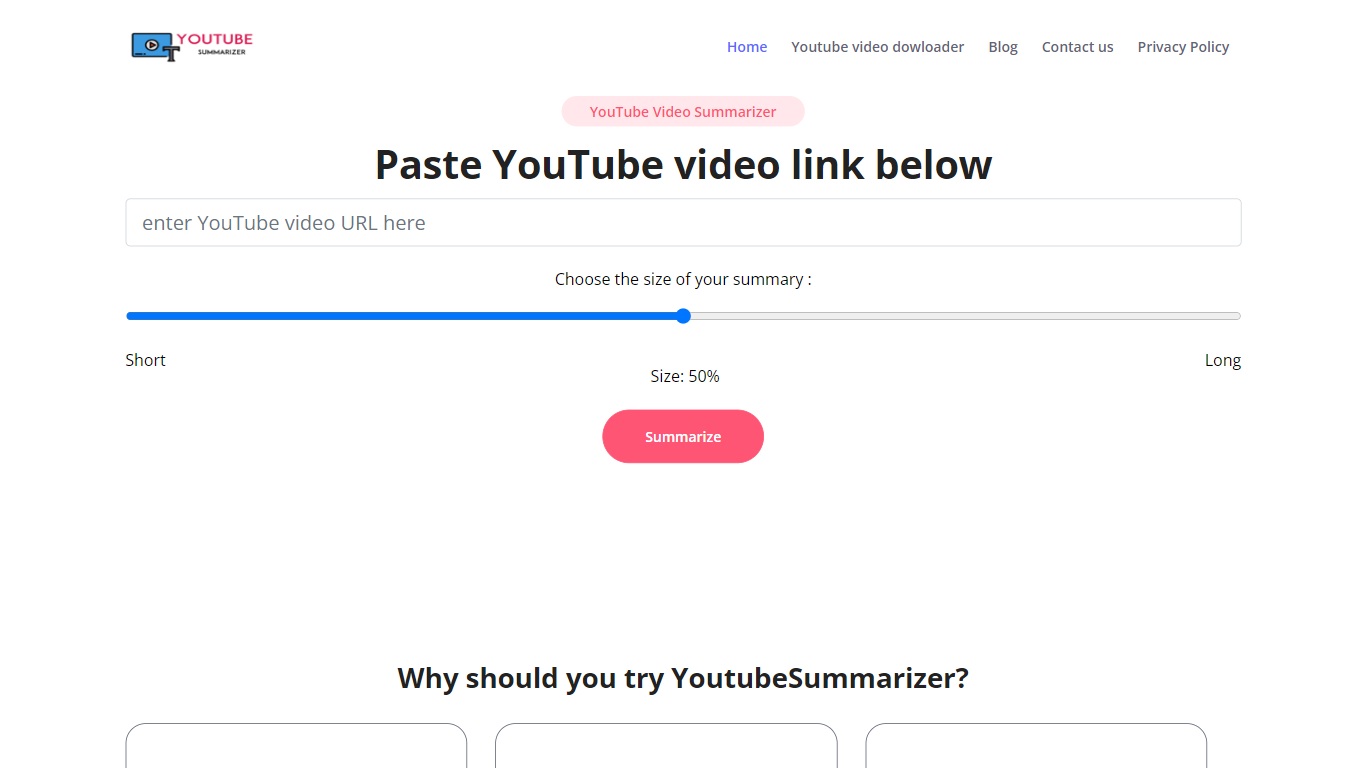

What is YouTube Summarizer?
YouTube Summarizer turns long videos into structured notes without making you watch every minute. Paste a link from YouTube, Vimeo, TikTok, or Dailymotion and it pulls the transcript, then returns key points, detailed summaries, or timestamped outlines in under 10 seconds. The free tier works with no account, though registering unlocks 30 lifetime credits beyond the daily limit.
Most video summarizers stop at bullet points. This one layers mind maps, flashcards, and an AI chat that answers questions about the video content. Pro users get a searchable summary library, email digests for subscribed channels, and a Chrome extension for one-click summaries. That study-tool stack sets it apart from transcript-only utilities.
Students use it to condense lecture recordings and generate flashcards before exams. Content creators and researchers skim competitor videos and conference talks without watching them end to end. Professionals pull action items from training videos and share TXT or PDF exports with their teams.
Inbox Narrator
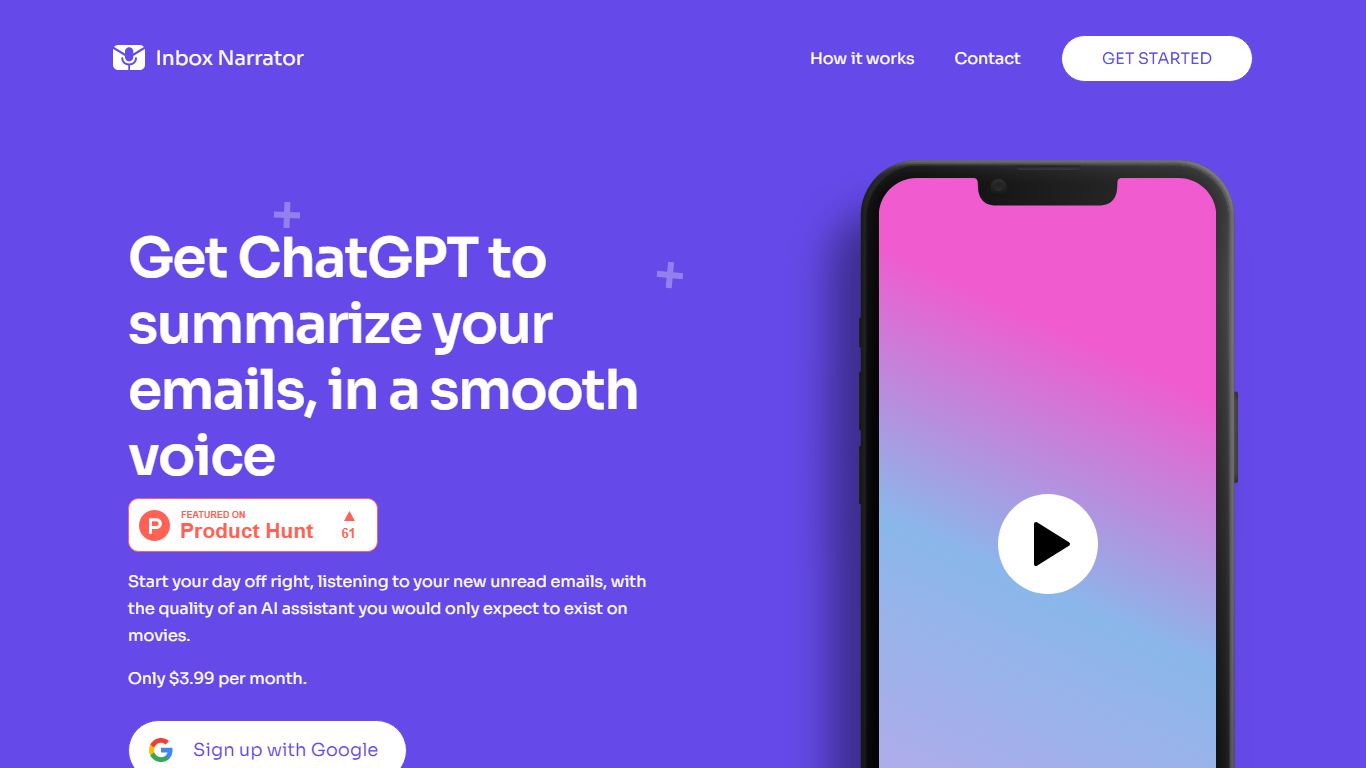
What is Inbox Narrator?
Inbox Narrator is a summarizer that turns unread Gmail into a morning audio briefing you can hear through Siri, Google Assistant, or a private podcast feed. After you connect Gmail with read-only access, the service uses AI to condense new messages and deliver them as spoken summaries so you can catch up while making coffee or commuting.
Unlike text-only inbox digests, Inbox Narrator bets on voice delivery and three linked modes on one subscription: spoken morning summaries, a daily email podcast, and Inbox Chat for asking questions about your mailbox. That mix targets people who want hands-free triage rather than another dashboard to scroll.
Busy professionals, founders, and anyone drowning in Gmail notifications are the core audience. Setup walks through Google sign-in, voice assistant configuration, and optional podcast subscription, with support reachable at [email protected] if billing or Siri setup gets stuck.
YouTube Summarizer Upvotes
Inbox Narrator Upvotes
YouTube Summarizer Top Features
10 free summarization requests per day without an account, or 30 lifetime credits after free registration
Outputs key points, detailed notes, and timestamped outlines, plus mind maps and flashcards on paid plans
Works with YouTube, Vimeo, TikTok, and Dailymotion videos that have captions in 50+ languages
Full transcript view with clickable timestamps that jump to the exact moment in the source video
Pro plan at $7.99 per month includes chat with video, a summary library, and a Chrome extension
Inbox Narrator Top Features
Summarizes new Gmail messages and delivers them through Siri or Google Assistant each morning
Email Podcast generates one private daily episode from your inbox for any podcast app
Inbox Chat lets you query, organize, and draft replies to Gmail through a web chat or Siri
30-day free trial, then $5 per month for all three features on one subscription
Read-only Gmail access with email content not stored on Inbox Narrator servers
Works on any device that supports Siri or Google Assistant
YouTube Summarizer Category
- Summarizer
Inbox Narrator Category
- Summarizer
YouTube Summarizer Pricing Type
- Freemium
Inbox Narrator Pricing Type
- Paid