SkimIt.ai vs Inbox Narrator
Compare SkimIt.ai vs Inbox Narrator and see which AI Summarizer tool is better when we compare features, reviews, pricing, alternatives, upvotes, etc.
Which one is better? SkimIt.ai or Inbox Narrator?
When we compare SkimIt.ai with Inbox Narrator, which are both AI-powered summarizer tools, Interestingly, both tools have managed to secure the same number of upvotes. Join the aitools.fyi users in deciding the winner by casting your vote.
Think we got it wrong? Cast your vote and show us who's boss!
SkimIt.ai

What is SkimIt.ai?
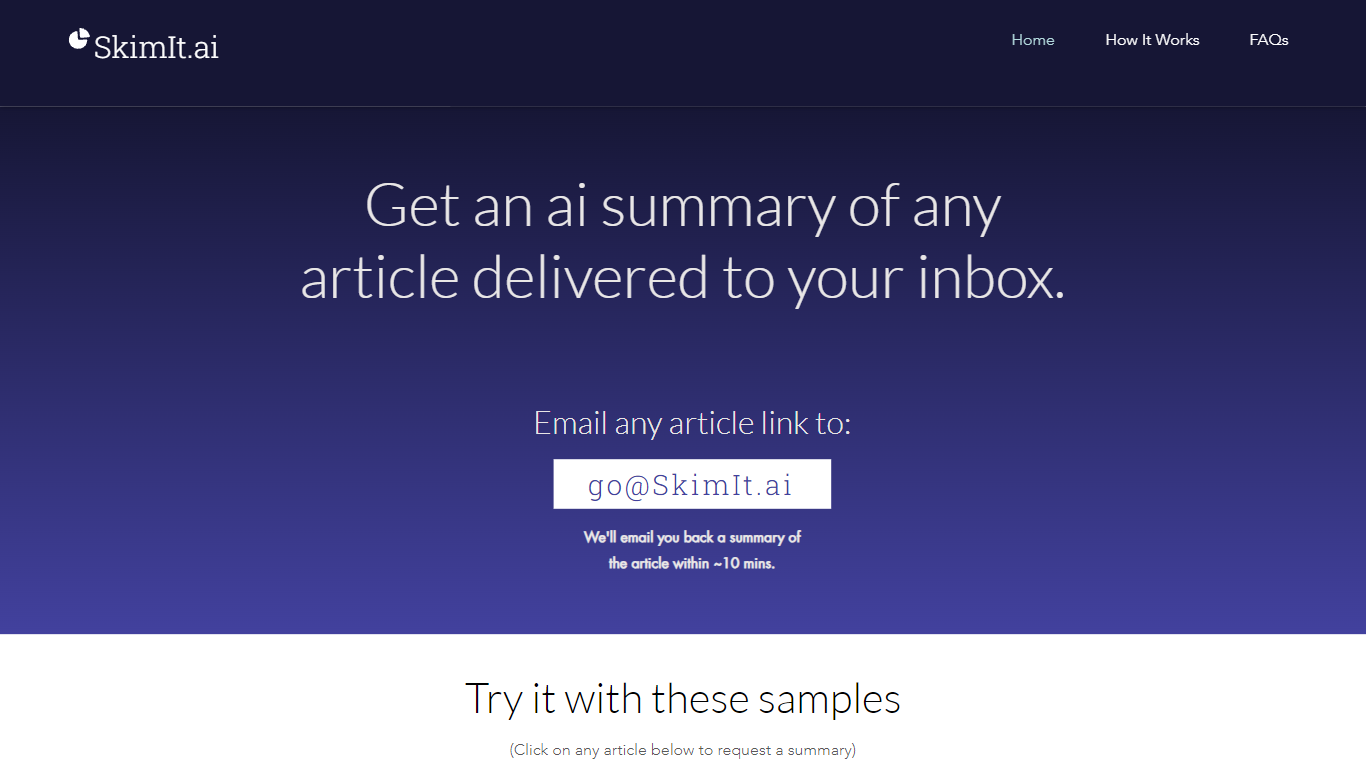
SkimIt.ai is an email summarizer that turns any article link into a short recap delivered to your inbox. You email a URL to [email protected] with the link as the first URL in the message body, and the service replies with a summary in about 10 minutes. There is no app install or account signup on the site.
Browser extensions and reader apps keep you inside another interface. SkimIt stays in email so you can forward links from mobile share sheets and CC friends who get both your message and the generated recap. The trade-off is speed: summaries can take up to 15 minutes when servers are busy, and accuracy is presented as entertainment-grade rather than publication-ready.
Busy readers, founders sharing essays, and teams passing around long posts are the natural audience. OpenAI GPT powers the backend processing, and support questions go to [email protected] if a summary is delayed or lands in spam.
Inbox Narrator
What is Inbox Narrator?
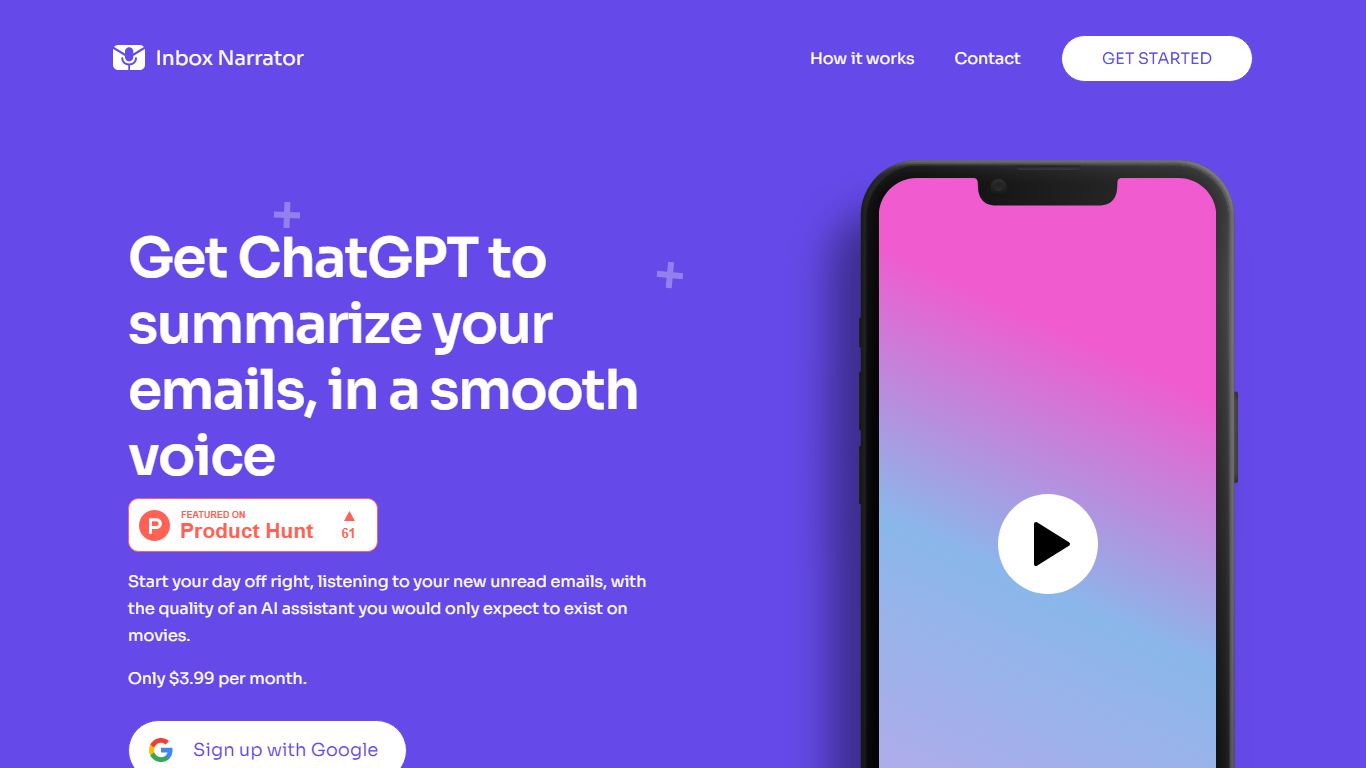
Inbox Narrator is a summarizer that turns unread Gmail into a morning audio briefing you can hear through Siri, Google Assistant, or a private podcast feed. After you connect Gmail with read-only access, the service uses AI to condense new messages and deliver them as spoken summaries so you can catch up while making coffee or commuting.
Unlike text-only inbox digests, Inbox Narrator bets on voice delivery and three linked modes on one subscription: spoken morning summaries, a daily email podcast, and Inbox Chat for asking questions about your mailbox. That mix targets people who want hands-free triage rather than another dashboard to scroll.
Busy professionals, founders, and anyone drowning in Gmail notifications are the core audience. Setup walks through Google sign-in, voice assistant configuration, and optional podcast subscription, with support reachable at [email protected] if billing or Siri setup gets stuck.
SkimIt.ai Upvotes
Inbox Narrator Upvotes
SkimIt.ai Top Features
Summaries arrive by email within about 10 minutes of sending the article URL
No app download or signup required on skimit.ai
CC friends on the email so they receive the article and the SkimIt summary
Reads the first URL in the email body regardless of subject line text
Sample article links on the homepage open prefilled mailto requests
OpenAI GPT handles the text processing behind each summary
Stores sender email, CC addresses, and the first URL per request only
Inbox Narrator Top Features
Summarizes new Gmail messages and delivers them through Siri or Google Assistant each morning
Email Podcast generates one private daily episode from your inbox for any podcast app
Inbox Chat lets you query, organize, and draft replies to Gmail through a web chat or Siri
30-day free trial, then $5 per month for all three features on one subscription
Read-only Gmail access with email content not stored on Inbox Narrator servers
Works on any device that supports Siri or Google Assistant
SkimIt.ai Category
- Summarizer
Inbox Narrator Category
- Summarizer
SkimIt.ai Pricing Type
- Free
Inbox Narrator Pricing Type
- Paid