Reel Studio vs Peech AI
Compare Reel Studio vs Peech AI and see which AI Video Editing tool is better when we compare features, reviews, pricing, alternatives, upvotes, etc.
Which one is better? Reel Studio or Peech AI?
When we compare Reel Studio with Peech AI, which are both AI-powered video editing tools, The upvote count shows a clear preference for Reel Studio. The number of upvotes for Reel Studio stands at 6, and for Peech AI it's 5.
Want to flip the script? Upvote your favorite tool and change the game!
Reel Studio

What is Reel Studio?
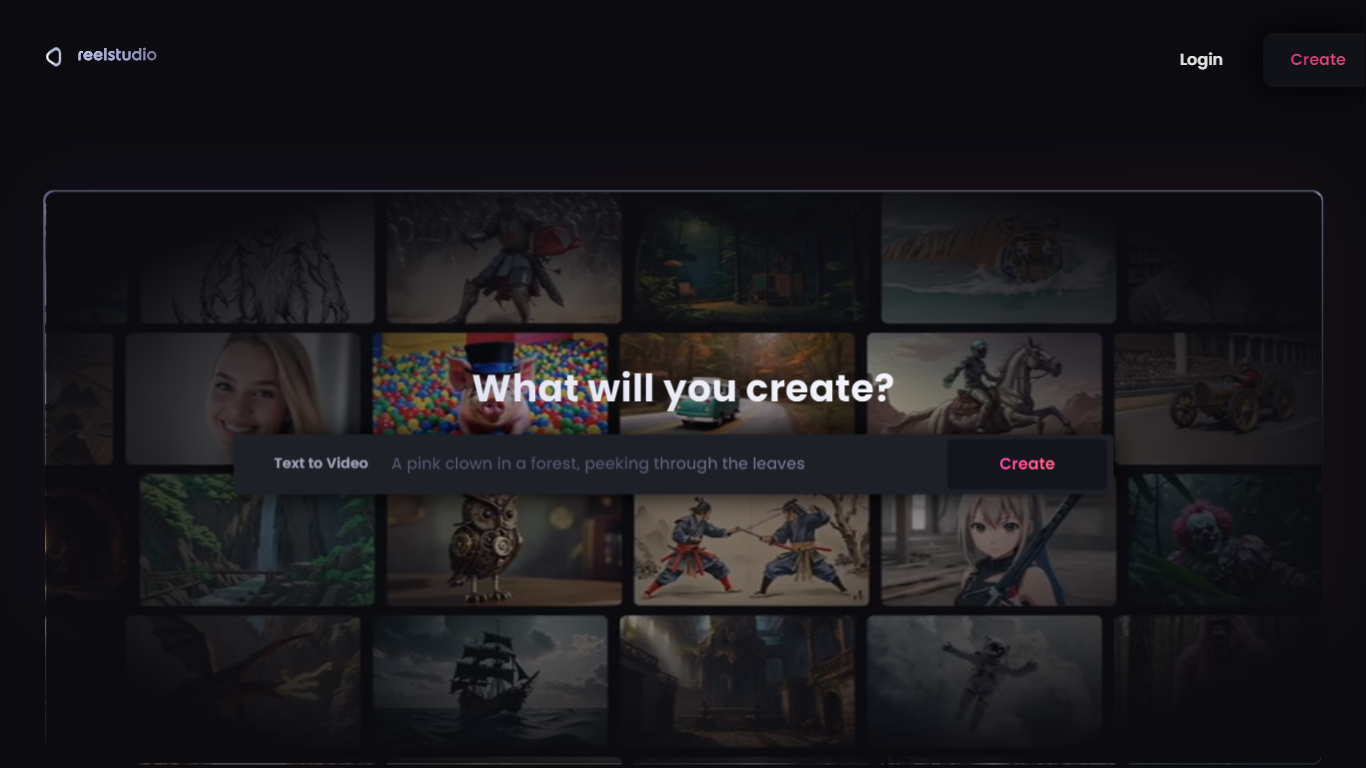
Reel Studio is a video production workspace that guides users from script to finished video. It uses an AI agent to help plan shots, generate multiple takes, check continuity, assemble timelines, add audio, and export completed videos. The platform supports project memory and references, allowing creators to manage multi-shot productions with consistent characters, products, and locations.
Users can connect AI agents like Claude or Codex to control video generation and editing through a Model Context Protocol endpoint. The workspace includes tools for creating scenes, shots, cast, locations, and assets, plus timeline editing with voice, sound effects, and music. Credits are used to generate media, and plans offer monthly credit bundles with rollover.
Reel Studio targets creators making reels, ads, shorts, and launch videos, providing a structured workflow that reduces guesswork and improves production quality.
Peech AI

What is Peech AI?
Peech turns raw video footage into branded, platform-ready clips through automated post-production. Upload your content and the platform tags scenes, transcribes speech, applies your brand elements, and outputs resized versions for social, web, and ads. A text-to-video editor lets you trim clips and remove filler words as easily as editing a document.
Agency-style post-production usually means days of editor time for every batch of marketing videos. Peech automates transcription in 20+ languages, facial-recognition framing, aspect-ratio cropping, and highlight clip generation in one workflow. Media teams report cutting post-production time by up to 95% and design costs by over 80% compared to hiring external editors.
Marketing teams at B2B companies like Peerspot and Datarails use Peech to repurpose webinars and interviews into daily social clips. Media companies organize large footage libraries with automatic tagging and topic-based highlight recommendations. You can start free without a credit card, then scale to dozens of branded videos per month through the app at app.peech-ai.com.
Reel Studio Upvotes
Peech AI Upvotes
Reel Studio Top Features
🎬 AI Agent Assistant: Guides video production from script to export, handling planning, takes, and timeline assembly.
📽️ Multi-Take Generation: Create multiple video or image takes per shot to compare and select the best version.
🔗 Continuity Checks: Maintain consistent characters, products, and locations across shots with pinned references.
🎵 Integrated Audio Tools: Add voiceovers, sound effects, and music directly within the timeline workspace.
💳 Credit-Based Usage: Flexible credit system for generation with rollover and no expiration on paid credits.
Peech AI Top Features
Real-time transcription and translation into 20+ languages with subtitle export
Text-to-video editor cuts clips and removes filler words like editing a doc
Automated brand elements applied across every output with one-click execution
Frame cropper centers speakers via facial recognition across aspect ratios
Clip Generator produces ready-to-publish social videos from long-form footage
Reel Studio Category
- Video Editing
Peech AI Category
- Video Editing
Reel Studio Pricing Type
- Paid
Peech AI Pricing Type
- Freemium