
Last updated 07-29-2026
Category:
Reviews:
Join thousands of AI enthusiasts in the World of AI!
Reel Studio
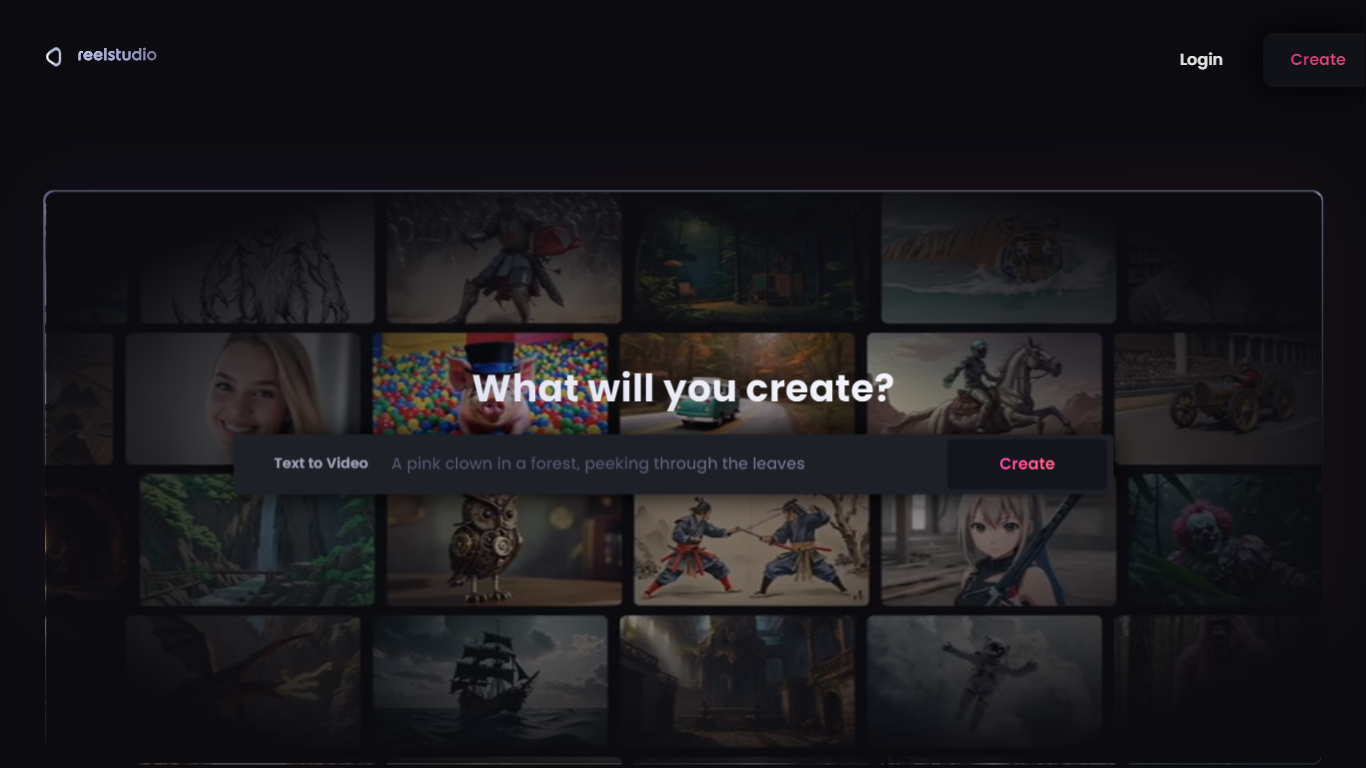
Reel Studio is a video production workspace that guides users from script to finished video. It uses an AI agent to help plan shots, generate multiple takes, check continuity, assemble timelines, add audio, and export completed videos. The platform supports project memory and references, allowing creators to manage multi-shot productions with consistent characters, products, and locations.
Users can connect AI agents like Claude or Codex to control video generation and editing through a Model Context Protocol endpoint. The workspace includes tools for creating scenes, shots, cast, locations, and assets, plus timeline editing with voice, sound effects, and music. Credits are used to generate media, and plans offer monthly credit bundles with rollover.
Reel Studio targets creators making reels, ads, shorts, and launch videos, providing a structured workflow that reduces guesswork and improves production quality.
🎬 AI Agent Assistant: Guides video production from script to export, handling planning, takes, and timeline assembly.
📽️ Multi-Take Generation: Create multiple video or image takes per shot to compare and select the best version.
🔗 Continuity Checks: Maintain consistent characters, products, and locations across shots with pinned references.
🎵 Integrated Audio Tools: Add voiceovers, sound effects, and music directly within the timeline workspace.
💳 Credit-Based Usage: Flexible credit system for generation with rollover and no expiration on paid credits.
Structured AI-assisted workflow from script to final video export
Supports multi-take generation and side-by-side review for better creative choices
Maintains continuity with pinned references and automated drift checks
Integrated audio generation and timeline editing tools
Flexible credit system with rollover and no expiration on paid credits
Collaboration features are not yet available but planned
Requires credit purchase for generation which may be costly for casual users
How does Reel Studio help maintain continuity in videos?
Reel Studio uses pinned references and visual language model checks to keep characters, products, and locations consistent across shots, reducing drift before final editing.
What is the credit system in Reel Studio?
Reel Studio credits are used to generate video, image, and audio content. Purchased credits roll over monthly and never expire, and failed generations are automatically refunded.
Can I connect my own AI agent to Reel Studio?
Yes, Reel Studio supports connecting AI agents like Claude, Codex, Cursor, and others via its Model Context Protocol endpoint for full production control.
What types of videos can I create with Reel Studio?
You can create reels, ads, shorts, launch videos, and other short-form content using the platform's AI-assisted production tools.
Is there a free trial available?
Reel Studio new users receive 500 trial credits valid for 7 days upon connecting a payment method, with a reminder email sent one day before the first charge.
How do I add audio to my video projects?
Reel Studio allows you to generate and add narration, dialogue, sound effects, ambience, and music directly into timeline tracks within the workspace.
Can I collaborate with others on projects?
Reel Studio collaboration features are planned and coming soon to the Studio plan, enabling teams to work together on campaigns and projects.