TubeMagic vs Reel Studio
In the contest of TubeMagic vs Reel Studio, which AI Video Editing tool is the champion? We evaluate pricing, alternatives, upvotes, features, reviews, and more.
If you had to choose between TubeMagic and Reel Studio, which one would you go for?
When we examine TubeMagic and Reel Studio, both of which are AI-enabled video editing tools, what unique characteristics do we discover? There's no clear winner in terms of upvotes, as both tools have received the same number. Every vote counts! Cast yours and contribute to the decision of the winner.
Think we got it wrong? Cast your vote and show us who's boss!
TubeMagic

What is TubeMagic?
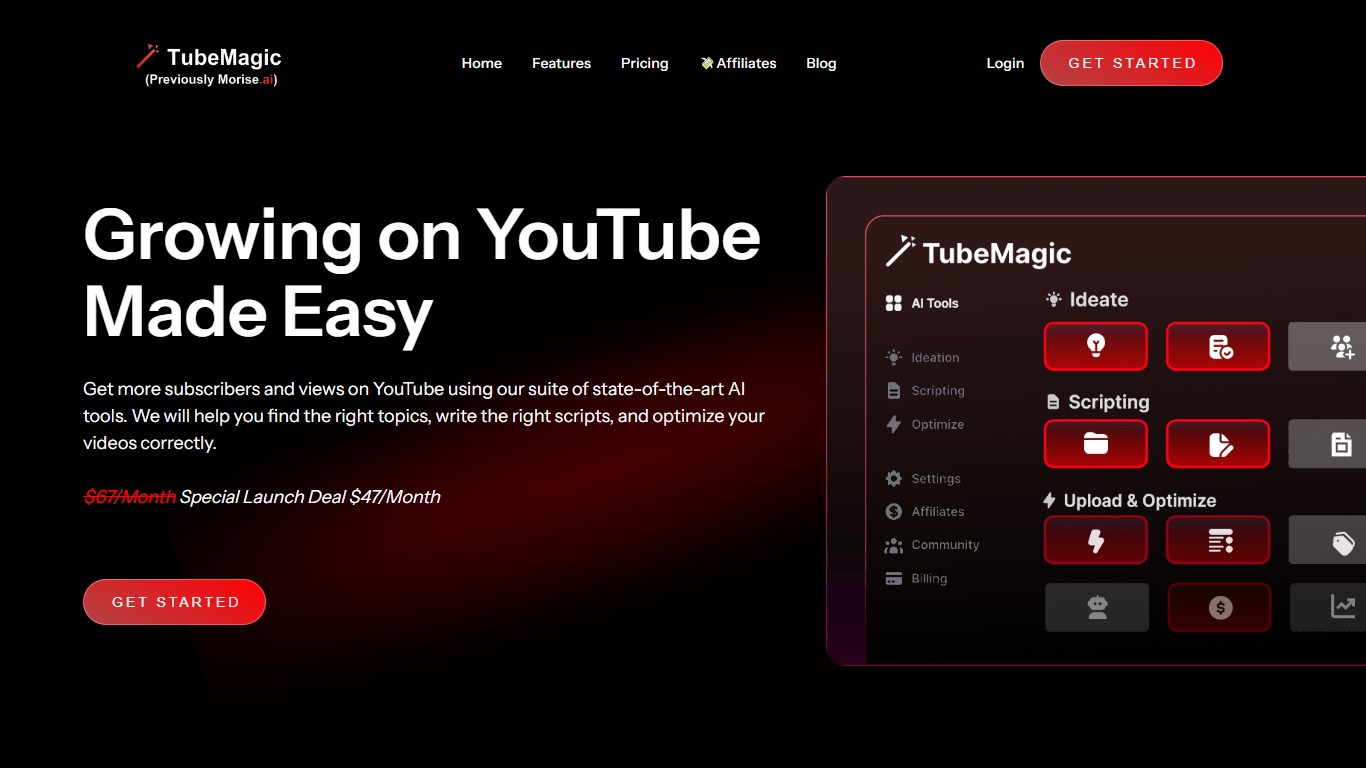
TubeMagic helps YouTube creators script, research, and optimize videos from one dashboard instead of juggling separate apps. Its script writer generates retention-focused drafts in seconds, and the same subscription covers titles, tags, descriptions, thumbnails, keyword research, and upload prep.
Where VidIQ and TubeBuddy lean on analytics and browser-side optimization, TubeMagic puts script drafting first. You paste a channel link to mirror your tone, pick models like Claude 4.0 or GPT-4o, set length from one to twenty minutes, and feed in top-performing videos as inspiration. The site reports over 200K scripts generated and lists creators with large followings as users.
TubeMagic started as Morise.AI in 2023, was acquired by YouTuber Matt Par in January 2024, and by mid-2025 the team narrowed focus to the script writer while keeping the rest of the toolkit available. It suits solo creators, agencies, and channel managers who publish regularly and need faster scripting plus SEO-minded metadata.
Reel Studio

What is Reel Studio?
Reel Studio is a video production workspace that guides users from script to finished video. It uses an AI agent to help plan shots, generate multiple takes, check continuity, assemble timelines, add audio, and export completed videos. The platform supports project memory and references, allowing creators to manage multi-shot productions with consistent characters, products, and locations.
Users can connect AI agents like Claude or Codex to control video generation and editing through a Model Context Protocol endpoint. The workspace includes tools for creating scenes, shots, cast, locations, and assets, plus timeline editing with voice, sound effects, and music. Credits are used to generate media, and plans offer monthly credit bundles with rollover.
Reel Studio targets creators making reels, ads, shorts, and launch videos, providing a structured workflow that reduces guesswork and improves production quality.
TubeMagic Upvotes
Reel Studio Upvotes
TubeMagic Top Features
Paste your channel link and TubeMagic mirrors your tone and structure
Choose Claude 4.0, GPT-4o, or other models when drafting scripts
Match script length to video time with word targets from 100 words for 1 minute up to 3000 words for 20 minutes
Add inspiration videos and it merges their patterns into your draft
Warp Upload Optimizer suggests titles, tags, and descriptions before publish
Keyword research shows volume, competition, and a Magic Score per topic
Supports 95+ languages for titles, descriptions, tags, and video ideas
Reel Studio Top Features
🎬 AI Agent Assistant: Guides video production from script to export, handling planning, takes, and timeline assembly.
📽️ Multi-Take Generation: Create multiple video or image takes per shot to compare and select the best version.
🔗 Continuity Checks: Maintain consistent characters, products, and locations across shots with pinned references.
🎵 Integrated Audio Tools: Add voiceovers, sound effects, and music directly within the timeline workspace.
💳 Credit-Based Usage: Flexible credit system for generation with rollover and no expiration on paid credits.
TubeMagic Category
- Video Editing
Reel Studio Category
- Video Editing
TubeMagic Pricing Type
- Paid
Reel Studio Pricing Type
- Paid