Reel Studio vs RivetAI
In the battle of Reel Studio vs RivetAI, which AI Video Editing tool comes out on top? We compare reviews, pricing, alternatives, upvotes, features, and more.
Which one is better? Reel Studio or RivetAI?
Upon comparing Reel Studio with RivetAI, which are both AI-powered video editing tools, RivetAI is the clear winner in terms of upvotes. The number of upvotes for RivetAI stands at 7, and for Reel Studio it's 6.
Does the result make you go "hmm"? Cast your vote and turn that frown upside down!
Reel Studio
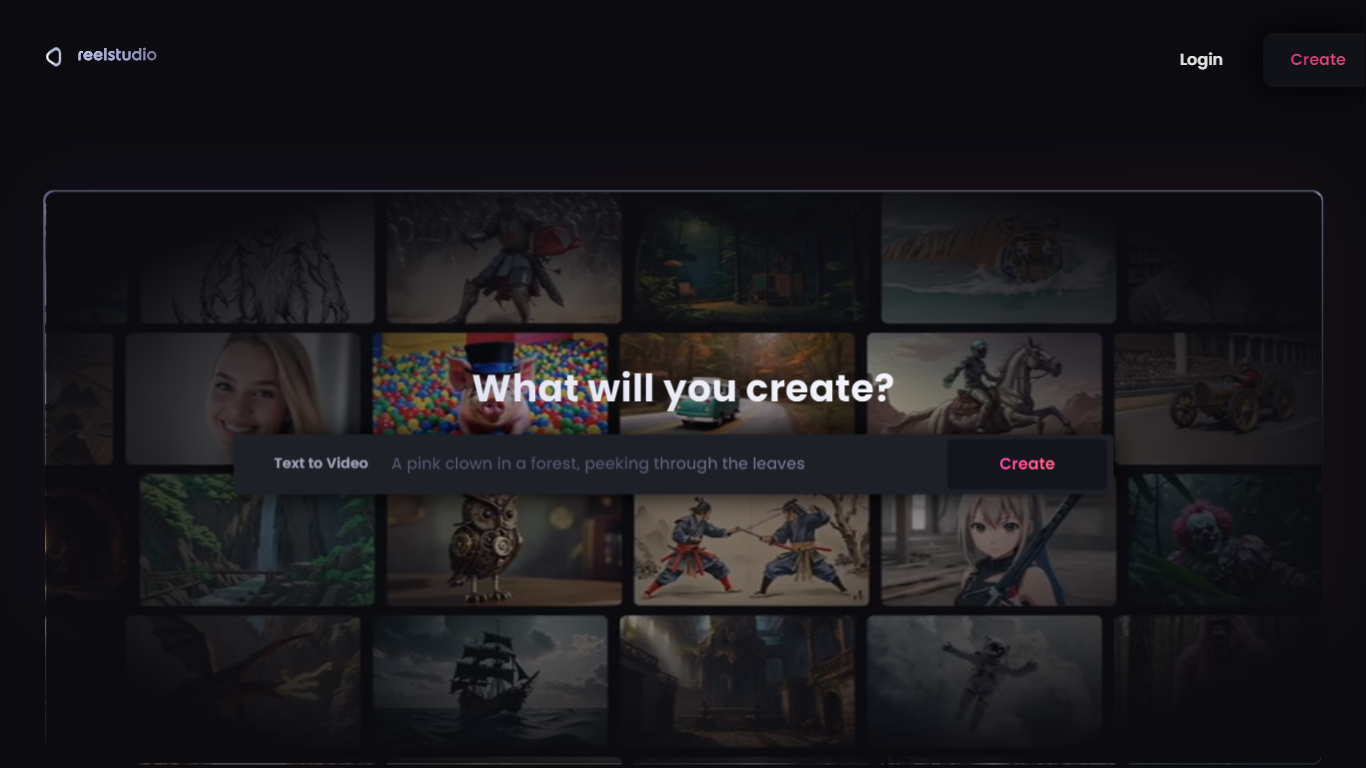

What is Reel Studio?
Reel Studio is a video production workspace that guides users from script to finished video. It uses an AI agent to help plan shots, generate multiple takes, check continuity, assemble timelines, add audio, and export completed videos. The platform supports project memory and references, allowing creators to manage multi-shot productions with consistent characters, products, and locations.
Users can connect AI agents like Claude or Codex to control video generation and editing through a Model Context Protocol endpoint. The workspace includes tools for creating scenes, shots, cast, locations, and assets, plus timeline editing with voice, sound effects, and music. Credits are used to generate media, and plans offer monthly credit bundles with rollover.
Reel Studio targets creators making reels, ads, shorts, and launch videos, providing a structured workflow that reduces guesswork and improves production quality.
RivetAI
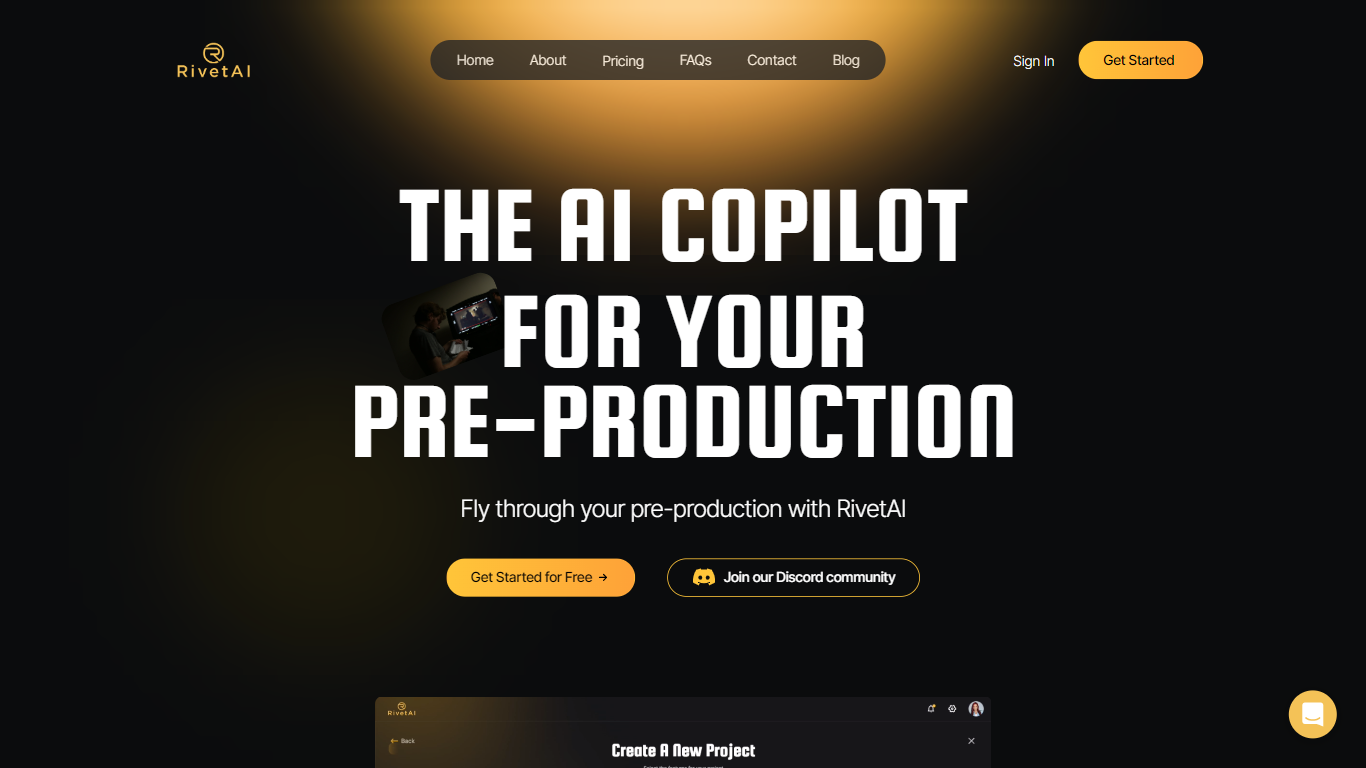
What is RivetAI?
RivetAI is a film and television pre-production platform that keeps scriptwriting, breakdown, scheduling, and budgeting on one shared screenplay. You draft and tag scenes in an industry-standard editor, then downstream modules read the same draft without export handoffs. Writers and production crews buy a per-project license with no subscription, and your script is never used to train AI models.
Most pre-production stacks split script, breakdown, schedule, and budget across separate apps that need constant file exports. RivetAI runs all four on one connected draft, so a scene edit ripples into stripboards and top sheets automatically. Pay-once Writer and Studio licenses also skip recurring SaaS fees that tools like StudioBinder or Movie Magic charge for comparable workflows.
Screenwriters use Writer for tagging, AI breakdown, and coverage while sharing password-gated links with partners. Production teams upgrade to Studio for stripboards, DOOD calendars, budget topsheets, REST API keys, and MCP client integration. Enterprise customers get SAML/OIDC SSO, pooled AI credits, and procurement support for multi-show studios.
Reel Studio Upvotes
RivetAI Upvotes
Reel Studio Top Features
🎬 AI Agent Assistant: Guides video production from script to export, handling planning, takes, and timeline assembly.
📽️ Multi-Take Generation: Create multiple video or image takes per shot to compare and select the best version.
🔗 Continuity Checks: Maintain consistent characters, products, and locations across shots with pinned references.
🎵 Integrated Audio Tools: Add voiceovers, sound effects, and music directly within the timeline workspace.
💳 Credit-Based Usage: Flexible credit system for generation with rollover and no expiration on paid credits.
RivetAI Top Features
Writer license costs $49.99 per project with 30 AI credits and 2 collaborator seats
Studio license costs $150 per project with 100 AI credits and 9 collaborator seats
Import scripts from Final Draft (.fdx), PDF, Celtx, and Fountain formats
Export to PDF, Final Draft, Fountain, Markdown, and Word (.docx)
Six connected modules sync breakdown, schedule, and budget from one screenplay
REST API and MCP client integration included on the Studio tier
Free tier drafts up to 5 scenes with the same AES-256 encryption as paid licenses
Reel Studio Category
- Video Editing
RivetAI Category
- Video Editing
Reel Studio Pricing Type
- Paid
RivetAI Pricing Type
- Freemium