ReLogo AI vs Befront
Compare ReLogo AI vs Befront and see which AI Design tool is better when we compare features, reviews, pricing, alternatives, upvotes, etc.
Which one is better? ReLogo AI or Befront?
When we compare ReLogo AI with Befront, which are both AI-powered design tools, Neither tool takes the lead, as they both have the same upvote count. You can help us determine the winner by casting your vote and tipping the scales in favor of one of the tools.
Does the result make you go "hmm"? Cast your vote and turn that frown upside down!
ReLogo AI

What is ReLogo AI?
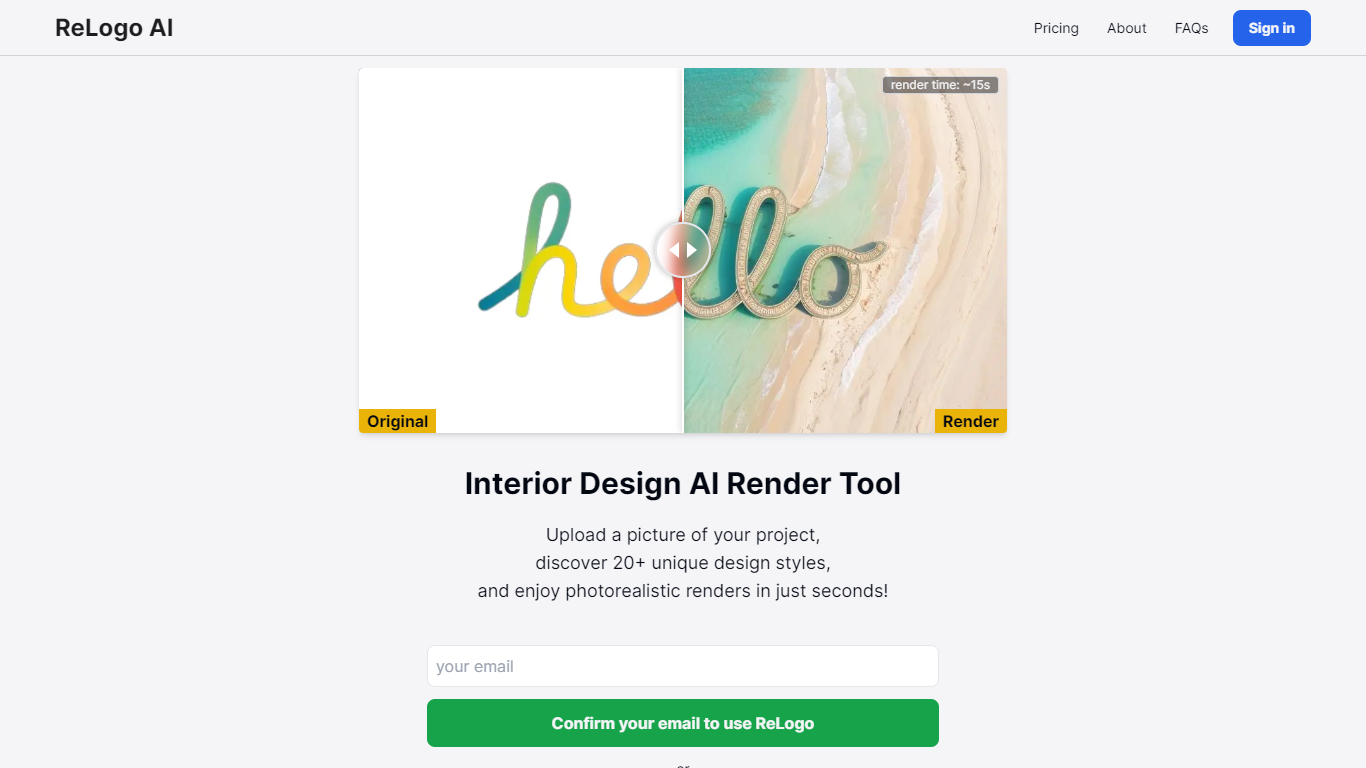
ReLogo AI turns an uploaded logo into photorealistic brand visuals across 20+ design styles in about 15 seconds. You pick themes or write prompts, and the design tool re-renders your mark with different lighting, materials, and environments while keeping the core logo recognizable. Sign in with Google or email to start generating.
Unlike full logo generators that invent a mark from scratch, ReLogo AI assumes you already have a logo and focuses on expressive brand mockups. That makes it closer to a scene renderer than a vector editor like Canva or Looka. Pro plans remove watermarks, unlock private mode, and double output resolution for client-ready assets.
Freelancers, agencies, and founders use it to preview how a logo looks on packaging, signage, or social posts without opening Photoshop. The free tier allows 3 renders per day with watermarks, while Pro runs $19 per month or $15.83 per month billed annually for unlimited renders.
Befront
What is Befront?
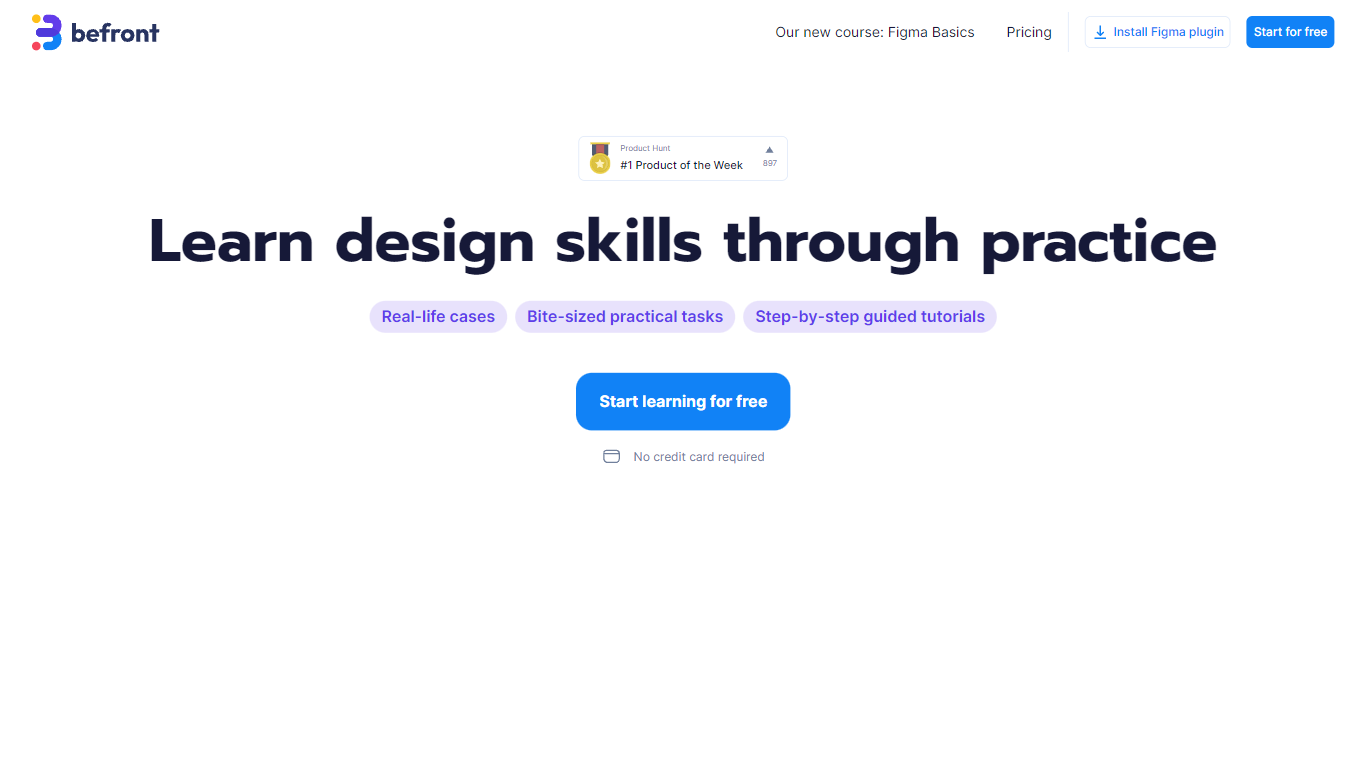
Befront is a Figma Community plugin that works as a hands-on design trainer. You install it in Figma, pick a skill to train, and complete short UI tasks on real interfaces with instant feedback as you work. It focuses on practical layout and component work rather than passive theory.
Most design courses lean on video lectures that are easy to watch and hard to retain. Befront runs short drills you can finish in about five minutes, with topic picks like Auto Layout and components instead of a fixed syllabus. That makes it closer to a daily gym routine than a semester-long course.
The homepage positions Befront for designers who feel stuck in Figma, working designers who want more speed, and career switchers learning UX/UI from scratch. Developers, product managers, founders, and marketers who need to work confidently in Figma are also called out in the FAQ.
You track progress over time, compete with other designers, and can try design mini-games for quick interactive practice. A free trial offers access to trial lessons, while paid plans start at $11 per week or $30 per month for full access.
ReLogo AI Upvotes
Befront Upvotes
ReLogo AI Top Features
Upload a logo and explore 20+ unique design styles with renders in about 15 seconds
Free plan includes 3 renders per day with commercial use allowed
Monthly Pro at $19 includes unlimited renders and 2x enhanced image quality
Yearly Pro at $15.83 per month billed annually matches Pro features at lower cost
Pro plans add watermark-free exports, private mode, and all lighting styles
Render with preset themes or custom text prompts for scene control
API access listed for integrating ReLogo AI into external workflows
Befront Top Features
Daily drills you can finish in about five minutes with instant feedback inside Figma
Monthly plan at $30 per month or Weekly plan at $11 per week for full access to all content
Topic-specific training for Auto Layout, components, and other job-ready Figma skills
Design mini-games for quick interactive practice on real interfaces
Free Trial at $0 with access to trial lessons inside the Figma plugin
ReLogo AI Category
- Design
Befront Category
- Design
ReLogo AI Pricing Type
- Freemium
Befront Pricing Type
- Freemium