RembgAI vs AI Image Upscaler on AI Image Enlarger
Dive into the comparison of RembgAI vs AI Image Upscaler on AI Image Enlarger and discover which AI Photo Editing tool stands out. We examine alternatives, upvotes, features, reviews, pricing, and beyond.
When comparing RembgAI and AI Image Upscaler on AI Image Enlarger, which one rises above the other?
When we compare RembgAI and AI Image Upscaler on AI Image Enlarger, two exceptional photo editing tools powered by artificial intelligence, and place them side by side, several key similarities and differences come to light. In the race for upvotes, RembgAI takes the trophy. RembgAI has 7 upvotes, and AI Image Upscaler on AI Image Enlarger has 6 upvotes.
Disagree with the result? Upvote your favorite tool and help it win!
RembgAI
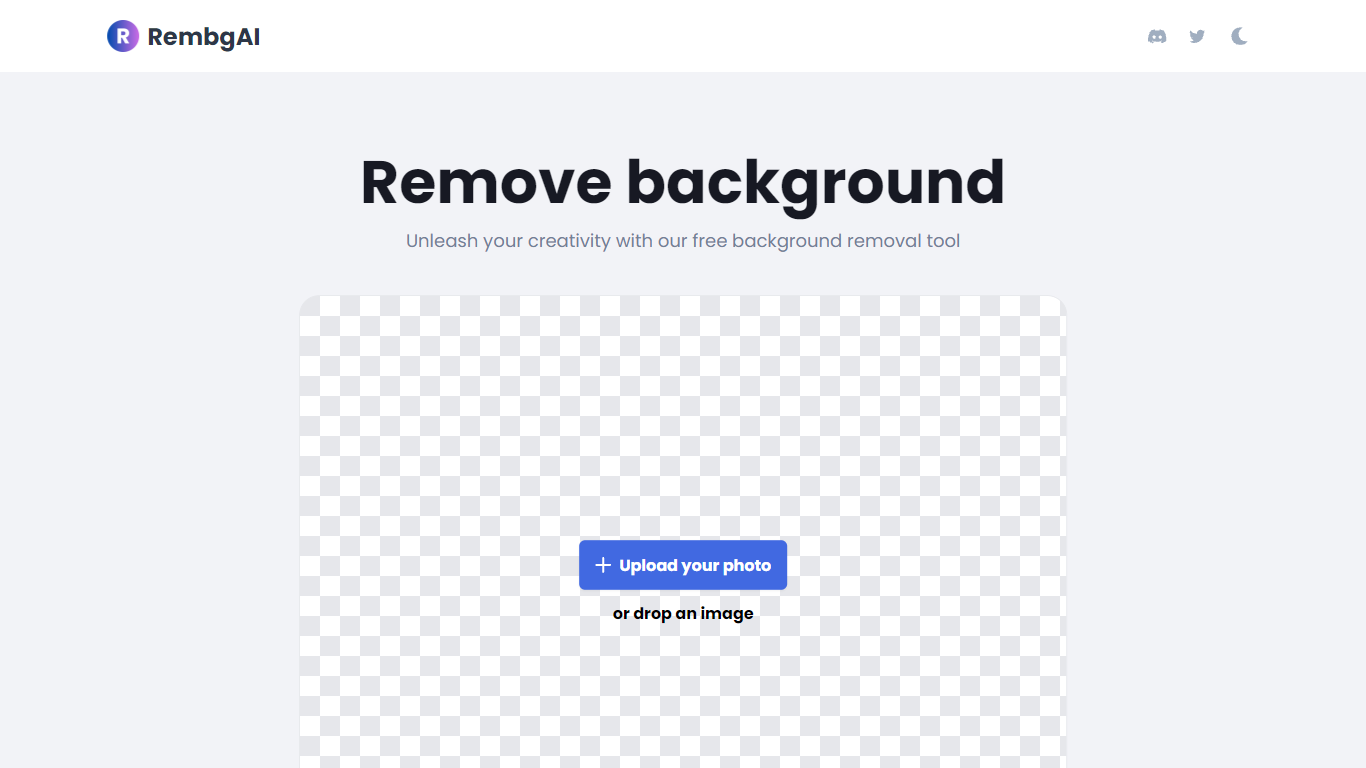

What is RembgAI?
RembgAI removes backgrounds from images quickly and accurately, supporting formats like JPG, PNG, WEBP, HEIC, and BMP. It processes images to create transparent PNGs suitable for various editing and design needs.
What distinguishes RembgAI is its selection of AI models tailored for different image types, including precise, balanced, and product-focused models. This allows users to optimize background removal for complex subjects such as hair, fur, and glass.
The tool includes a brush refinement feature for manual edge adjustments, enhancing cutout quality. Developers benefit from a REST API offering scalable plans, full resolution support, and parallel processing capabilities.
Privacy is prioritized by processing images in memory without storage, with an option for private on-device use. RembgAI combines free unlimited online use with professional API options, making it ideal for ecommerce, marketing, and design professionals.
AI Image Upscaler on AI Image Enlarger

What is AI Image Upscaler on AI Image Enlarger?
This Imglarger photo editing tool enlarges JPG, PNG, or WebP images to 2x or 4x resolution in your browser. You upload a file up to 10 MB and 1024 px wide, pick a scale factor, and the model sharpens edges and textures for 4K screens, product catalogs, or social posts. It handles portraits, AI art, anime frames, and product shots without installing desktop software.
Standard resize tools stretch pixels and leave blurry blocks. Imglarger's upscaler rebuilds detail with a focused workflow: upload, choose 200% or 400%, preview side by side, then download. You give up local batch power on the free tier and must trust cloud processing, though files auto-delete within six hours.
E-commerce teams batch-prepare catalog assets on paid plans. Digital artists upscale Midjourney or Stable Diffusion outputs, and photographers rescue compressed client files before print runs.
RembgAI Upvotes
AI Image Upscaler on AI Image Enlarger Upvotes
RembgAI Top Features
Instant Background Removal: Upload images and get backgrounds removed in seconds without signup.
Multiple AI Models: Choose from precise, balanced, or product models for best edge detection.
Brush Refinement Tool: Manually fine-tune edges for perfect cutouts.
Privacy Focused: Images processed in memory only; no storage and private on-device option available.
Easy API Access: Simple REST API for developers with scalable plans and full resolution support.
AI Image Upscaler on AI Image Enlarger Top Features
Upscale images to 200% or 400% with a single upload step
Accepts JPG, PNG, and WebP files up to 10 MB and 1024 px input width
Preview upscaled output beside the original before downloading
Batch upscale multiple images on paid plans starting at $4.99 per month
Processed files are automatically deleted within six hours
Dedicated anime upscaler and enlarger tools live on the same Imglarger site
RembgAI Category
- Photo Editing
AI Image Upscaler on AI Image Enlarger Category
- Photo Editing
RembgAI Pricing Type
- Freemium
AI Image Upscaler on AI Image Enlarger Pricing Type
- Freemium