
Last updated 07-29-2026
Category:
Reviews:
Join thousands of AI enthusiasts in the World of AI!
RembgAI
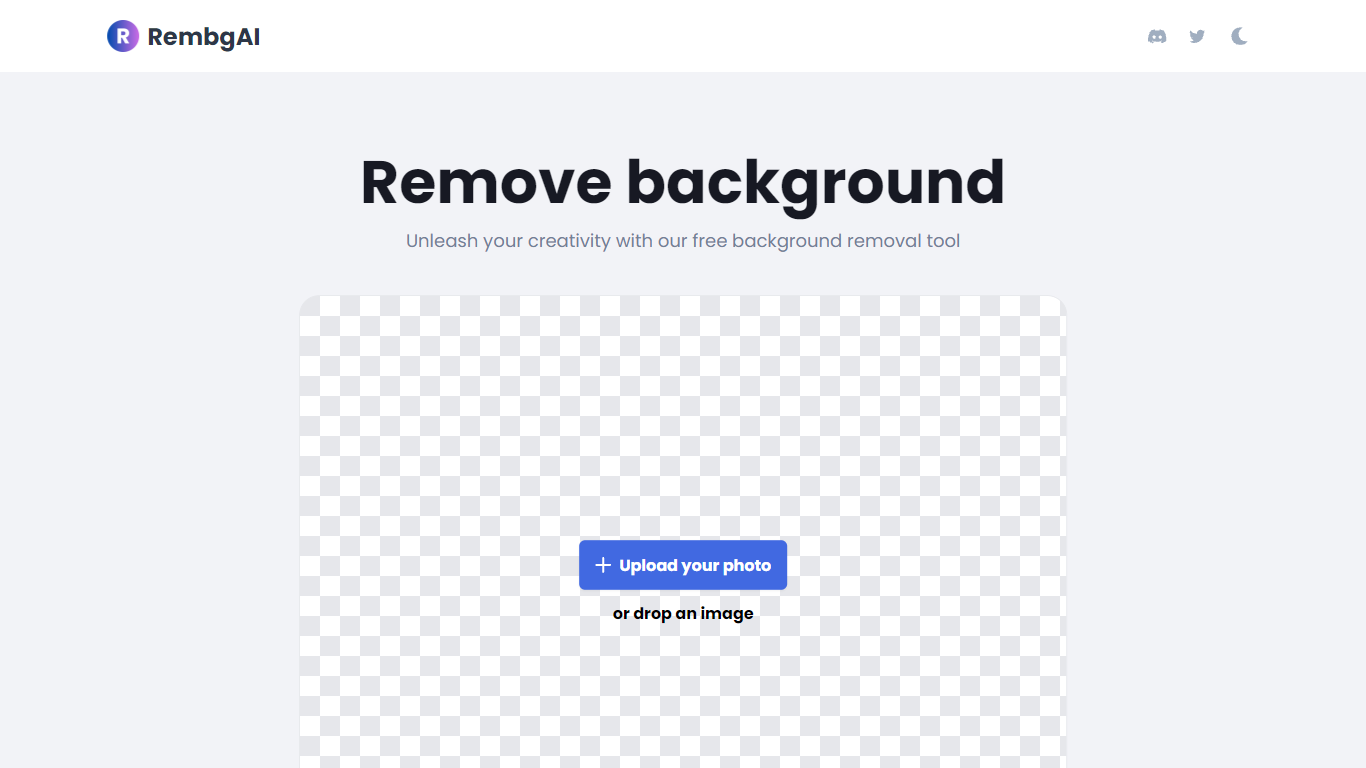
RembgAI removes backgrounds from images quickly and accurately, supporting formats like JPG, PNG, WEBP, HEIC, and BMP. It processes images to create transparent PNGs suitable for various editing and design needs.
What distinguishes RembgAI is its selection of AI models tailored for different image types, including precise, balanced, and product-focused models. This allows users to optimize background removal for complex subjects such as hair, fur, and glass.
The tool includes a brush refinement feature for manual edge adjustments, enhancing cutout quality. Developers benefit from a REST API offering scalable plans, full resolution support, and parallel processing capabilities.
Privacy is prioritized by processing images in memory without storage, with an option for private on-device use. RembgAI combines free unlimited online use with professional API options, making it ideal for ecommerce, marketing, and design professionals.
Instant Background Removal: Upload images and get backgrounds removed in seconds without signup.
Multiple AI Models: Choose from precise, balanced, or product models for best edge detection.
Brush Refinement Tool: Manually fine-tune edges for perfect cutouts.
Privacy Focused: Images processed in memory only; no storage and private on-device option available.
Easy API Access: Simple REST API for developers with scalable plans and full resolution support.
Free unlimited online background removal with no signup required
Multiple AI models tailored for different image types
Brush tool for manual edge refinement
Privacy-focused processing with no image storage
Scalable API plans for developers and businesses
API access requires paid subscription beyond free online use
Custom high-volume plans require contacting sales
No desktop app; primarily web and API based
Can I use RembgAI without creating an account?
RembgAI allows you to remove backgrounds instantly online for free without signing up or creating an account.
What image formats does RembgAI support?
RembgAI supports JPG, PNG, WEBP, HEIC, and BMP image formats for background removal.
How do I choose the best AI model for my image?
RembgAI lets you switch between models like precise, balanced, or product to get the cleanest edge depending on your image type.
Is there a way to manually fix edges after automatic removal?
Yes, RembgAI offers a brush refinement tool to manually adjust and perfect the background removal.
How does the API pricing work?
RembgAI API pricing is tiered from Starter to Scale plans based on monthly image volume and features like parallel processing and priority support.
Are my images stored or saved by RembgAI?
RembgAI processes images in memory only and does not store them. There is also a private on-device option for added privacy.
Can RembgAI handle complex backgrounds like hair or glass?
RembgAI's precise model is optimized to handle hair, fur, glass, and soft transitions effectively.