RembgAI vs PhotoAid's AI Image Enlarger
In the battle of RembgAI vs PhotoAid's AI Image Enlarger, which AI Photo Editing tool comes out on top? We compare reviews, pricing, alternatives, upvotes, features, and more.
Between RembgAI and PhotoAid's AI Image Enlarger, which one is superior?
Upon comparing RembgAI with PhotoAid's AI Image Enlarger, which are both AI-powered photo editing tools, The users have made their preference clear, RembgAI leads in upvotes. The upvote count for RembgAI is 7, and for PhotoAid's AI Image Enlarger it's 6.
Disagree with the result? Upvote your favorite tool and help it win!
RembgAI
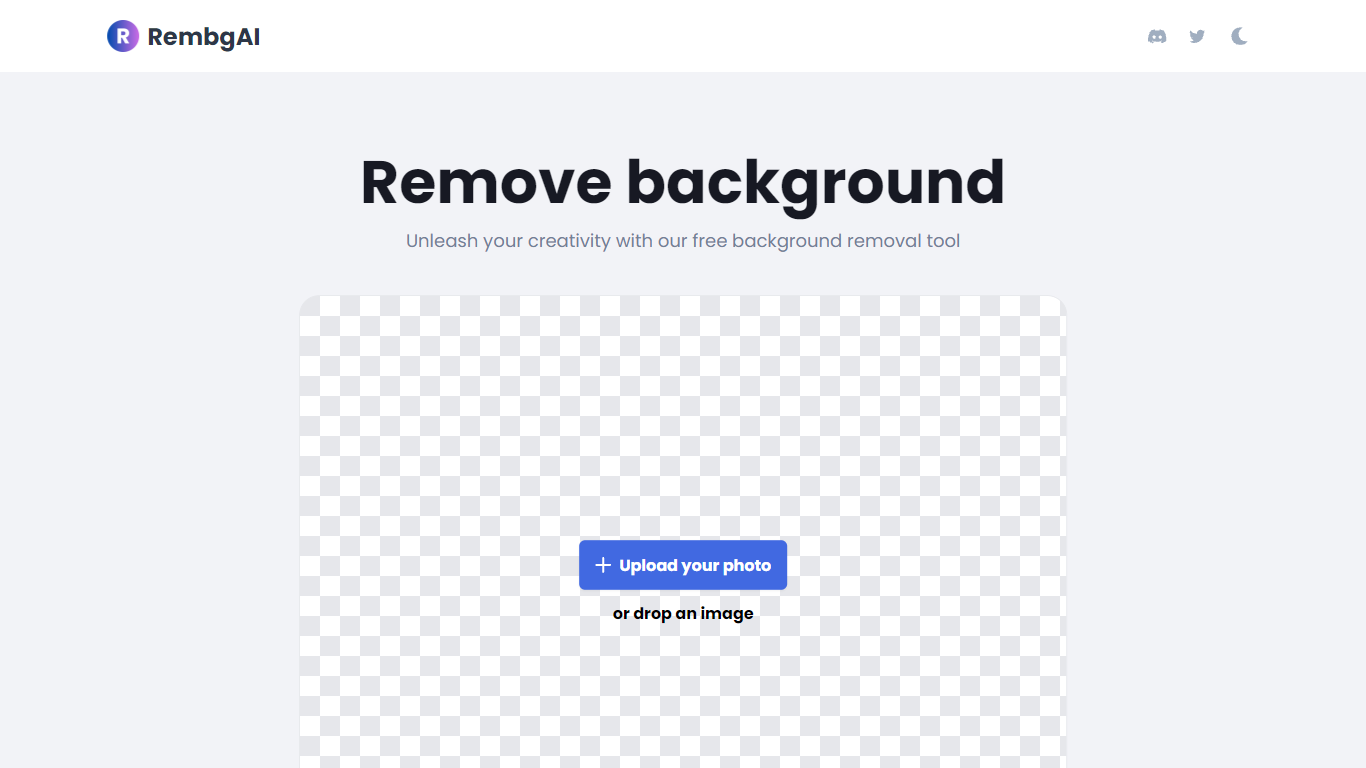

What is RembgAI?
RembgAI removes backgrounds from images quickly and accurately, supporting formats like JPG, PNG, WEBP, HEIC, and BMP. It processes images to create transparent PNGs suitable for various editing and design needs.
What distinguishes RembgAI is its selection of AI models tailored for different image types, including precise, balanced, and product-focused models. This allows users to optimize background removal for complex subjects such as hair, fur, and glass.
The tool includes a brush refinement feature for manual edge adjustments, enhancing cutout quality. Developers benefit from a REST API offering scalable plans, full resolution support, and parallel processing capabilities.
Privacy is prioritized by processing images in memory without storage, with an option for private on-device use. RembgAI combines free unlimited online use with professional API options, making it ideal for ecommerce, marketing, and design professionals.
PhotoAid's AI Image Enlarger
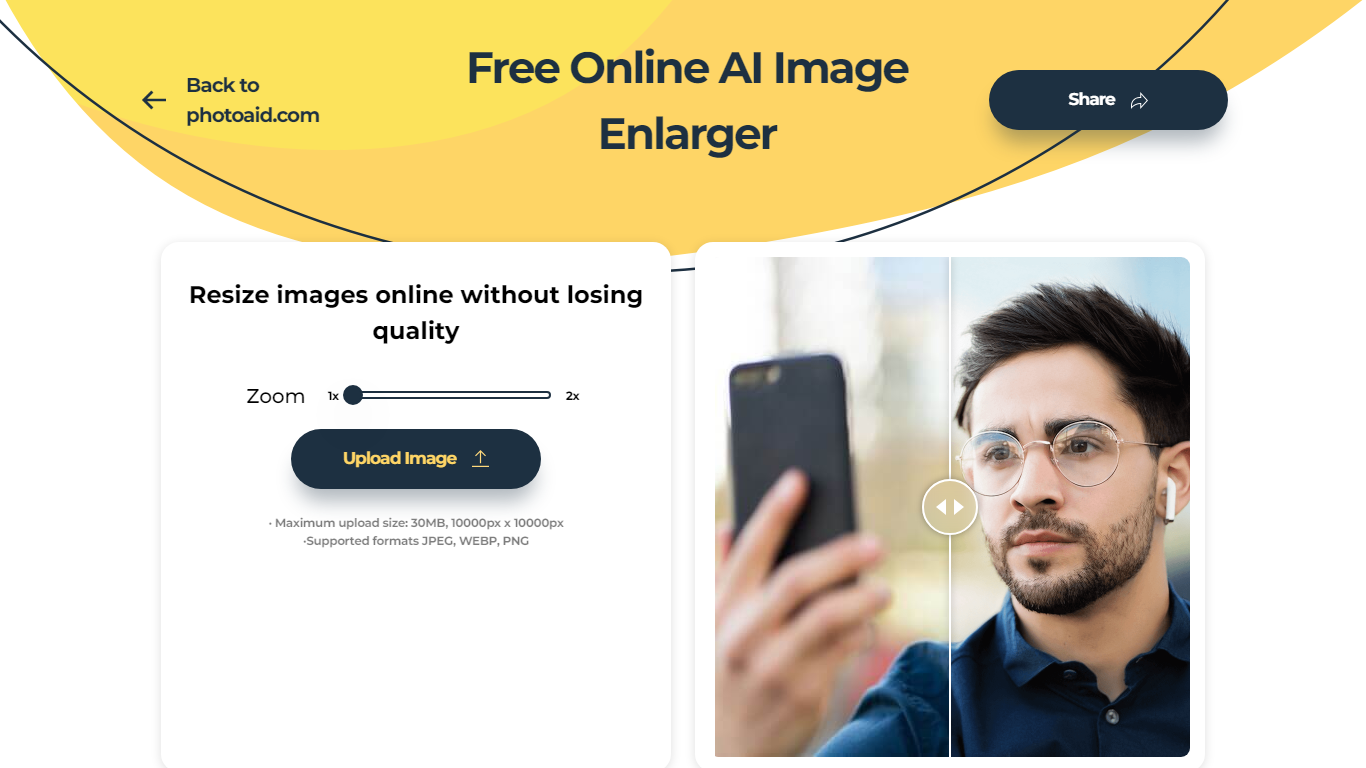
What is PhotoAid's AI Image Enlarger?
PhotoAid's AI Image Enlarger upscales photos in the browser without a software download. You upload a JPEG, WEBP, or PNG file up to 30MB or 10,000 by 10,000 pixels, pick a 1x or 2x zoom level, and the tool doubles dimensions while smoothing detail instead of leaving blocky pixels.
Standard resize tools stretch pixels and blur faces fast. PhotoAid's upscaler uses AI smoothing tuned especially for portraits, so a 1000 by 1000 px image can become 2000 by 2000 px with fewer artifacts than a basic bicubic stretch.
The enlarger is free and hosted by PhotoAiD, the same team behind passport and visa photo tools on photoaid.com. They released it as a standalone browser utility alongside their biometric photo pipeline, with multilingual site options and links back to other PhotoAid tools.
PhotoAid's AI Image Enlarger fits photographers, ecommerce sellers, and anyone who needs a quick upscale for profile shots or product images. It also helps travelers who already use PhotoAid for passport photos and want a separate enlargement step in the same ecosystem.
RembgAI Upvotes
PhotoAid's AI Image Enlarger Upvotes
RembgAI Top Features
Instant Background Removal: Upload images and get backgrounds removed in seconds without signup.
Multiple AI Models: Choose from precise, balanced, or product models for best edge detection.
Brush Refinement Tool: Manually fine-tune edges for perfect cutouts.
Privacy Focused: Images processed in memory only; no storage and private on-device option available.
Easy API Access: Simple REST API for developers with scalable plans and full resolution support.
PhotoAid's AI Image Enlarger Top Features
2x zoom doubles image dimensions, for example 1000 by 1000 px to 2000 by 2000 px
Maximum upload size is 30MB or 10,000 by 10,000 pixels
Supports JPEG, WEBP, and PNG input formats
Browser-based workflow requires no desktop software download
AI upscaler emphasizes face photos but handles other image types
Free access with share and tell-friends prompts on the tool page
Multilingual PhotoAid site lists 15 language options in the footer
RembgAI Category
- Photo Editing
PhotoAid's AI Image Enlarger Category
- Photo Editing
RembgAI Pricing Type
- Freemium
PhotoAid's AI Image Enlarger Pricing Type
- Free