RembgAI vs Instant AI for Google Slides
When comparing RembgAI vs Instant AI for Google Slides, which AI Photo Editing tool shines brighter? We look at pricing, alternatives, upvotes, features, reviews, and more.
In a comparison between RembgAI and Instant AI for Google Slides, which one comes out on top?
When we put RembgAI and Instant AI for Google Slides side by side, both being AI-powered photo editing tools, The upvote count reveals a draw, with both tools earning the same number of upvotes. Join the aitools.fyi users in deciding the winner by casting your vote.
You don't agree with the result? Cast your vote to help us decide!
RembgAI

What is RembgAI?
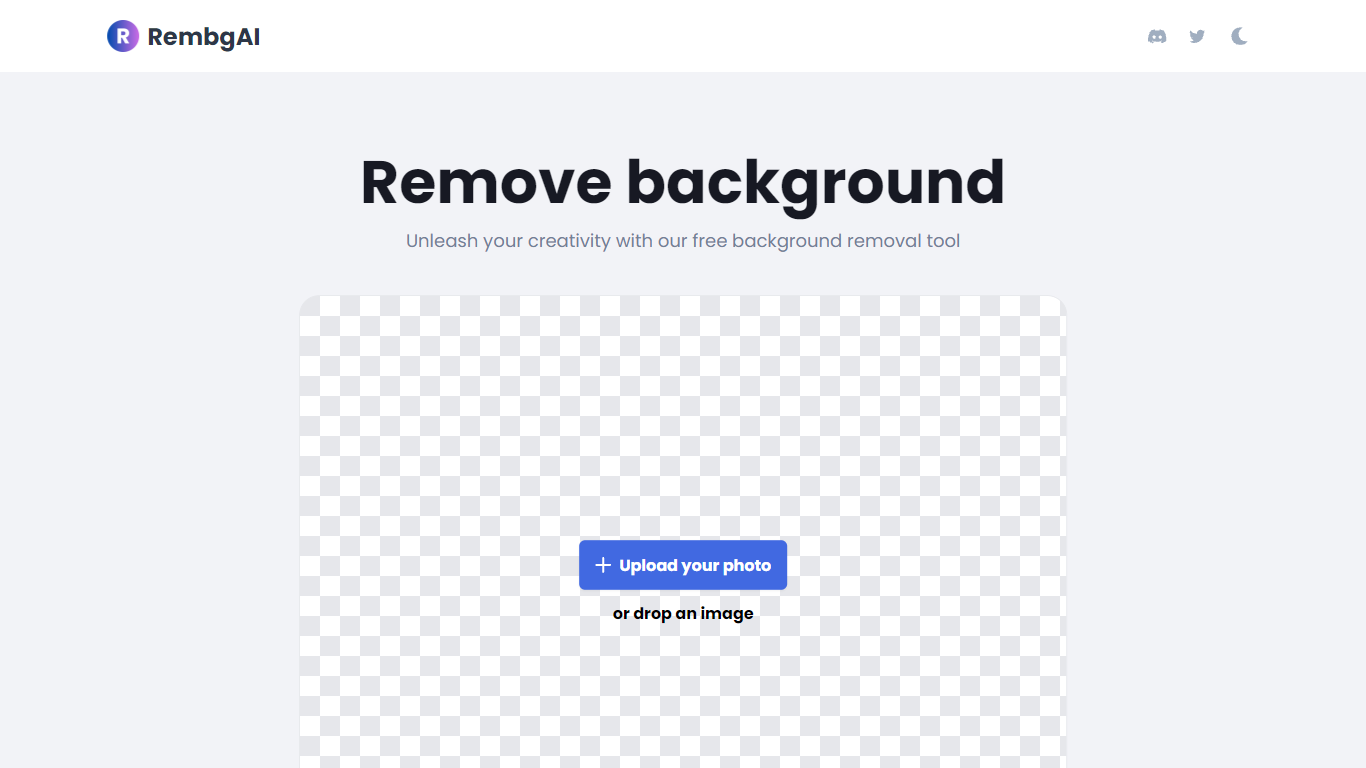
RembgAI removes backgrounds from images quickly and accurately, supporting formats like JPG, PNG, WEBP, HEIC, and BMP. It processes images to create transparent PNGs suitable for various editing and design needs.
What distinguishes RembgAI is its selection of AI models tailored for different image types, including precise, balanced, and product-focused models. This allows users to optimize background removal for complex subjects such as hair, fur, and glass.
The tool includes a brush refinement feature for manual edge adjustments, enhancing cutout quality. Developers benefit from a REST API offering scalable plans, full resolution support, and parallel processing capabilities.
Privacy is prioritized by processing images in memory without storage, with an option for private on-device use. RembgAI combines free unlimited online use with professional API options, making it ideal for ecommerce, marketing, and design professionals.
Instant AI for Google Slides
What is Instant AI for Google Slides?
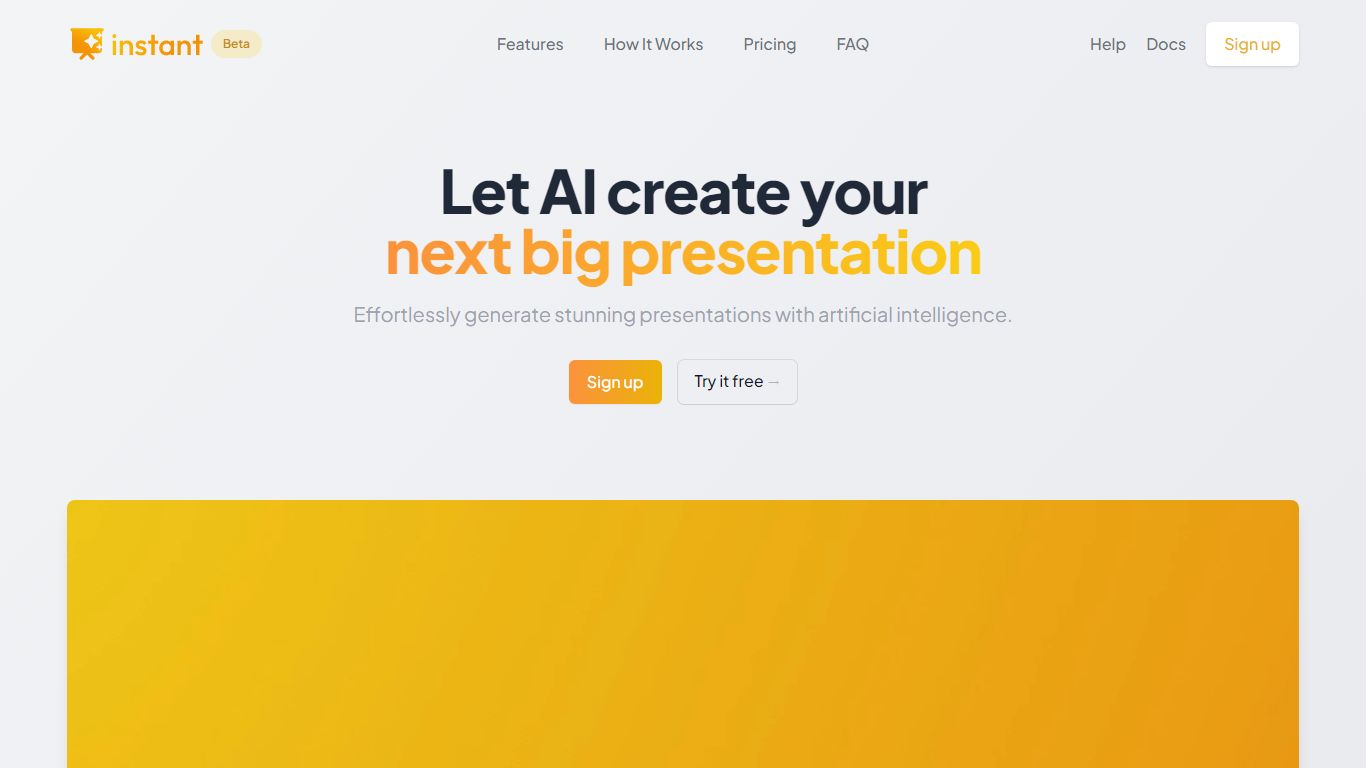
Instant AI for Google Slides drafts full presentations inside Google Slides from a topic prompt. You pick length and deck type (investor, sales, and others), edit the AI outline, then auto-generate slides with suggested layouts. Finished decks stay fully editable in the Slides editor you already use.
Generic slide generators export static files or dump text blocks into default templates. Instant combines layout suggestions with 100+ designer-built templates, including flowcharts and infographics, and runs natively under the Extensions menu in Google Slides. That keeps your team in one tool instead of copying from a separate web app.
Startup founders, sales teams, and consultants who live in Google Workspace fit the workflow. The entry tier includes 15 slides and 10 rewrites at $0, while paid plans scale to 150 slides per month on Pro ($99) or unlimited slides on Premium ($199 per month).
RembgAI Upvotes
Instant AI for Google Slides Upvotes
RembgAI Top Features
Instant Background Removal: Upload images and get backgrounds removed in seconds without signup.
Multiple AI Models: Choose from precise, balanced, or product models for best edge detection.
Brush Refinement Tool: Manually fine-tune edges for perfect cutouts.
Privacy Focused: Images processed in memory only; no storage and private on-device option available.
Easy API Access: Simple REST API for developers with scalable plans and full resolution support.
Instant AI for Google Slides Top Features
Installs as a Google Workspace extension with access under the Extensions menu in Slides
100+ expert-designed templates with flowchart and infographic layout support
$0 entry tier includes 15 slides and 10 rewrites
Pro plan includes 150 slides per month for $99 and 90 rewrites
Premium plan at $199 per month offers unlimited slides and rewrites
Customize brand colors and fonts before generating each deck
RembgAI Category
- Photo Editing
Instant AI for Google Slides Category
- Photo Editing
RembgAI Pricing Type
- Freemium
Instant AI for Google Slides Pricing Type
- Freemium